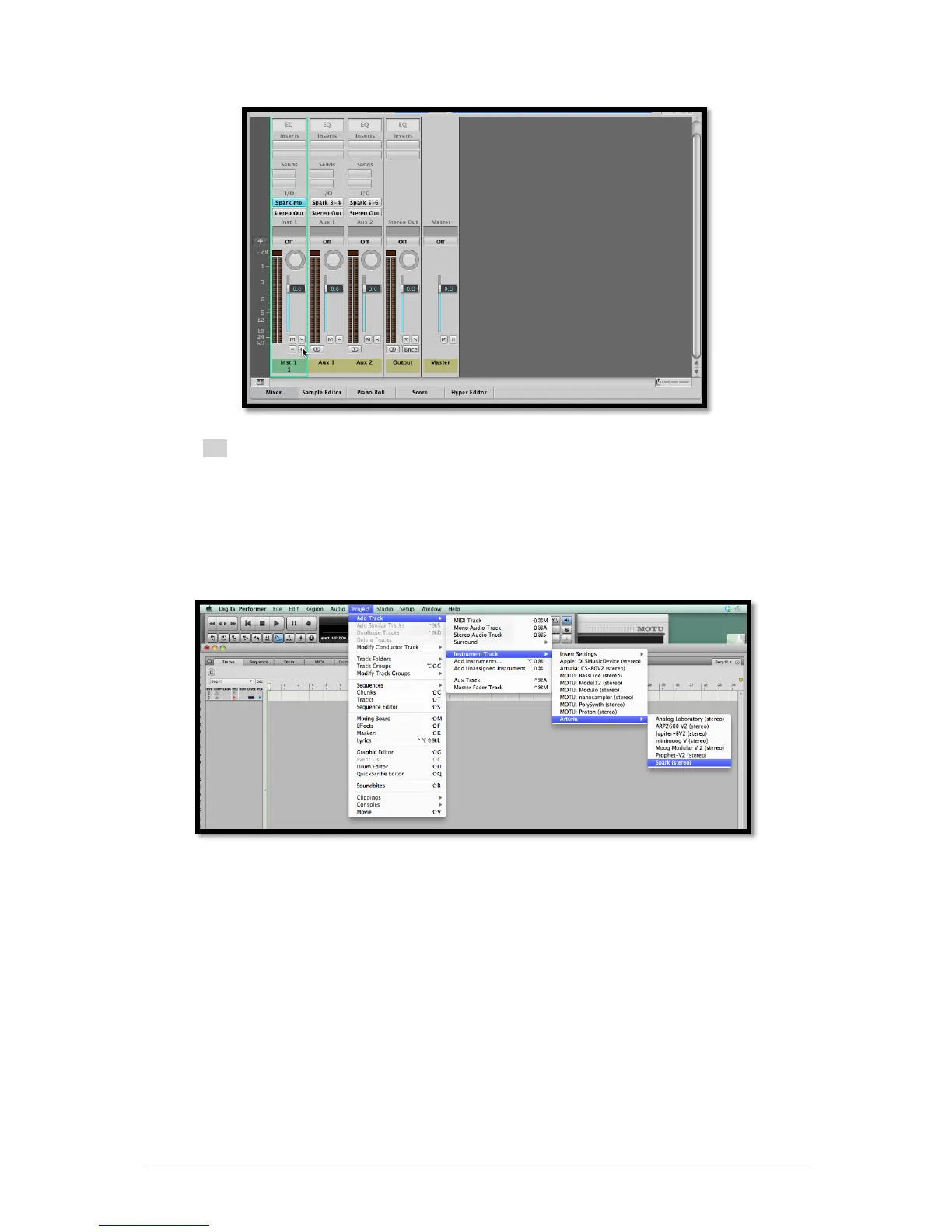
You can choose the output number of each Spark instrument in the Mixer view (see
section 5.8).
6.4.3 Use in Digital Performer
6.4.3.1 Stereo Mode
To add an instrument, choose the menu Project > Add Track > Instrument Track >
Arturia > Spark (stereo)
Once you have added this instrument, it’s possible to assign a MIDI track to it. In the
connection menu of the MIDI track, select the instrument and the MIDI channel that you
want to use. Make sure you activate the track before starting to play or record.
6.4.3.2 Multi Output Mode
To use the separate outputs, create the number of new Audio tracks you want, and then
choose the correct OUT of the Spark plugin.



 To Next Page