With 1-8 / 9-16 button off you can play notes from current instrument pitch minus 8
semi-tones to current instrument pitch minus 1 semi-tone.
With 1-8 / 9-16 button on you can play notes from current instrument pitch to current
instrument pitch plus 7 semi-tones.
You can offset the starting pitch moving the jog dial when you are in Tune mode.
To exit Tune mode, Hold Select button and press step sequencer 13 again.
Alternatively you can choose to use the sequencer steps for playing notes on the current
instrument setting the 16 Tune mode preference in the preferences panel.
Step 9 will play the current instrument pitch.
Step one will play the current instrument pitch minus 8 semi-tones and step 16 will play
the current instrument pitch plus 7 semi-tones.
5.3.7.2 The Parameter Knobs
Each instrument pad has 3 parameter knobs above it.
These parameters act on the sound generator to modify the sounds in real time so as to
give each sound its own color. Each instrument has 6 parameters (3 of which are
mapped to the knobs).
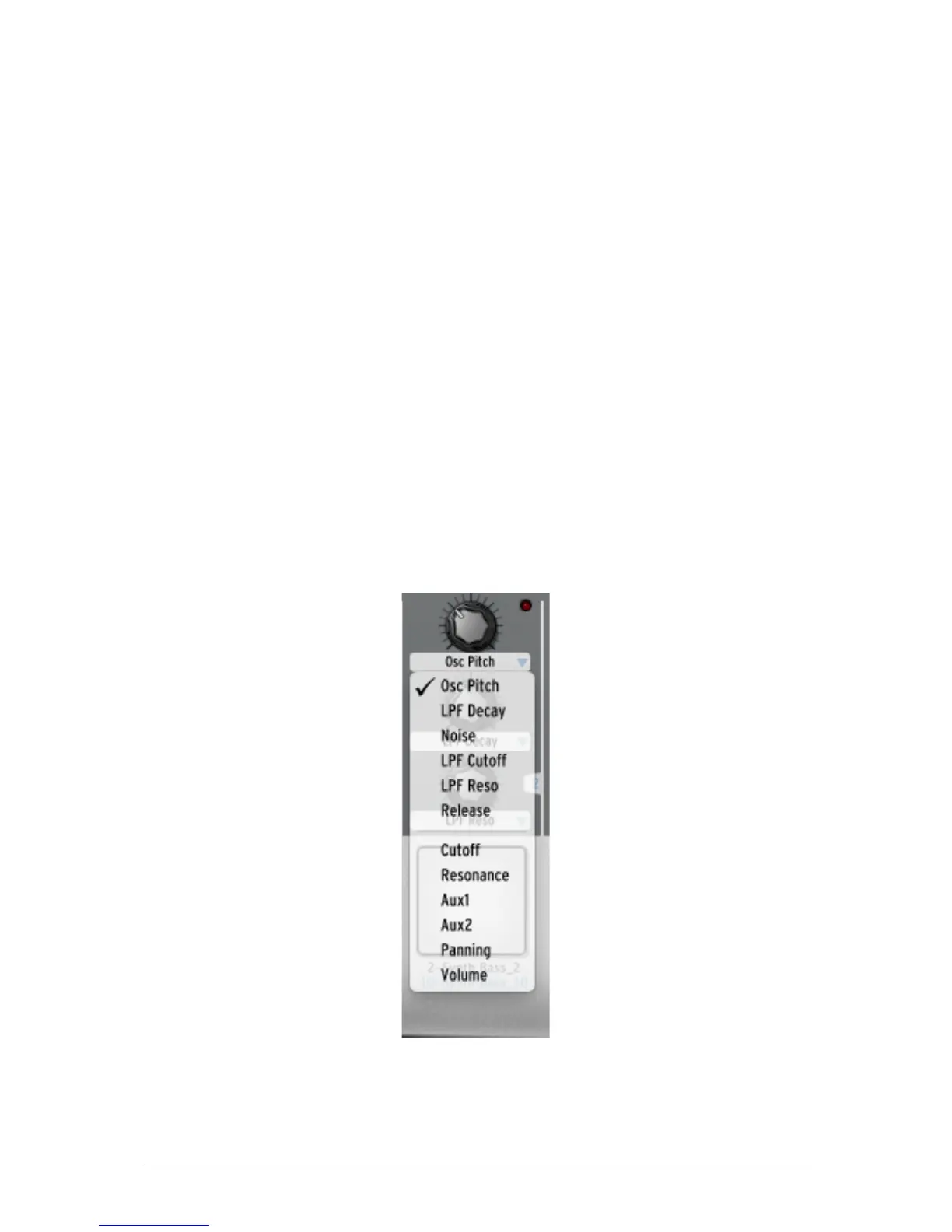
You may choose which parameter each knob modifies by clicking on the name
underneath the knob. A contextual menu will appear listing the 6 parameters available in
addition to the Filter, Mixer and available Fx parameters (if an effect is set as insert on
the instrument’s mixer track).
Click on a different parameter name to assign the knob to that parameter. To select
different parameters via the hardware controller, Press and hold SELECT and turn the
knob that you want to change assignment on. You will see the different parameters in
the LCD screen and on the software screen.



 To Next Page