ARTURIA – SPARK CREATIVE DRUM MACHINE – USER’S MANUAL
Set Pan
Click and drag to set panning.
A small window appears next to the knob to let you know the amount and
direction of pan applied.
Double clicking the PAN knob will reset it to its center default value
Mute an instrument
The Mute button on the center panel will flash to indicate that a Mute has
been set from another panel (studio, mixer or sequencer).
Set solo on an instrument
The solo button on the center panel will flash to indicate that a solo has
been set from another panel (studio, mixer or sequencer).
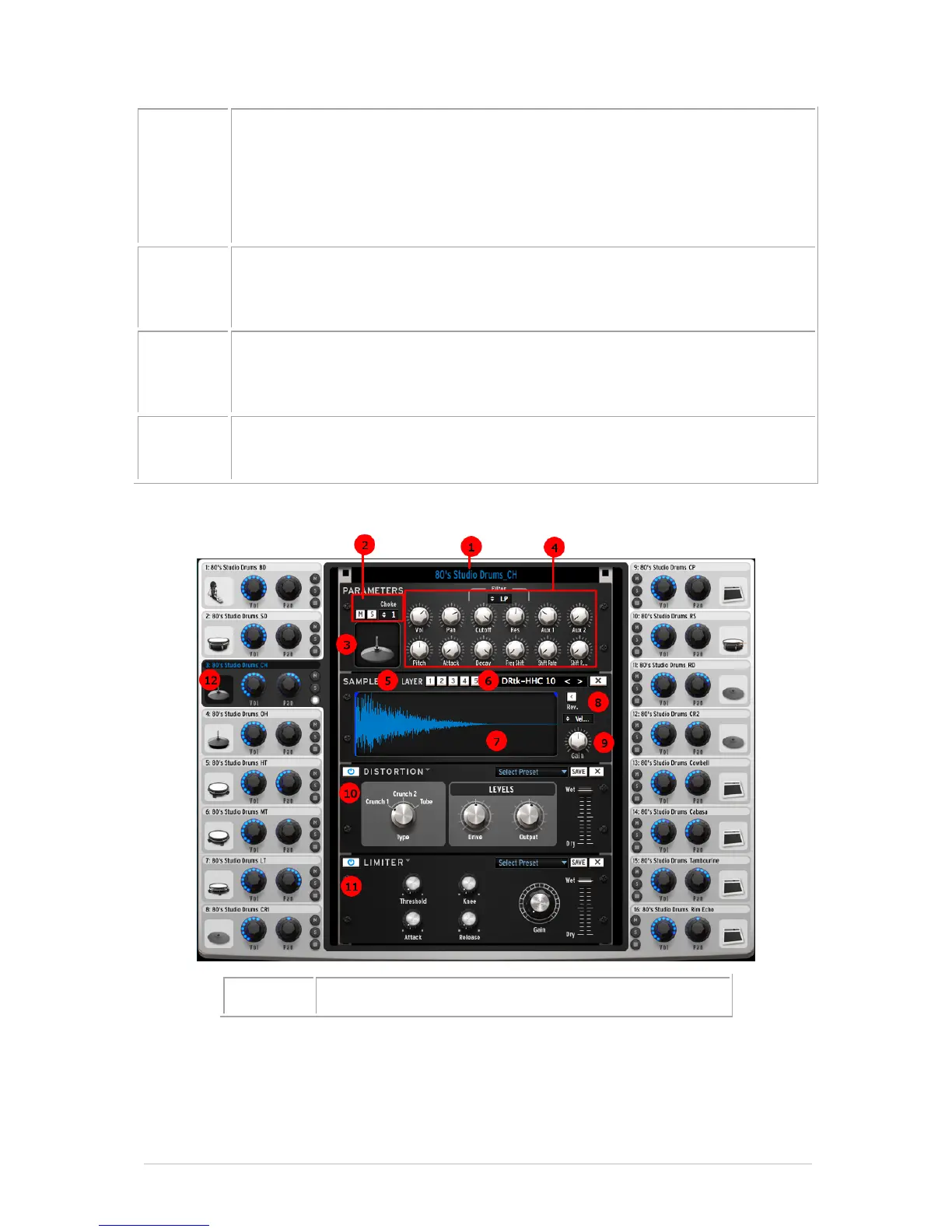
Edit mode button
Click on the Edit mode button to enter the instrument edit Mode.
5.6.1.1 Instrument Edit Window



 To Next Page