5.7.3 Description of the modules
12 different modules are available in Spark to create your patch. Some are used
to generate sound, others to modify the sound. Finally, some modules are here
to modulate the parameters.
5.7.3.1 The Sampler
The Sampler is the module that you will need in order to load samples onto a
pad. Inserting a Sampler module will clear your current patch and create a new
one with the basic connections already built in. These connections will be
required for the Sampler to work.
The essential functions of the Sampler will be accessible from the Studio panel :
Load samples, edit their start/end points, tweak the gain, …
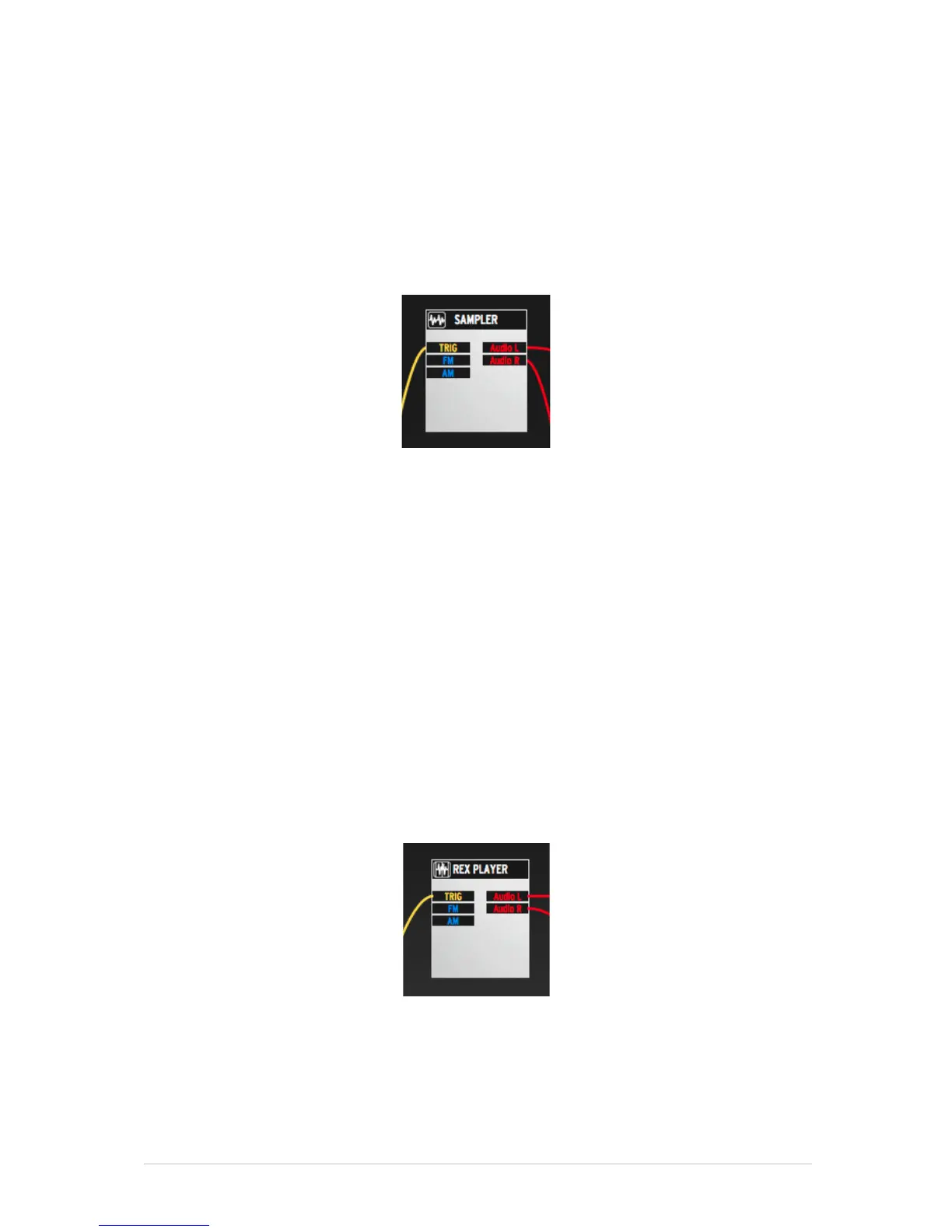
From the Modular panel, you will have access to these functions:
Trig input will trigger the sample player
FM input will control the pitch (Frequency Modulation)
AM input will control the amplitude (Amplitude Modulation)
Output L and Output R are the Left and Right outputs.
5.7.3.2 The REX player
The REX player is the module that you will need in order to load REX files onto a
pad. Inserting a REX player module will clear your current patch and create a
new one with the basic connections already built in. These connections will be
required for the REX player to work.



 To Next Page