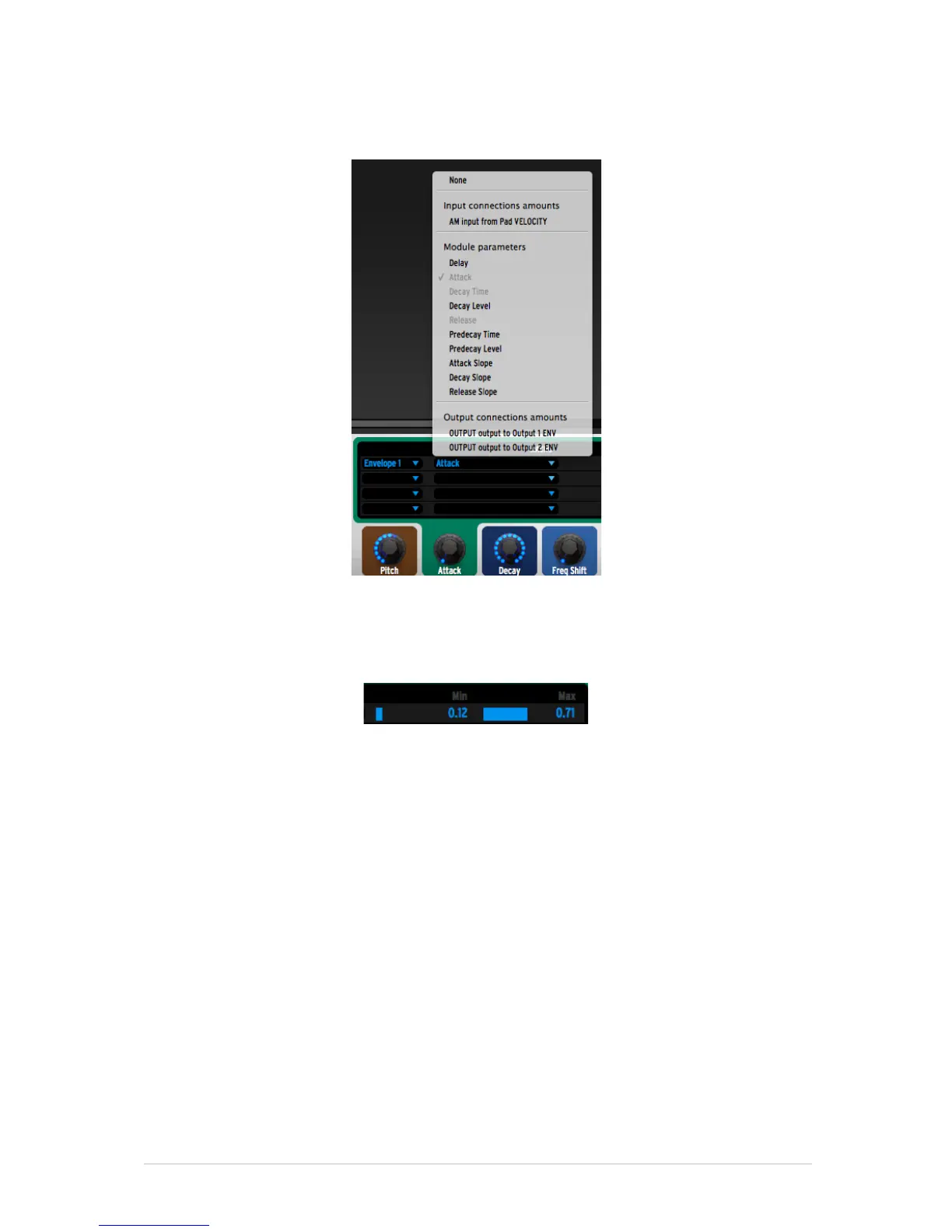
Then you need to select which parameter you want to control, among those
found in the selected module. In [12] we control the Attack of Envelope 1.
Then you can specify the Min [13] and Max [14] values for each control. The
Min value is the value that the parameter will have when the knob is at its
minimum (fully turned counter clockwise); the Max value is the value that it will
have when the knob is at its maximum (fully turned clockwise).
As soon as a Macro knob controls a parameter, using the method described
above, you will not be able to edit that parameter from the modular editor area.
In the modular editor area, the parameter knob will be colored in the same color
as the Macro knob found below. This is an easy way to know which knob controls
which parameter.
If you wish to use the Tune Mode on the instrument patch you create, you will
need to follow this rule: The first of the 6 Macro knobs needs to control the
Coarse tune parameter in the case of an Oscillator, or the Pitch parameter in the
case of the Sampler. The ranges need to be Min=0 and Max=1.



 To Next Page