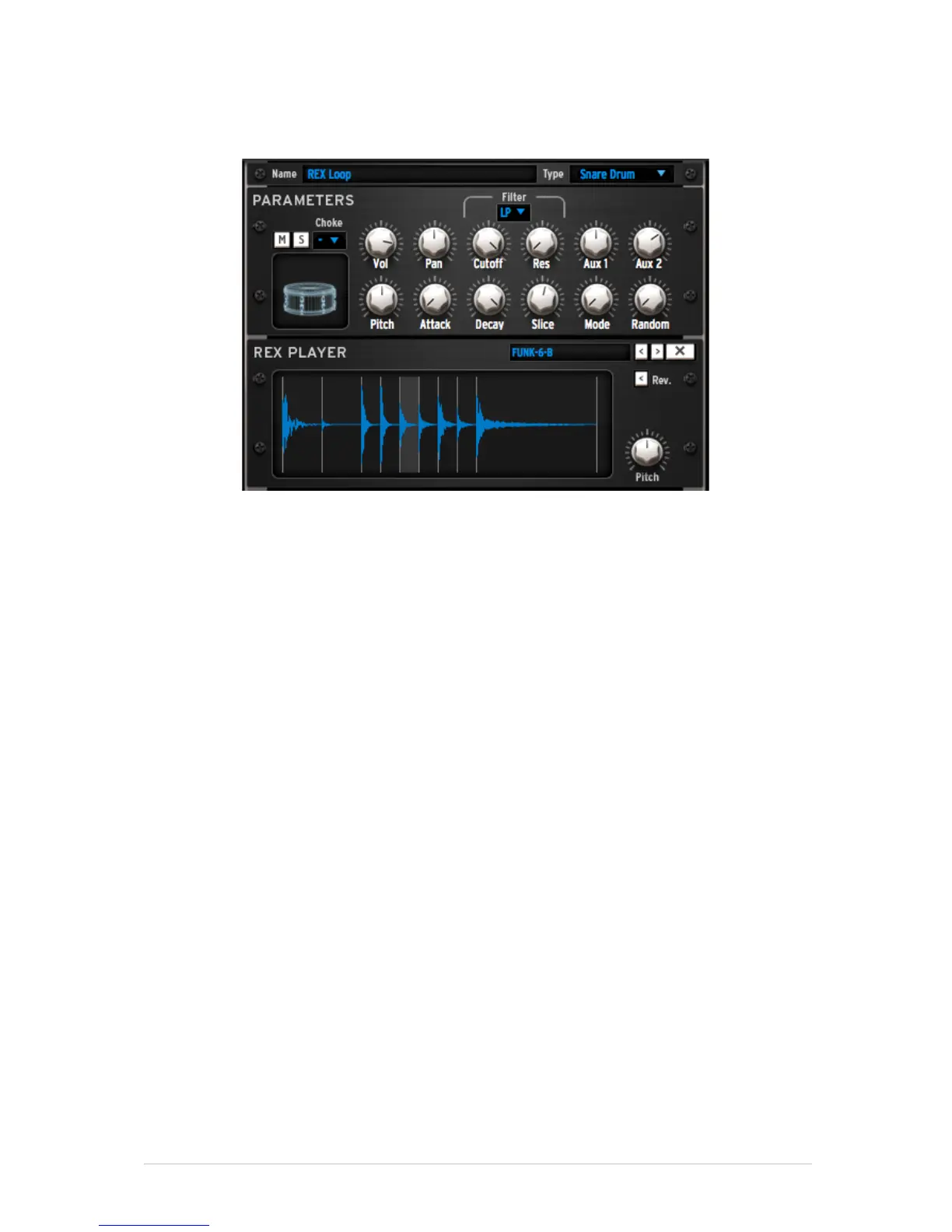
5.6.1.2 The REX player
You can load REX files onto a pad. An instrument that contains a REX file will be editable
like any other instrument: You will have access to the modular patch and all the usual
instrument controls.
The REX player has specific controls: For each slice you will be able to specify the pitch,
and whether the slice will play in normal or reverse mode.
SLICE - The Slice parameter is automatable, which means that you will be able to
change the playing slice in realtime or via automation.
MODE - Two playing modes are available, using the Mode knob. Mode 1 will play the
entire REX file starting from the first slice. Mode 2 will play the slices independently,
depending on the Slice automation parameter.
RANDOM - You will also be able to control a Random parameter. The more randomness
you add, the more often Spark will play a different slice from the one it was supposed to
play.



 To Next Page