16
AUTO-CONNECT SEQUENCE – FOR PERMANENT, POLAR-ALIGNED
MOUNTS
“Auto-connect: YES” is a simplied startup sequence appropriate for mounts that meet the following requirements:
● Remains at a xed location and polar aligned.
● Telescope position was not disturbed since it was last used.
● You are not using an external computer to control your mount.
Please remember that you must follow the Normal Startup
Sequence described in the previous section during your rst
session at this location before setting your Auto-Connect to “YES”.
This feature can be activated or de-activated in the Keypad Options
menu. You can access this by pressing “2=Setup”, then pressing
“3=Keypad Options”. Press button “1” to toggle between “YES”,
“NO” and “EXT”.
When the Keypad is in the Auto-connect mode, all you need to
do is connect power and the system will remember where you left
off. The Main Menu will appear on the screen so that you can go
directly to the Objects Menu and enter the desired objects to be
viewed.
If the scope has been moved (but the mount has remained
stationary), you will have to nd a reference star, planet or other
object in the eyepiece and sync the scope on that object with the
following procedure:
1. The Main Menu will display when you power up.
2. Point your telescope to a known star or solar system object. Center in the eyepiece. (If the object drifts, you will
know that you are not truly polar-aligned).
3. Go to “1=Objects” → “5=Strs”. Note: this list also includes solar system objects at the end of the list that you can
use. The <PREV button will take you to the end of the list.
4. Select your target object. The Calibrate Star menu will appear for that object. Note the “>” sign in the upper right
corner.
5. Press NEXT> and the Sync menu will appear. Double check to be sure the object is still centered.
6. Press “1=Sync” current object and Menu to exit.
7. Note: Alternatively, you may sync through the Stars/Constellation routine. It is also possible to sync on Messier, NGC,
IC, Abell galaxies, ADS double stars and Objects/Constellation; however since these objects are not discrete points (or
have two points, as in double stars), they are not the ideal choice for syncing.
If the scope is only off a small amount after slewing to an object, you can move the object into the center of the eld with
your N-S-E-W buttons or by physically pushing the tube assembly and then hit the “9=Recalibrate” in the RA/DEC Reverse
menu (see Recalibration section).
Important Points
Meridian Delay
● If you had used the Meridian Delay feature in the last observing session, then removed the power at the end of
the session – when you apply power again, the meridian delay information is used to determine the position of the
mount, then resets to zero. This forces you to set up the meridian delay for each session to prevent unintended
consequences.
● If you parked the mount, but did not remove power – when you unpark the meridian delay setting will still be active.
Be very careful to remember your settings.
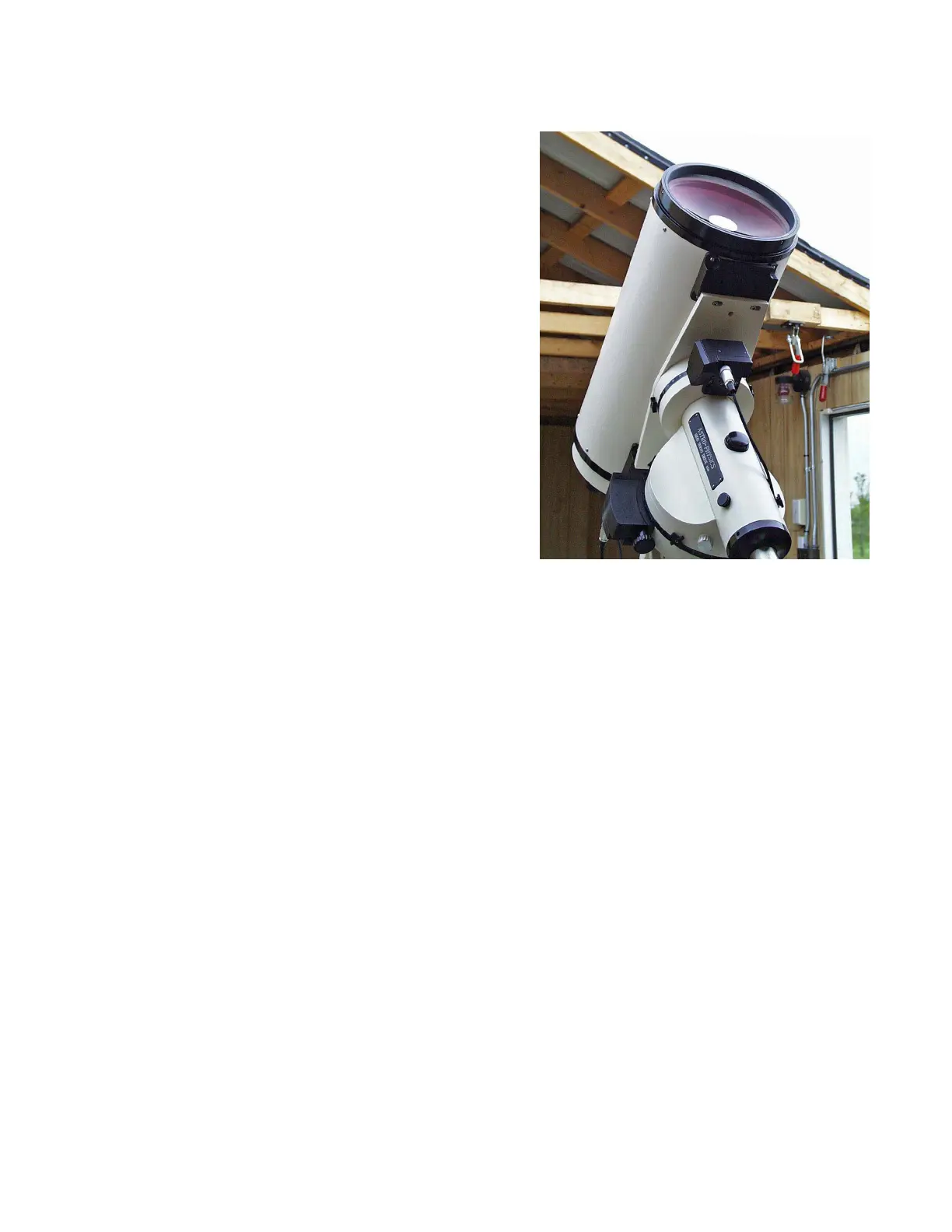
10” f/14.6 Maksutov-Cassegrain on 1200GTO
in AP observatory



 To Next Page