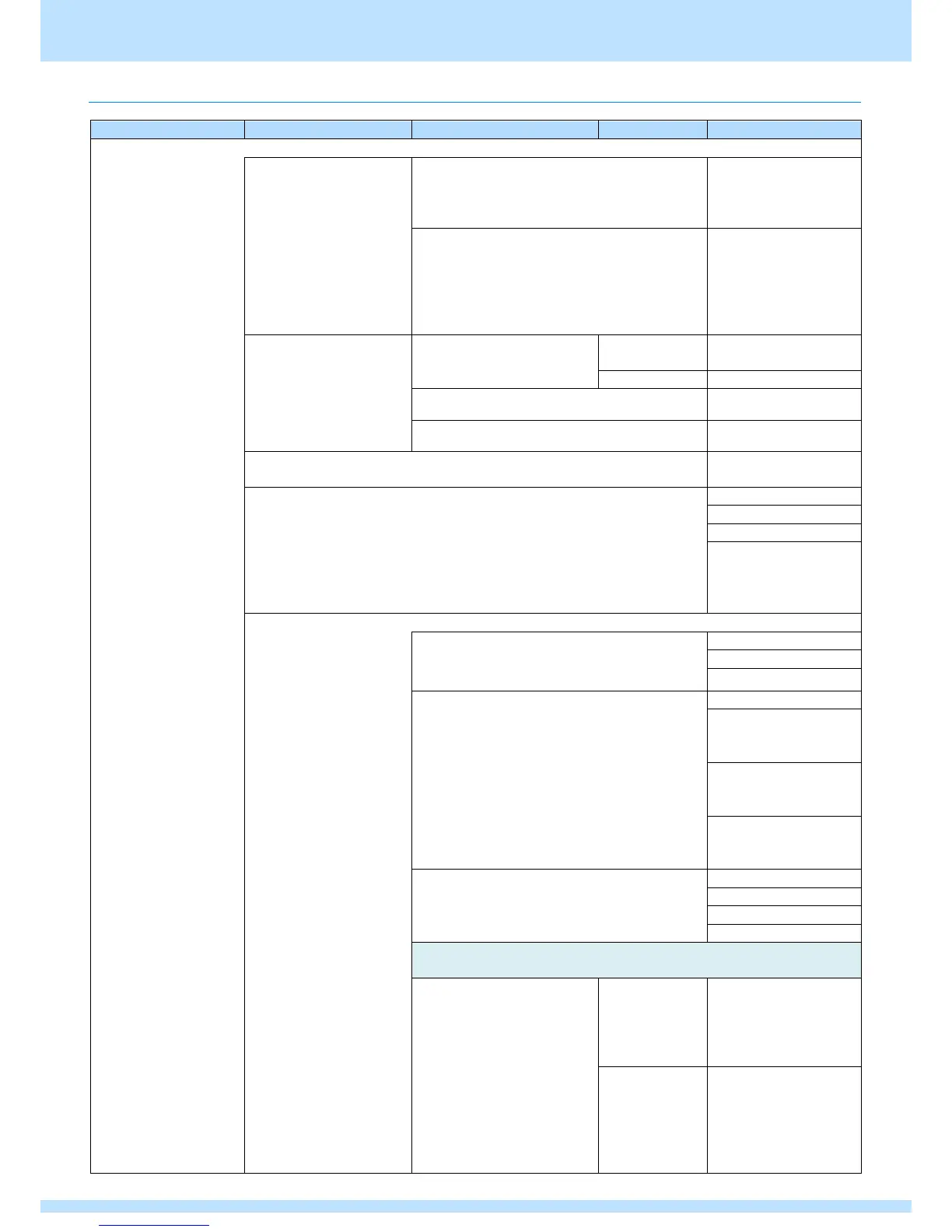
Chapter 3 Analog Output Settings (ANALOG OUTPUT)
14
3.1.4 Setting item
Output OFF/ON
Sets ON/OFF for each
Port.
[VG-876, 879]
VGA1 to 4
YPbPr1 to 4
Composite1 to 4
[VG-878,878-A]
VGA
YPbPr
Composite
Y/C
SCART
General
Sets the output signal for
each program from the
analog component signal,
HS, and CS terminals.
* Only available for VGA
and YPbPr.
Level Video
All Output Sync CV setting
is
Setup
Sets the setup level.
Sync
Synchronization signal (Video-On-Sync)
Audio Output
Outputs analog audio.
Y/C Aspect (*VG-878,878-A only)
Set DC voltage for the C signal.
3: Auto
Auto follows the
program aspect ratio
setting.
SCART (*VG-878,878-A only)
Output Select
Sets the video signal format output from
SCART.
Video Status
Sets the Video Status signal output from
SCART.
1: 4:3
(Identification voltage
12 V (9.5 to 12.0 V))
2: 16:9
(Identification voltage
5 V (4.5 to 7.0 V))
3: No Signal
(Identification voltage
5 V (4.5 to 7.0 V))
RGB Status
Sets the RGB Status signal output from SCART.
Configures the following settings when Fast Blanking is selected
above.
Fast Blanking Area:
Sets the Fast Blanking output
range.
Sets the horizontal
direction output range
as a percentage for
H-Disp.
Setting range: 0 to 100
[%]
Sets the vertical
direction output range
as a percentage for
H-Disp.
Setting range: 0 to 100
[%]



 To Next Page