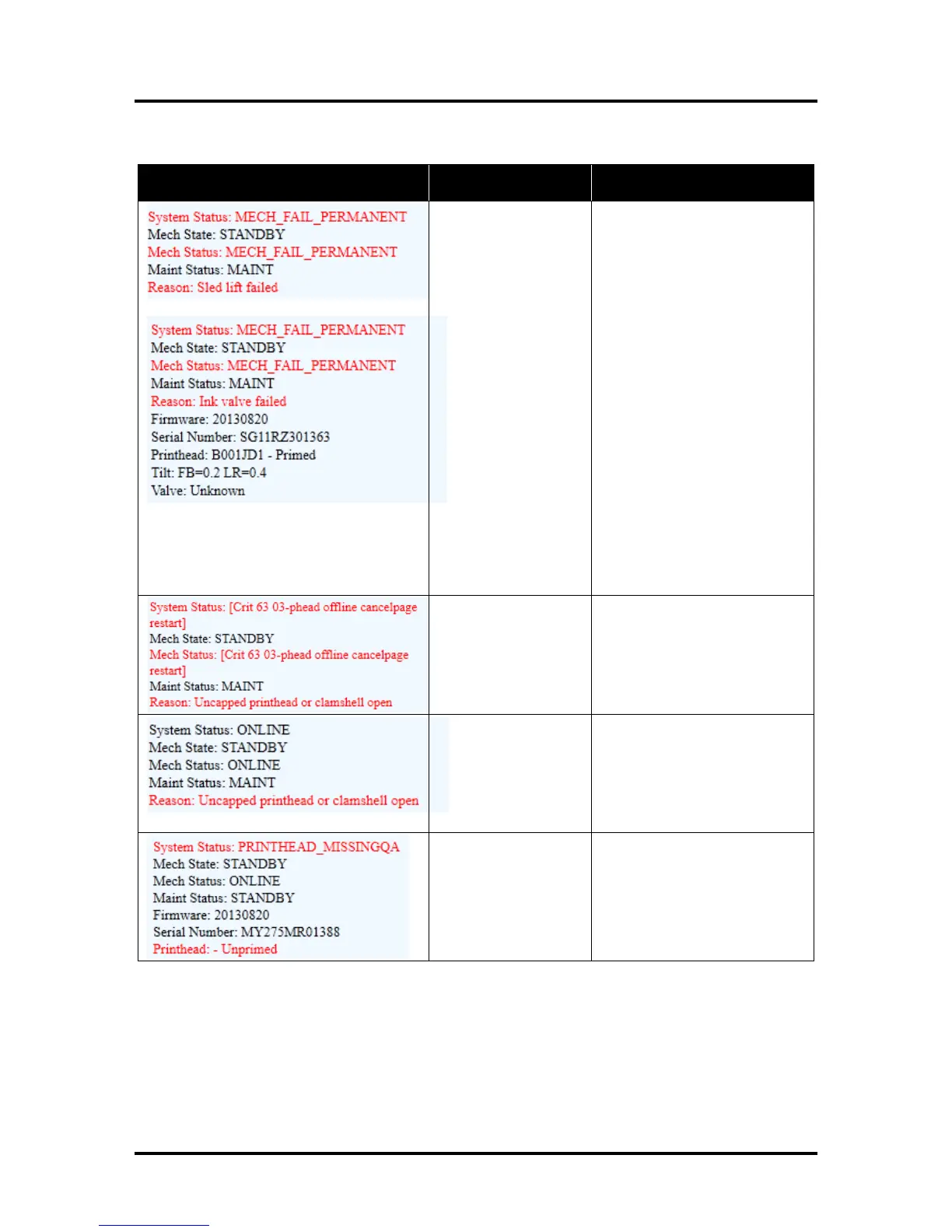
Visually inspect the component
stated as a “Reason” for failure.
Using the Scan Sensors page in
the Toolbox, perform the toggle
test on the Sensor responsible
for registration of the failed
mechanical component position.
Lifter Arm Sensor is dirty or
damaged, Lifter Motor Cable is
unplugged, operator's side
Lifting Arm is damaged, or the
Lifting Arm mechanism is stuck.
Dual Pinch Valve problem:
Check Sensor board connector
and flag/sensors alignment.
Check Valve motor connector.
Check P2005 cable on MPCA.
At this point, this error may
represent an Ink Pump error,
since there is no return signal
from the pump and therefore, a
separate message describing an
Ink Pump error.
Check the Service Station
position. Using the Scan
Sensors page in the Toolbox,
perform the toggle test on the
two Sensors responsible for
registration of the Service
Station position.



 To Next Page