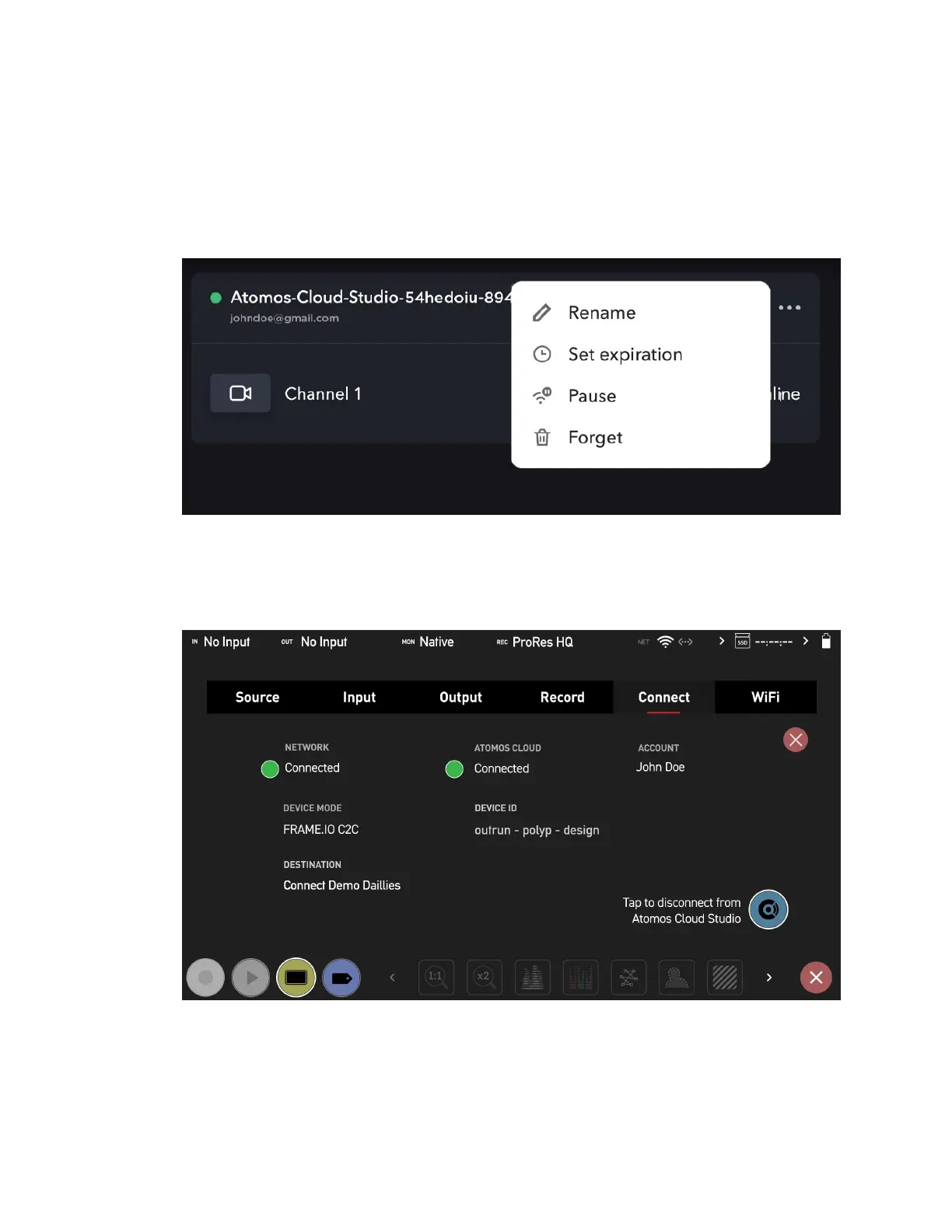
9. By default, the name of the device will be 'Atomos-Cloud' with an alpha numeric
sequence. Clicking on the three dots on the right hand side of the connection box will
display a menu that allows you to rename the connection. You may wish to use the
same name that you used in Atomos Cloud Studio, so that the device has the same
name on Frame.io. The other settings here allow you to pause, forget or set an expir-
ation for the connection.
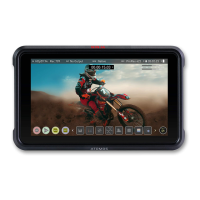
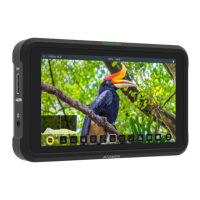
10. The Connect Menu page on your NINJA V+ will update to indicate that the Device
Mode is Frame.io C2C. The selected Frame.io project will also appear at Destination.



 To Next Page