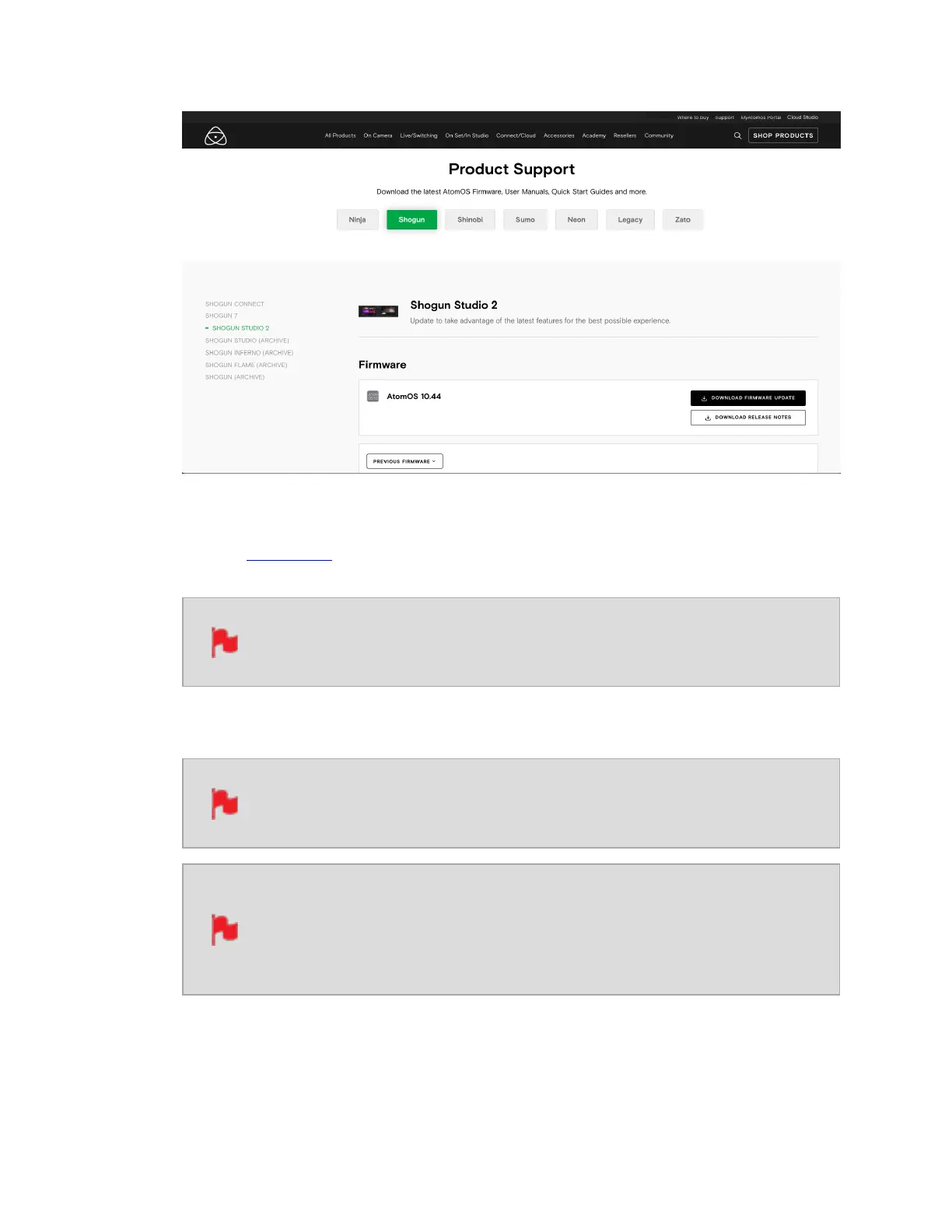
3. Insert a compatible, formatted drive into your Docking Station and connect it to your
computer.
Always format your drives in the SHOGUN STUDIO 2 first. It formats
the drive for optimal performance for video
4. Unzip the downloaded zip file and copy the ATOMST2.FW file to the root of the drive
in the docking station.
Ensure that the firmware update file is on the root of the drive, and not
in a folder on the drive.
Make sure that the firmware file is not renamed when your computer
unpacks the ZIP file. If you have other firmware in the same folder, the
file may become renamed toATOMST2-1.FWwhen unzipping and the
update will not work.
5. Eject the drive (according to operating system guidelines).



 To Next Page