22
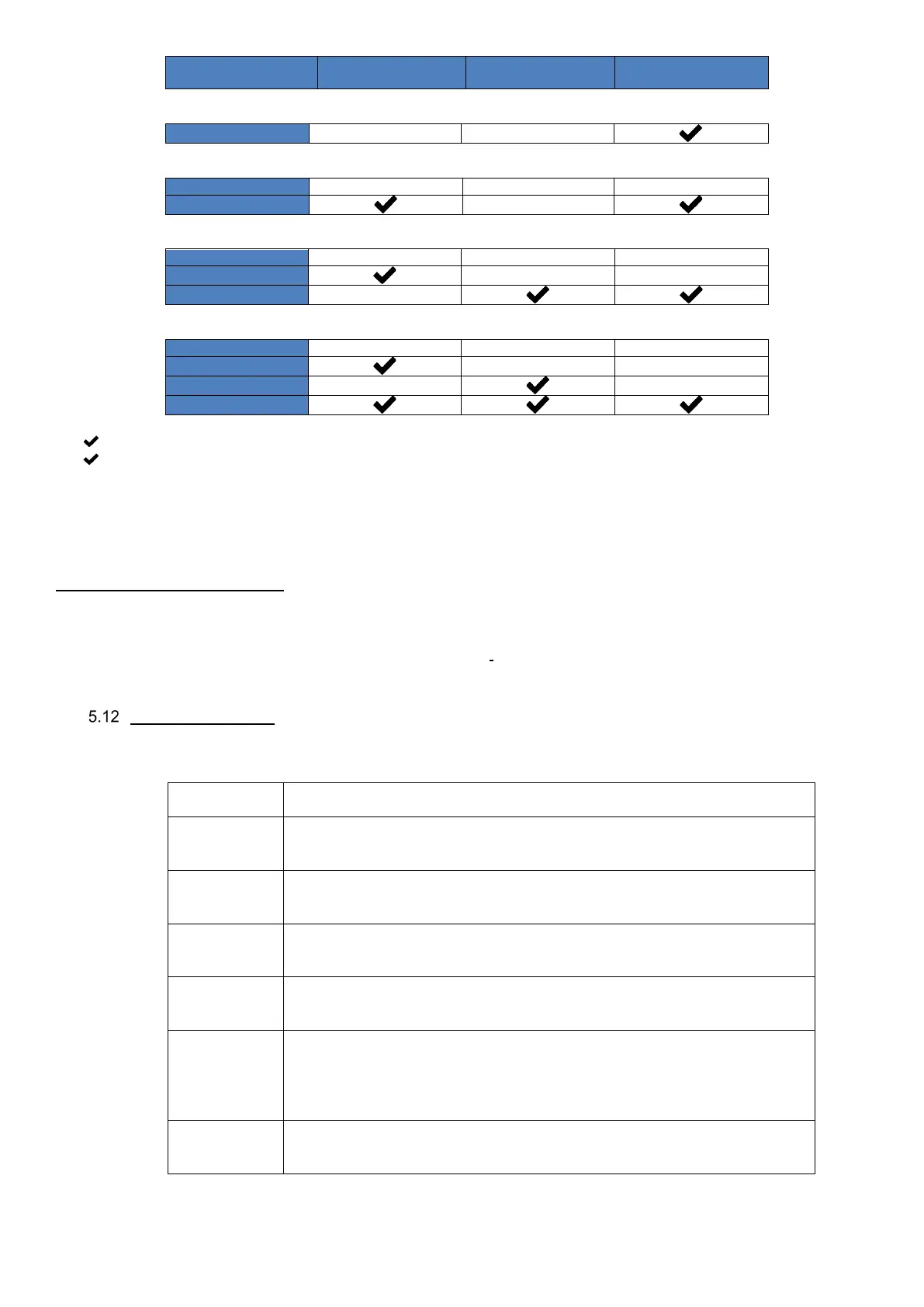
0…………..Unconnected jumper
………Connected jumper
Controller description and function
Turn on the light of the controller by clicking on the dark screen. The CP Touch controller can be connected to DUPLEX units
equipped with the RD5 control panel. The controller is used for full control of DUPLEX units, that is to say, user settings and
password-protected service parameters settings.
The controller provides the following:
• A manual mode for directly selecting the mode of operation of the unit by the user.
• A weekly mode to run the unit according to a weekly program.
Starting the display
Once the power supply is started, the CP Touch controller displays a start screen with additional information on the status of
communication with the unit.
status
The launch application is waiting for the controller’s executing part to start up; this
takes approximately 10 seconds.
application
Loading of the application in the controller, which takes up to 10 seconds. The
controller screen may darken for several seconds.
application
An updated version of the application is being downloaded from the control board;
this may take approximately 4 minutes.
connection
The controller is waiting for communication with the control board; if this takes
more than 3 minutes, the screen switches to “Communication Error“
screen
appears, but
values are “0“
The controller’s application has loaded properly, but communication with AHU
controls is not available yet. This status may appear after switching the unit’s
power supply when the control module application has not been launched yet after
starting power supply. It should not last longer than 1 minute.
error
Communication between the controller and the unit has not been established.
A new attempt to connect is made after restarting power supply.


 To Next Page