79
On the Console
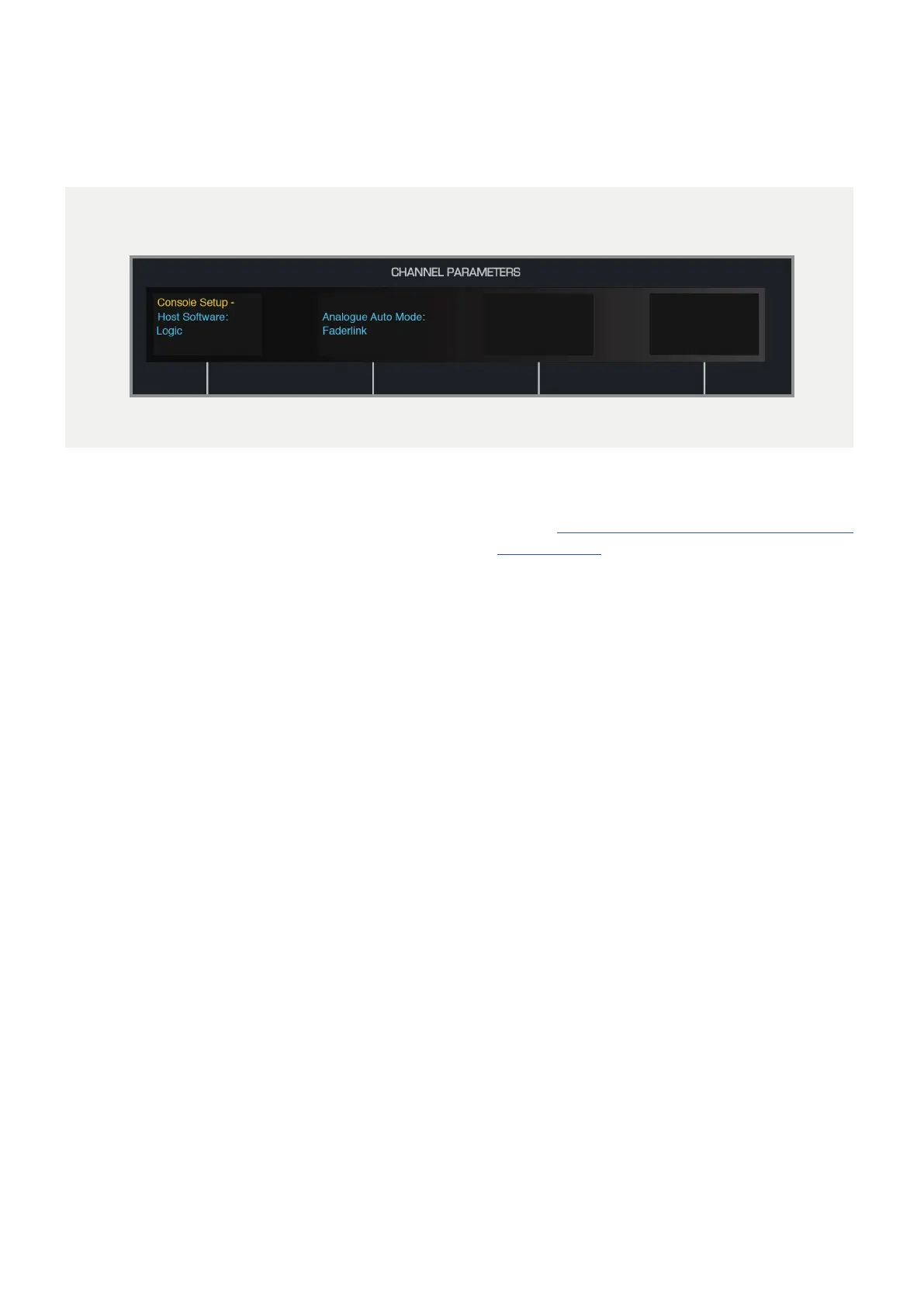
The DLC module must have it’s Analogue Automation Mode set to Faderlink. Press the Setup
Button, then use the second encoder to select Faderlink as the Analogue Automation Mode. Press
the Setup Button again to save the settings.
Faderlink is a simple and elegant solution to the
problem of integrating analogue automation within
Digital Audio Workstation projects, without the
need for a dedicated console computer. Faderlink
presents you with a Fader and Cut switch which can
be automated in the same way as any other plugin
parameter in your workstation.
1 Download the Faderlink plugin installer from our
website: audient.com/products/consoles/ASP8024-
HE/downloads
2 Close your Digital Audio Workstation applications.
3 Double click on the downloaded file to open the
installer, then follow the instructions.
4 Once installed, relaunch your DAW and Faderlink
should appear in the list of plugins.
Faderlink Installation



 To Next Page