52
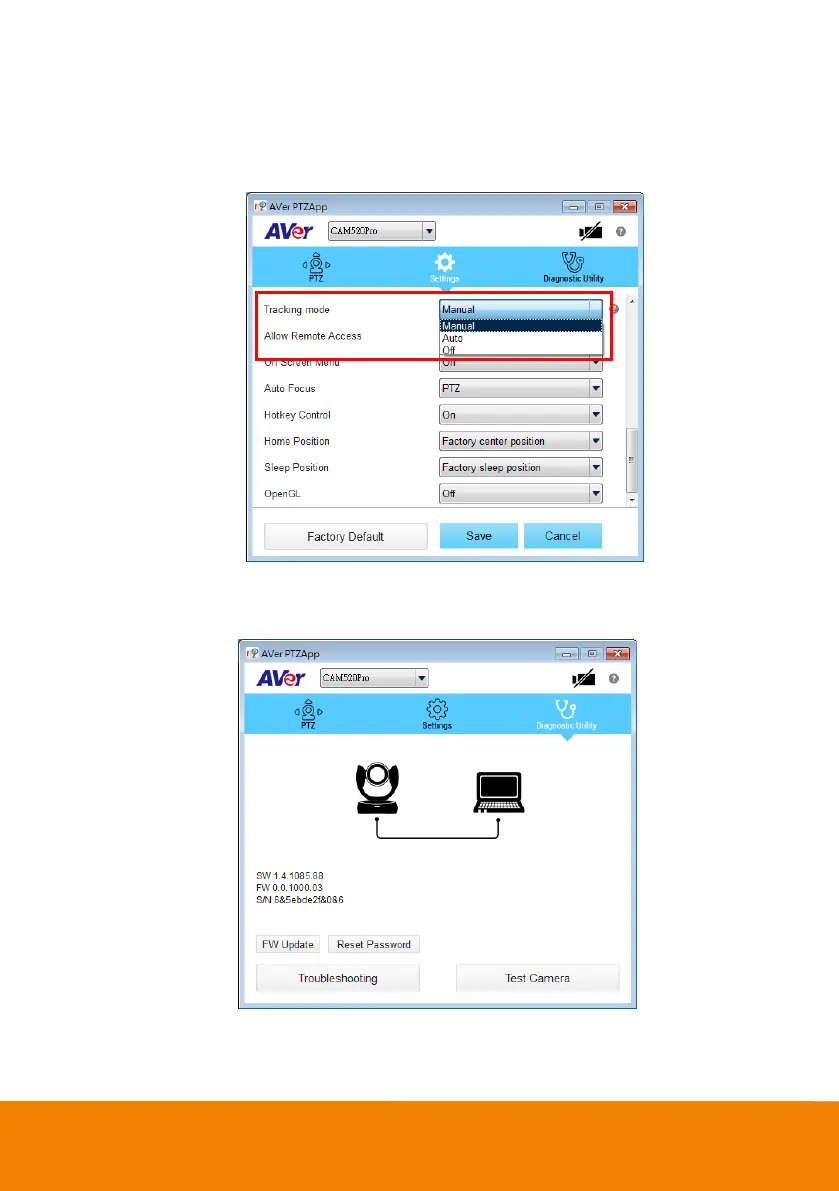
Tracking Mode: It is a SmartFrame function. One-click automatic FOV(Field of View)
adjustment to fit all participants. The user can set SmartFrame to manual, auto, or off mode.
When mode is off, the hotkey on the remote controller cannot be used.
[Note] While in conferencing meeting, participants must face the camera for face detection
(Smart Framing).
Diagnostic Utility: To display the S/W and F/W version and the devices connection status. You
can update the firmw are of the camera and reset Web login password.



 To Next Page