20
Model E1070 Indicator Service Manual
For the purpose of explaining
all items in the menus, these
instructions show an orderly
accessing of each part of the
menu. You do not have to
access an item in this way.
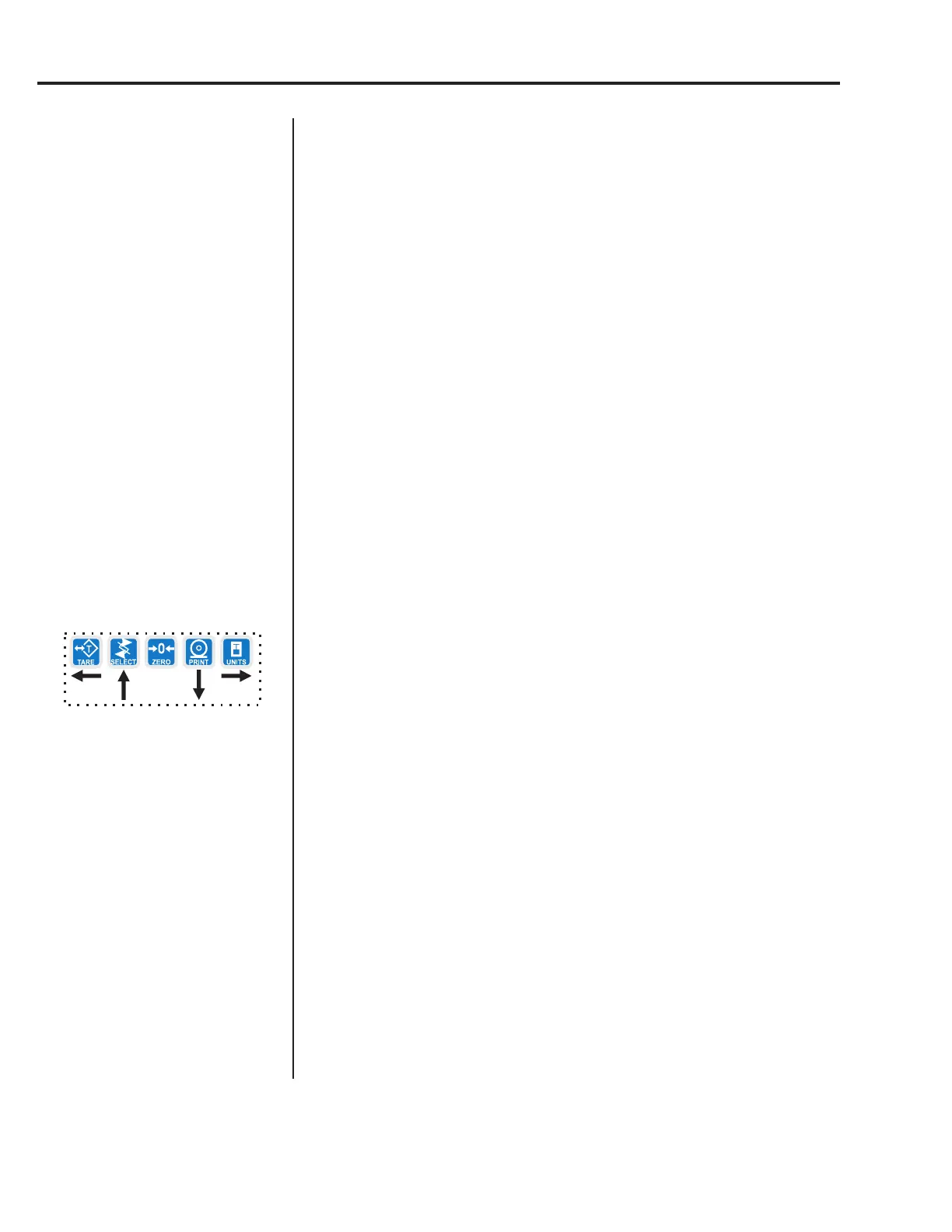
Use the navigation buttons to
skip around to the item you
want to change or view.
AZT
(Automatic Zero Tracking)
Use this item to set the division size and seconds. The division size you pick
defines a range above and below zero. When scale weight is inside this
range for the number of seconds you picked, ½ of the weight will be zeroed.
The indicator will repeat removing ½ the weight every X seconds. X being
the number of seconds you have picked.
1. From previous step 8 press the UNITS key. . .
AZT is displayed.
2. Press the PRINT key. . .
DIV. is displayed.
3. Press the PRINT key. . .
The current division size is displayed.
You choices are 0.25, 0.5, 1, 3 and CUST. (custom)
4. Scroll through the choices by using the TARE or UNITS key and press
the ENTER key to accept the displayed choice. . .
DIV. is displayed for any choice other than CUST. If you pick
CUST. go to step 4a. If you picked any other division size, got to
step 5.
4a. If you pick a custom window size you are shown the current value. Key
in a custom size and press ENTER to save the custom value. . .
DIV. is displayed.
5. Press the UNITS key. . .
SEC. is displayed. Use this item to set the time window for stability
determination.
6. Press the PRINT key. . .
The current time window size is displayed.
You choices are 1-10 seconds and CUST. (custom)
7. Scroll through the choices by using the TARE or UNITS key and press
the ENTER key to accept the displayed choice. . .
SEC. is displayed for any choice other than CUST. If you pick
CUST. go to step 7a. If you picked any other division size, got to
step 8.
7a. If you pick a custom time you are shown the current value. Key in a
custom time and press ENTER to save the custom value. . .
SEC. is displayed.
8. Press the SELECT key. . .
AZT is displayed.
If CUSTOM is selected, only
fractional time between 0-10
seconds can be entered.
Example: 1.5 seconds, 2.25
seconds, etc.
Service Menu—SCALE submenu (continued)



 To Next Page