19
Model E1070 Indicator Service Manual
STABLE
(Stability window)
Use this item to define the stability window in terms of ±X divisions for a
period of time, in seconds, you set.
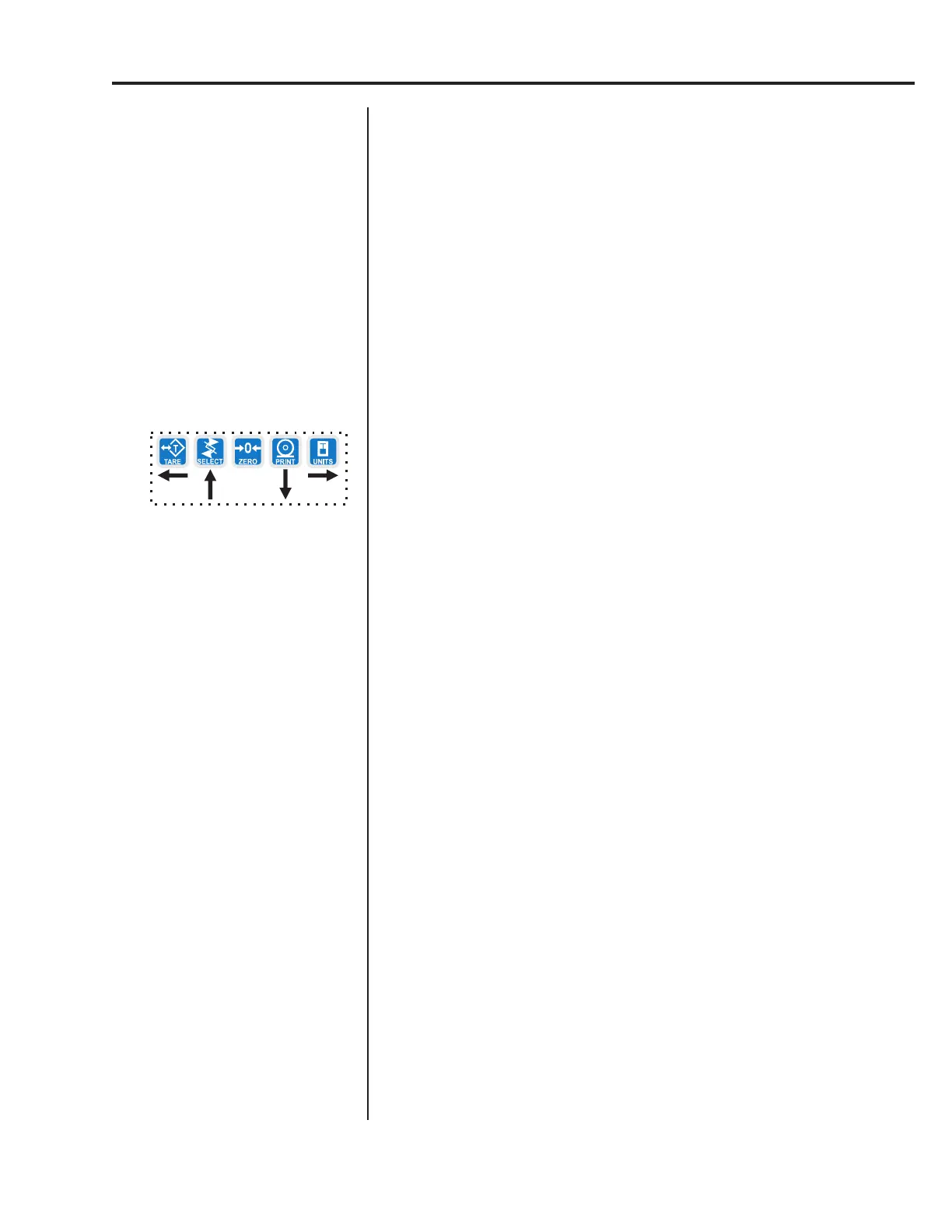
1. From previous step 9 press the UNITS key. . .
STABLE is displayed.
2. Press the PRINT key. . .
DIV. is displayed.
3. Press the PRINT key. . .
The current division size is displayed. If a weight changes less
than this number of divisions in the time period you select in the
next steps, the motion light turns off and the weight is considered
stable.
You choices are 0.25, 0.5, 1, 3 and CUST. (custom)
4. Scroll through the choices by using the TARE or UNITS key and press
the ENTER key to accept the displayed choice. . .
DIV. is displayed for any choice other than CUST. If you pick
CUST. go to step 4a. If you picked any other division size, go to
step 5.
4a. If you pick a custom window size you are shown the current value. Key
in a custom size and press ENTER to save the custom value. . .
DIV. is displayed.
5. Press the UNITS key. . .
SEC. is displayed. Use this item to set the time window for stability
determination.
6. Press the PRINT key. . .
The current time window size is displayed. If a weight changes
less than this number of divisions, set above, in the time period
you select, the motion light turns off and the weight is considered
stable.
You choices are 1-10 seconds and CUST. (custom)
7. Scroll through the choices by using the TARE or UNITS key and press
the ENTER key to accept the displayed choice. . .
SEC. is displayed for any choice other than CUST. If you pick
CUST. go to step 7a. If you picked any other division size, got to
step 8.
7a. If you pick a custom time you are shown the current value. Key in a
custom time and press ENTER to save the custom value. . .
SEC. is displayed.
8. Press the SELECT key. . .
STABLE is displayed.
If CUSTOM is selected, only
fractional time between 0-10
seconds can be entered.
Example: 1.5 seconds, 2.25
seconds, etc.
Service Menu—SCALE submenu (continued)



 To Next Page