18
Model E1070 Indicator Service Manual
UNITS
(Unit of measure)
You can have up to three units of measure active. They are lbs, kgs, or a
custom unit of measure.
Follow these steps:
1. From previous step 3, press the UNITS key. . .
UNITS is displayed.
2. Press the PRINT key. . .
LB is displayed.
3. Turn each unit of measure ON or OFF by scrolling to the unit by using
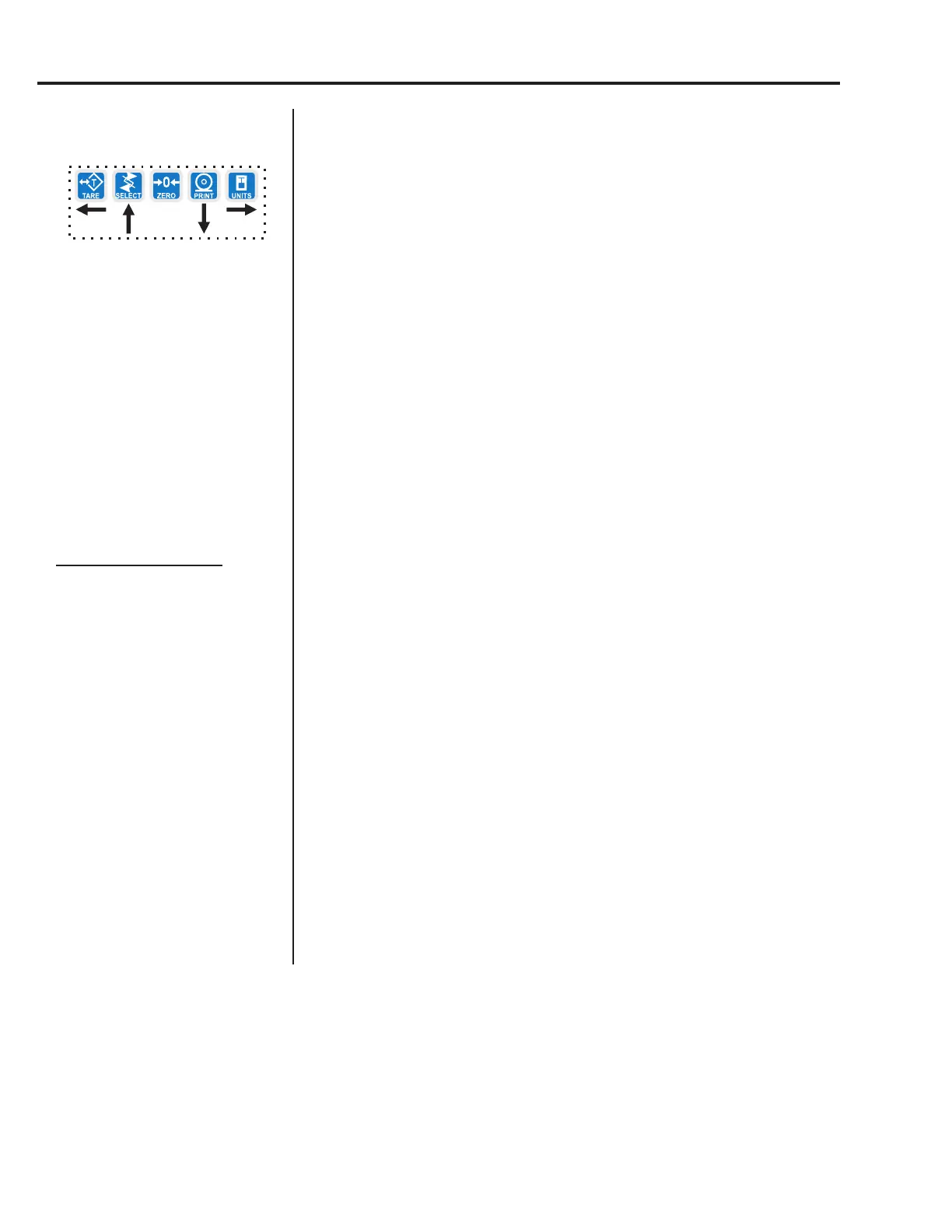
the TARE or UNITS key and pressing the PRINT key. . .
The current state of the unit is displayed.
4. For lbs and kgs, toggle between ON or OFF by using the TARE or
UNITS key. Press ENTER when your choice is displayed. . .
Display returns to LBS or 1000G.
If you choose to activate the custom unit of measure you will be
prompted for a multiplier which defines the custom unit in relation to the
calibration unit of measure and a string entry for a unit label. See note at
left. Key the multiplier in and press ENTER to enter the value.
String entry screen is displayed. Edit the string (up to seven
characters long) to create a name for the custom unit of measure.
5. Press ENTER key to accept the string values . . .
CUST. is displayed.
6. Press the UNITS key. . .
C-UNIT is displayed. This stands for calibration unit. Use this item
to set the calibration unit of measure; lbs or kgs (1000 G).
7. Press the PRINT key. . .
Current calibration unit is displayed. Choices are lb or 1000G.
8. Toggle between the choices by using the TARE or UNITS key and press
the ENTER key to accept the choice. . .
C-UNIT is displayed.
9. Press the SELECT key. . .
UNITS is displayed.
Service Menu—SCALE submenu (continued)
If your new custom unit is
larger than one CAL UNIT,
then you key in how many CAL
UNITS make up 1 new custom
unit. For example 1 TON =
2000 pounds so with pounds
selected as our CAL UNIT we
would key in 2000 for the
multiplier.
one cal unit
number of custom units
If your new custom unit is
smaller than one CAL UNIT,
then you divide one cal unit by
the number of custom units it
takes to make up a single CAL
UNIT. Multipliers are limited to
a total of seven digits by the
display.
Example #1:
16 ounces = 1 pound.
Do the math:
(one cal unit / number of
custom units = the multiplier)
1/16=0.0625
So with pounds selected as our
CAL UNIT we would key in
0.0625 for the multiplier.
Example #2:
1000 Grams = 1 KG.
Do the math:
(one cal unit / number of
custom units = the multiplier)
1/1000=0.001
So with KG selected as our
CAL UNIT we would key in
0.001 for the multiplier.



 To Next Page