26
Model E1070 Indicator Service Manual
SERIAL
(Serial number entry)
The serial number of your
indicator can be found on the
affixed tag on the outside of the
indicator case.
C-ZERO
(Center of zero window)
This item is to set the window size for the center-of-zero annunciator. You
can choose between ±¼ and ±½ division. When the weight falls within the
window size, the center-of-zero annunciator lights.
1. From previous step 3, press the UNITS key. . .
C-ZERO is displayed.
2. Press the PRINT key. . .
The current setting is displayed.
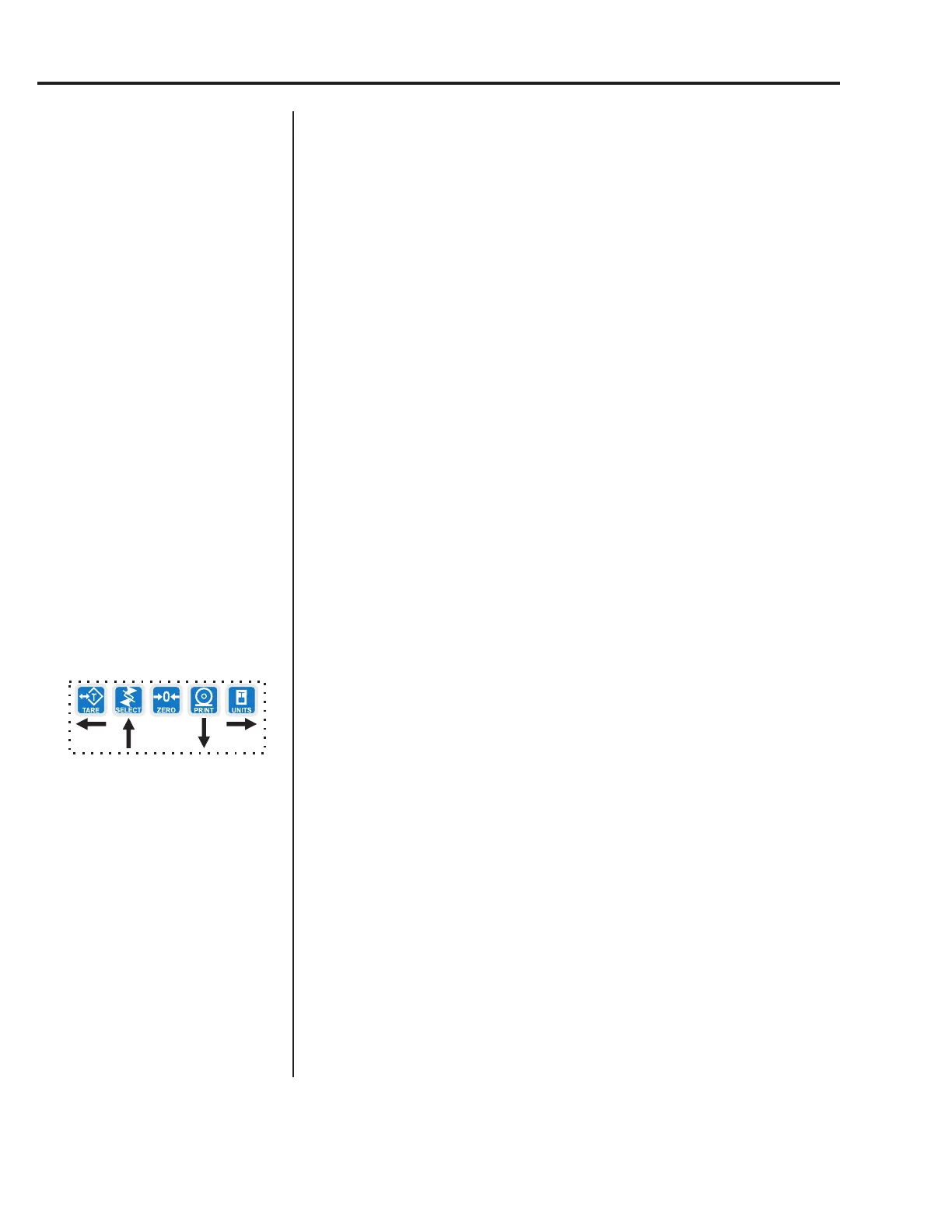
3. Toggle between the choices by using the TARE or UNITS key and press
the ENTER key to accept the choice. . .
C-ZERO is displayed.
Use this item to enter the serial number for your indicator. This value is used
in some serial outputs and reports for record keeping purposes.
1. From previous step 3, press the UNITS key. . .
SERIAL is displayed.
2. Press the PRINT key. . .
The current setting is displayed.
3. Key in the serial number of your indicator and press ENTER to accept
the value
OR
Press the ENTER key to accept the displayed choice. . .
SERIAL is displayed.
4. This completes the SCALE portion of the Service menu. You can exit to
normal weighing mode or continue on to the next menu item, APP. To
exit, go to step 5. To continue, go to step 7.
5. Press the ESC key.
SAVE is displayed.
6. Press ENTER to save the changes you’ve made
OR
Press ESC to abort the changes. . .
Display returns to normal operation mode.
7. Press the SELECT key. . .
SCALE is displayed.
8. Press the UNITS key. . .
APP is displayed.
Service Menu—SCALE submenu (continued)



 To Next Page