42
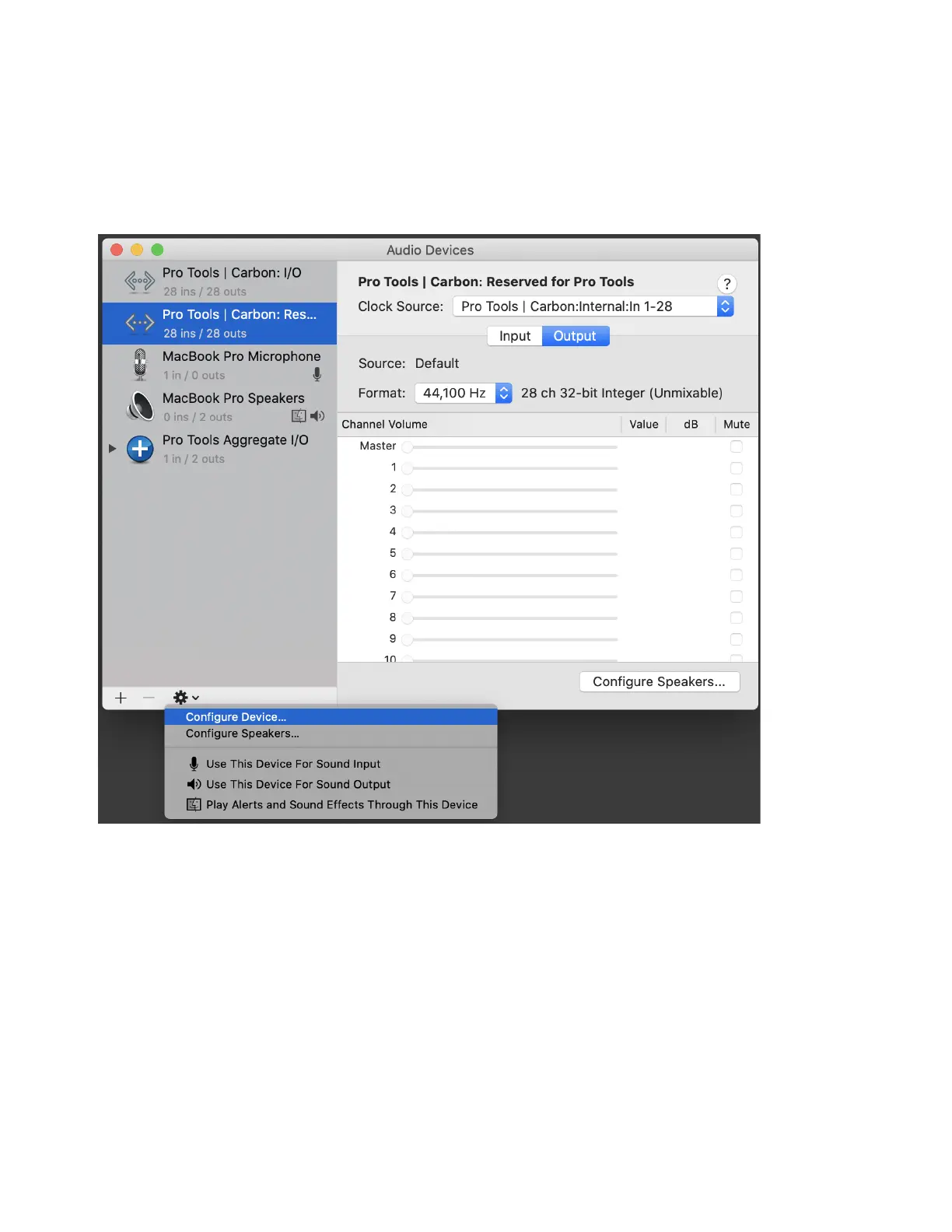
To set the device configuration:
1 Launch Audio MIDI Setup (AMS).
2 In the Audio Devices window, select Pro Tools | Carbon: Reserved for Pro Tools in the Audio Devices list.
3 Do one of the following:
• From the Configure Selected Device menu, choose
Configure Device.
• Right-click Pro Tools | Carbon: Reserved for Pro Tools in the Audio Devices list and choose
Configure Device.
Choosing Configure Device for Pro Tools | Carbon: Reserved for Pro Tools device











 To Next Page