EN43EN 42
2.8.2. Copy programming
From a remote control that has already been
memorised, you can memorise other remote
controls (“copy” function).
For each new remote control to be memorised,
follow the procedure below
• Stand near the motor.
• Press simultaneously on both buttons at the
bottom of the remote control already in the
memory until the flashing light switches on
(around 6 seconds).
• Press any button on the new remote control. The
flashing light will flash 3 times and then turn off.
The new remote control is now memorised (the
buttons will have the same function as the original
remote control).
2.8.3. Deleting all remote controls
To unprogramme all the remote control buttons
learnt, follow the procedure below
• Press “–” for 3 seconds and L1 will switch on.
• Press “+” twice and L1 will turn off and L3 will turn
on.
• Press OK and the 4 red LEDs will switch on.
• Press OK for 3 seconds and all the LEDs will
switch off and switch on to confirm the operation.
3. ADVANCED SETTINGS
Certain adjustments may be necessary in the event
of a problem or for specific use of the electronic card.
There are two additional menus with basic settings.
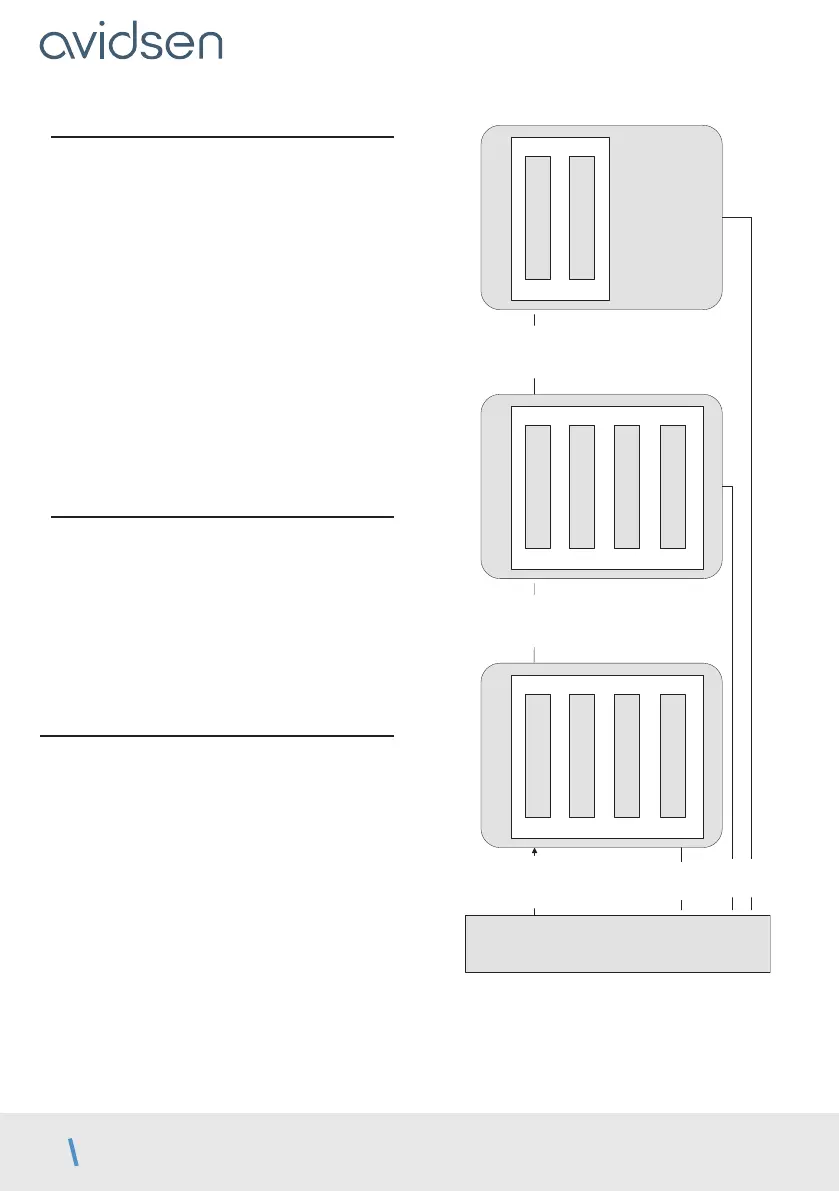
réglages simples
MODE
TEMPORISATION
FORCE
VITESSE
réglages simples
Accélération
Mode Photocellules
Type de portail
Tolérance butée
réglages simples
Décalage fermeture
Temps préclignotement
PROG 3s
PROG 3s
PROG 3s
PROG
PROG
PROG
MENU 0
D - BEGINNING OPERATION



 To Next Page