EN65EN 64
F - MAINTENANCE AND UPKEEP
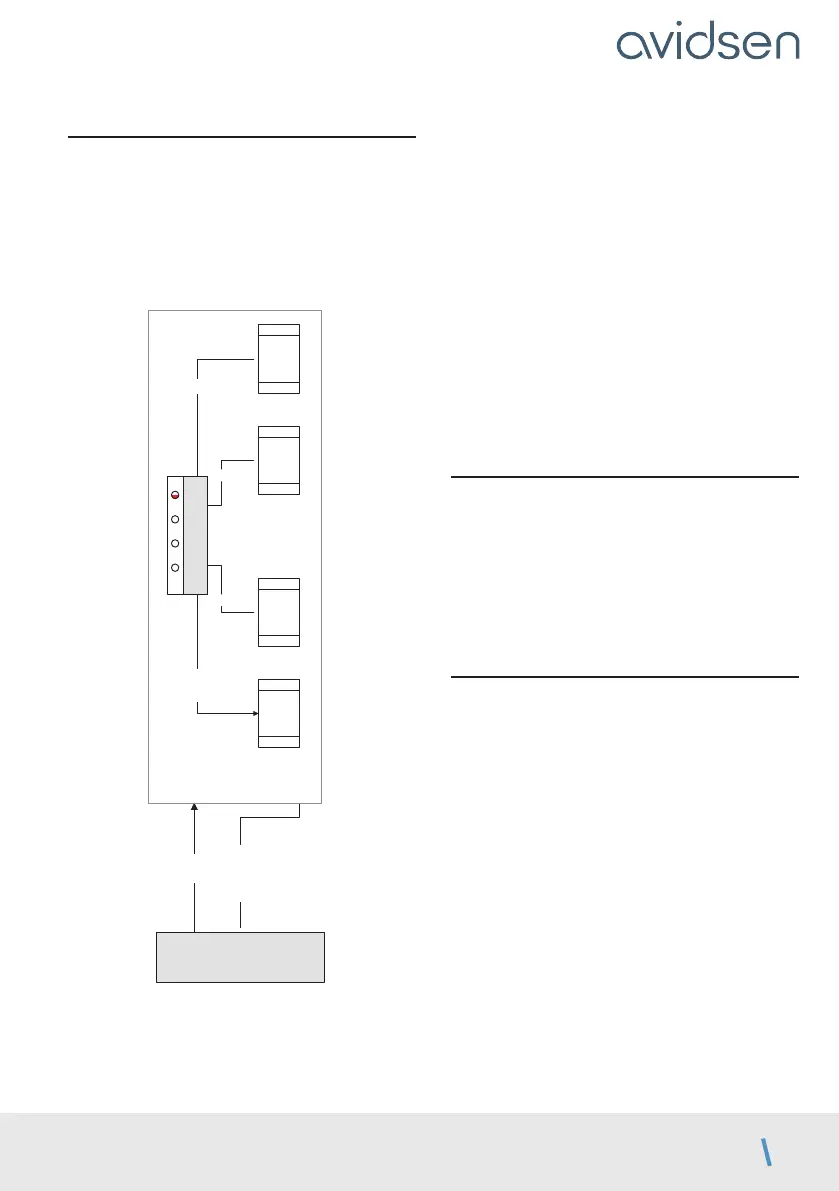
2.2 - Manual control
The panels can be manoeuvred without any prior
programming, for example during motor installation.
• To enter manual mode, press OK for 3 seconds.
LED L4 will flash.
• Press and hold the button for the desired
movement.
OK 3s
mode manuel
Mode manuel
ouvre
M1
ferme
M1
ouvre
M2
ferme
M2
PROG OK
PROG et –
– +
MENU 0
L1 L2 L3
L4
• PROG and “+” can be pressed simultaneously, for
example to open both panels at the same time.
• To exit, press PROG and “–” simultaneously (press
and release).
• Otherwise, after a minute with no action on a
button, the system will automatically exit manual
control.
In addition, in this mode, LEDs L1 and L2 are used
to test the status of the photocell inputs (PHO) and
wired control (2B):
If photocells are connected, LED L1 will be on if the
infrared beam is unobstructed.
If a wired control device is connected to input
2B, LED L2 turns on when the contactor of the
component is activated.
2.3 - Total reset
You can reset to factory settings.
• To do so, press “–” and “+” and OK at the same
time for 8 seconds until a LED display appears. All
the settings now have their default value and you
must redo the self-learning.
However, this procedure does not delete the remote
controls from the memory.
2.4. Replacing the remote control battery
When the remote control range is very reduced and
the red indicator is weak, this means that the remote
control battery will soon run out.
The remote control takes CR2032 batteries. Replace
the battery with a battery of the same type as
originally used.
• With a Philips screwdriver, remove the 3 screws
behind the remote control.
• Open the remote control and remove the batteries.
• Insert the new batteries, respecting the polarity.
• Close the remote control and screw in the
fastening screws.



 To Next Page