33User Manual
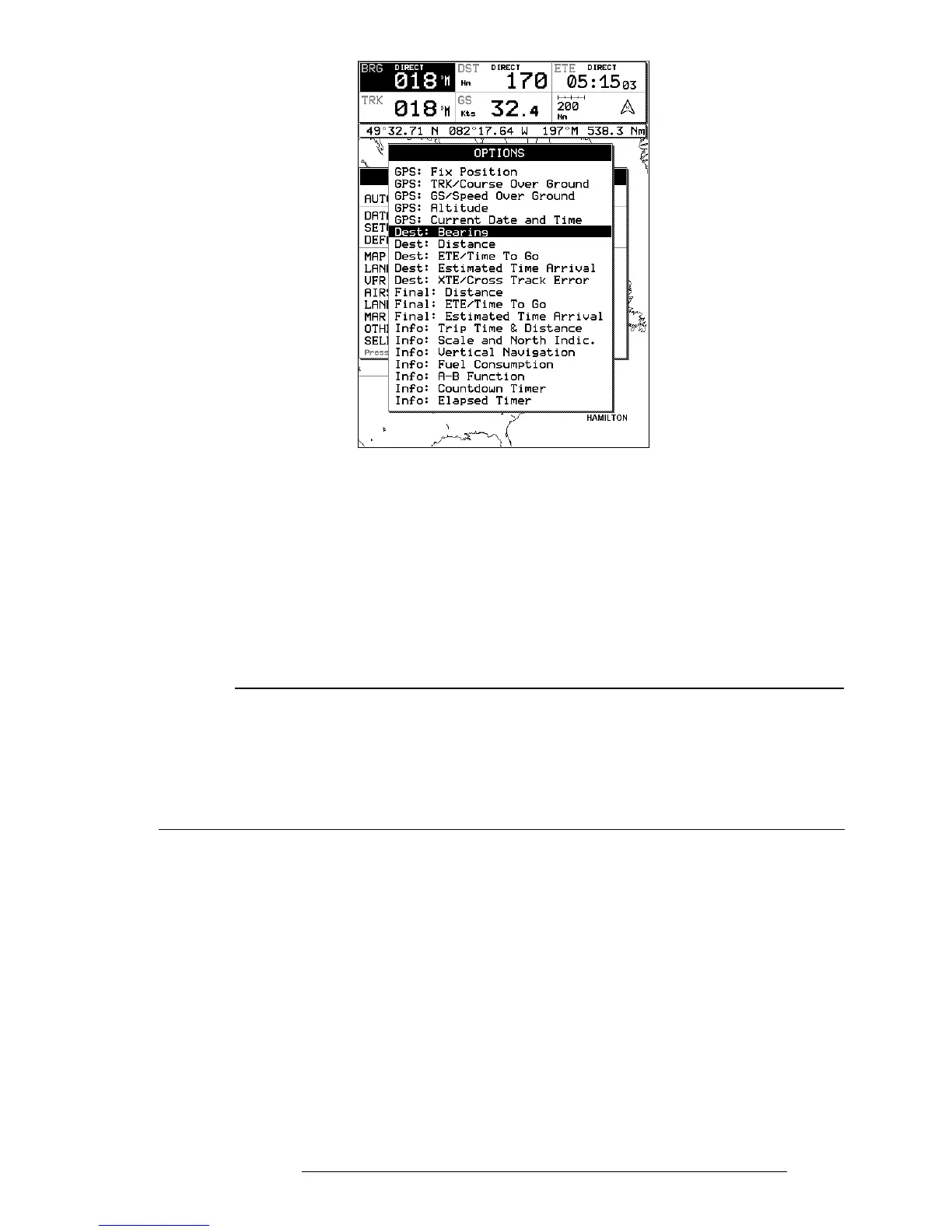
Fig. 3.5.3 - Setup Data Fields
> ‘MENU’ + “SETUP DATA FIELDS” + ‘ENTER’
After pressing ‘ENTER’, a box in the Data Window will be highlighted. Using
the cursor key, select the box to be edited and press ‘ENTER’.
The OPTIONS box will appear (see previous figure) allowing you to select the
item to display in the highlighted is box. Highlight the desired item from the
list and press ‘ENTER’ to accept. You can then scroll to another box and
proceed as above. Once all boxes are set up, press ‘CLEAR’ to exit.
NOTE
The Dest: Wpt Info option requires 3 vertical fields for display; therefore, you can only select this
option in a top field on the 3-line display or the top field in the HIS + Fields display. If you attempt
to select this item in another filed, the system will beep three times and revert to the previous
selection mode.
If you have the Dest: Wpt Info displayed and would like to change to three different items, select
the top of the Destination Info box. The first filed will display the one you selected and the bottom
two fields will display default items.
3.5.4 DEFAULT DATAFIELDS
This will restore data fields settings to default values
> ‘MENU’ + “DEFAULT DATA FIELDS” + ‘ENTER’
The message “DONE” will appear to the right confirming the action is com-
plete. The Default Fields will only be applied to the currently selected Data
Window Option; i.e. 1-Line, 2-Lines, etc. .
3.5.5 MAP ORIENTATION
Map Orientation controls the direction that the Moving Map is pointing dur-
ing Home and Auto Zoom modes.



 To Next Page