93User Manual
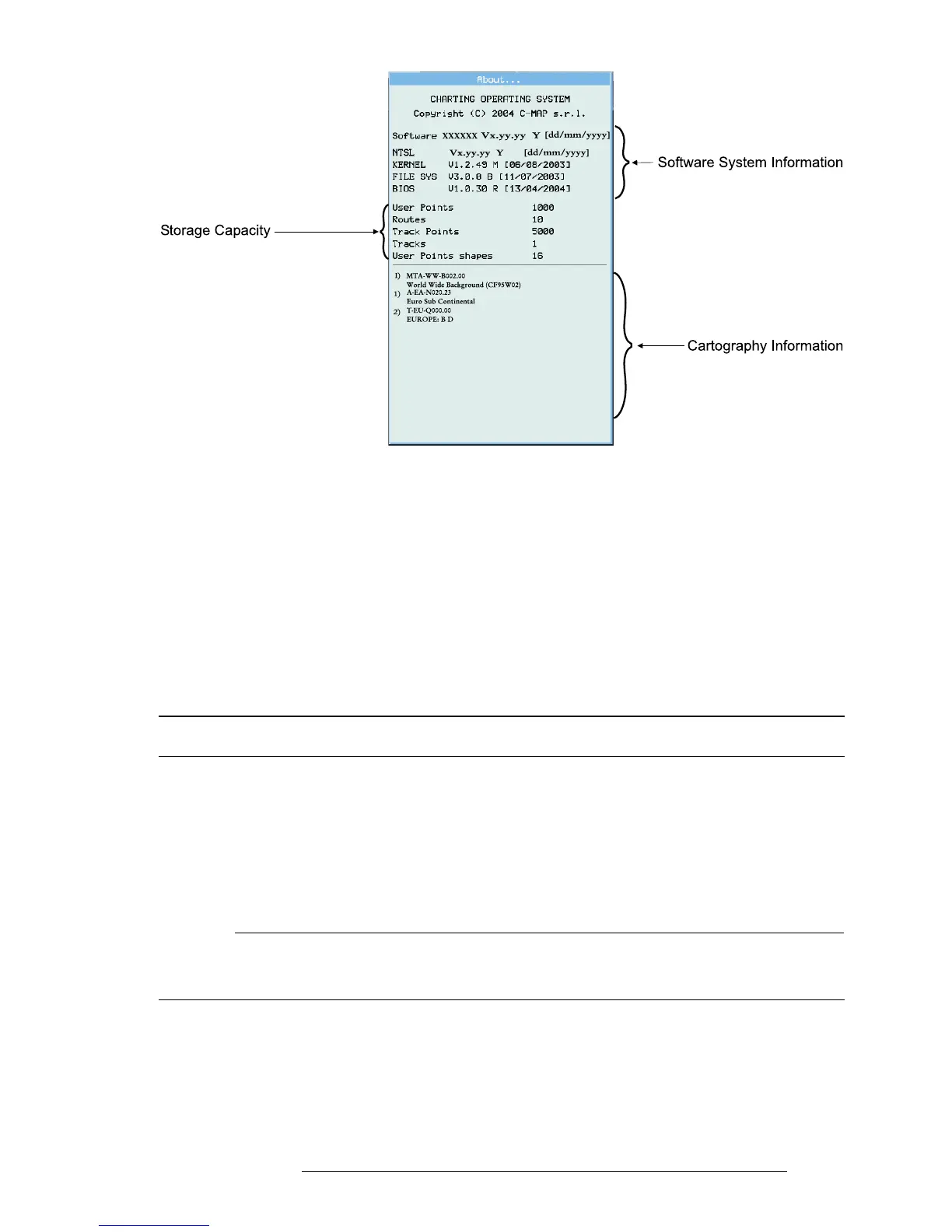
Fig. 15.4.4 - About page
If it is necessary to return your EKP-IV for repair, you must obtain a return
authorization (RA) number from C-MAP Aviation prior to shipping the sys-
tem. Include with the EKP-IV a description of the problem, your RA number,
and your name and address. If your return shipping address is different, please
include it. All packages are to be returned postage paid. As we are not respon-
sible for packages in transit, we recommend you purchase insurance and track-
ing information.
15.5 SYSTEM TEST
If you have connected your EKP-IV according to the instructions and chosen
the proper menu selections and are still having problems a RAM Clear will
bring the system back to factory default settings. Many times this will clear the
errors and bring the EKP-IV back to operating condition. RAM CLEAR can
be found in the System Test Menu.
NOTE
The additional tests in the System Test Menu are intended for factory testing. Faulty findings
within these menus is not necessarily a true result, as factory settings and equipment are often used
during these tests.
15.5.1 RAM MENU
Make sure the EKP-IV is turned Off. While pressing and holding any other
key, turn the EKP-IV On. A new menu will appear on the display. Use the



 To Next Page