67User Manual
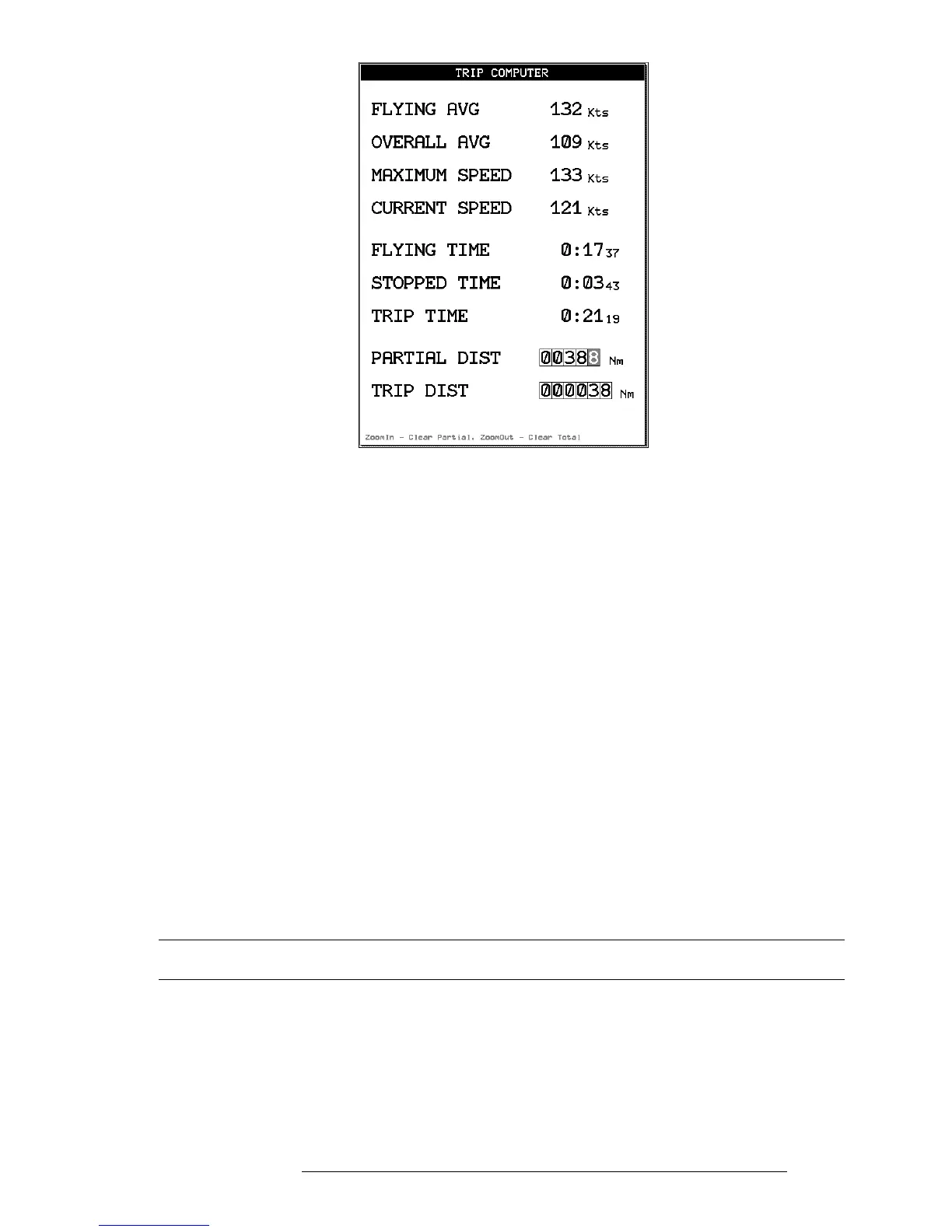
Fig. 10.3 - Trip Computer page
Flying Avg: Speed values above 35 knots divided by flying time.
Overall Avg: Speed values divided by Partial Distance.
Maximum Speed: Fastest speed reached
Current Speed: Current GPS speed.
Flying Time: Total time when speed is greater than 35 knots.
Stopped Time: Total time unit was on with a GPS fix and speed was less than
2 knots.
Trip Time: Total time the unit is on regardless of GPS fix.
Partial Dist: Total distance since reset.
Trip Dist: Total distance traveled since reset.
To Reset Partial totals to zero (all fields except trip distance):
While on the Trip Computer Page, press ‘ZOOM IN’ + ‘ENTER’ to confirm
action.
To Clear all totals (all fields):
While on the Trip Computer Page, press ‘ZOOM OUT’ + ‘ENTER’ to con-
firm action.
10.4 VERTICAL NAVIGATION
The Vertical Navigation (VNAV) function prepares a descent profile and rec-
ommends a descent to the altitude of the destination of the active Flight Plan
or to some OFFSET point from the destination. The Vertical Situation Indica-
tor in the HSI display is activated with this function (the units of measure used



 To Next Page