65User Manual
10 Calculator
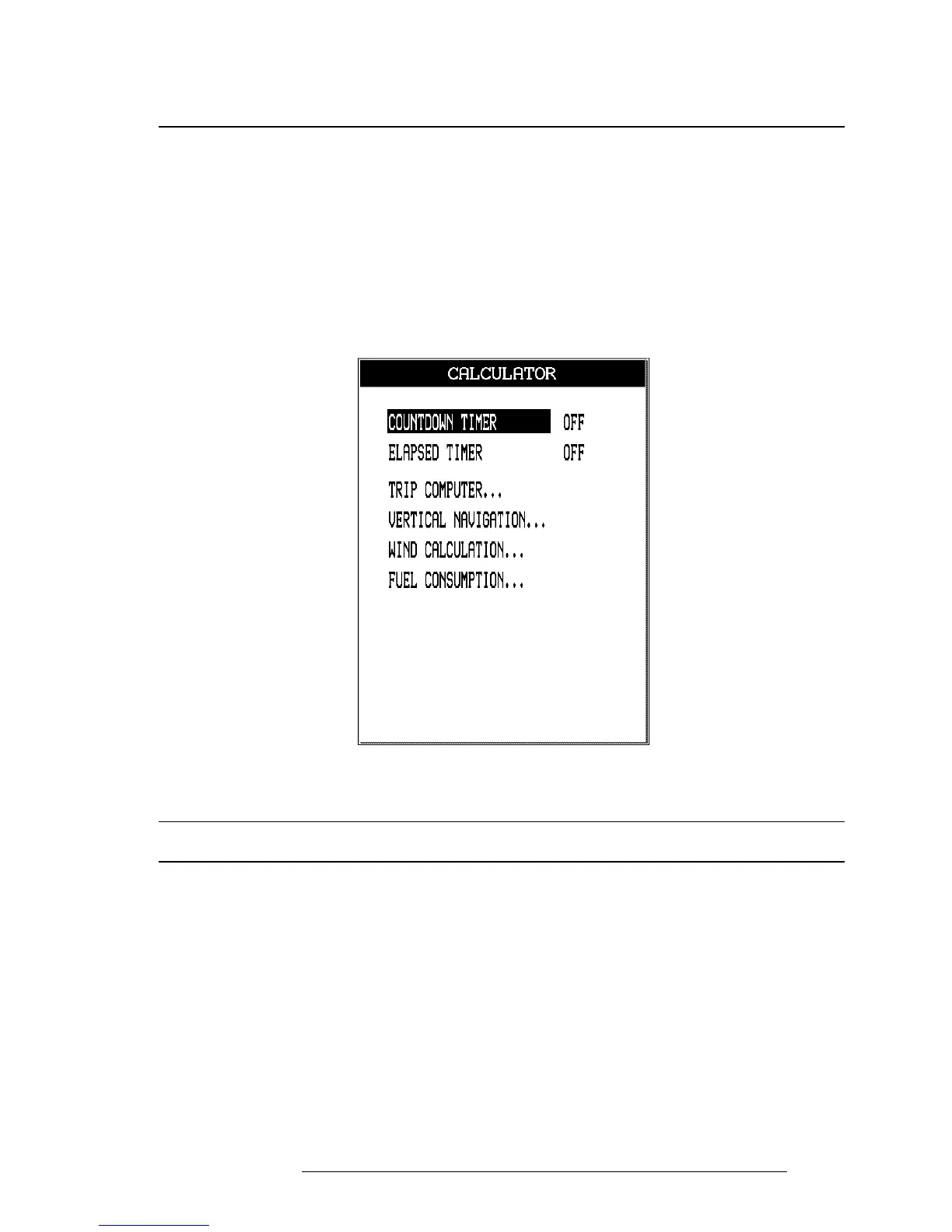
The Calculator functions assist the user in preflight and in-flight calculations
for Vertical Navigation, Wind and Fuel consumption. In addition, clock func-
tions and trip data can be found in this menu. The Calculator uses GPS data
and user data for computations.
All Calculator functions are based on the active Flight Plan. The active Flight Plan
is selected and activated on the Waypoint/Flight Plan menu (see Chapter 6).
> ‘MENU’ 1 sec. + “CALCULATOR” + ‘ENTER’
Fig. 10 - Calculator page
10.1 COUNTDOWN TIMER
The Countdown Timer will sound an alarm at the end of the set time interval.
The time calculations continue in the background of the software, even if you
are not on the Calculator page or do not display the timer data in the data
fields window.
The system does require a GPS fix to begin the timer, as the calculation of time
is based on the GPS data. If the GPS fix is lost during this mode, the timer will
display dashes in the right hand column. The time calculation will continue to
work in the background.
> ‘MENU’ 1 sec. + “CALCULATOR” + ‘ENTER’ + “COUNTDOWN TIMER” + ‘ENTER’



 To Next Page