37User Manual
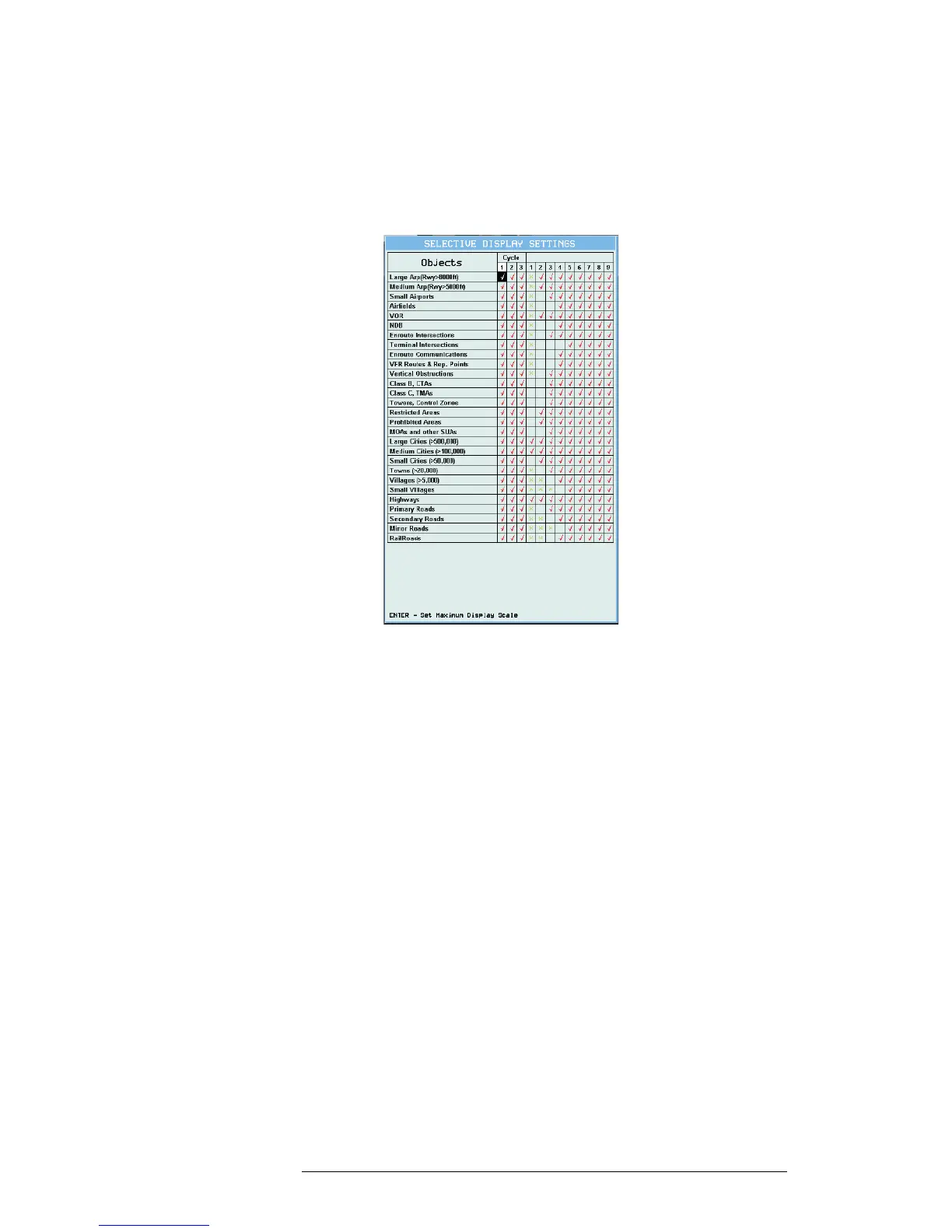
It is also possible tochoose the catrografic information to be shown based on
the selected "Cycle" program.
There are 3 programs available thatthe user can personalize through the 1/2/3
Cycle columns. For each of them it is possible to activate/deactivate any carto-
graphic object.
To change the program from the map pages it is necessary to press 'CYCLE'.
Fig. 3.5.9 - Selective Display Settings



 To Next Page