77R5911705 /02 Bragi
5.2 Connector settings
About connector settings
The Connector Settings menu allows you to change settings for each input connector of the projector.
By default all options for every connector are set to automatic, together with the native Extended Display
Identification Data (EDID).
When entering the menu for each input connector, you can change the following:
• Color Space
• Signal Range
• EDID
How to configure a connector
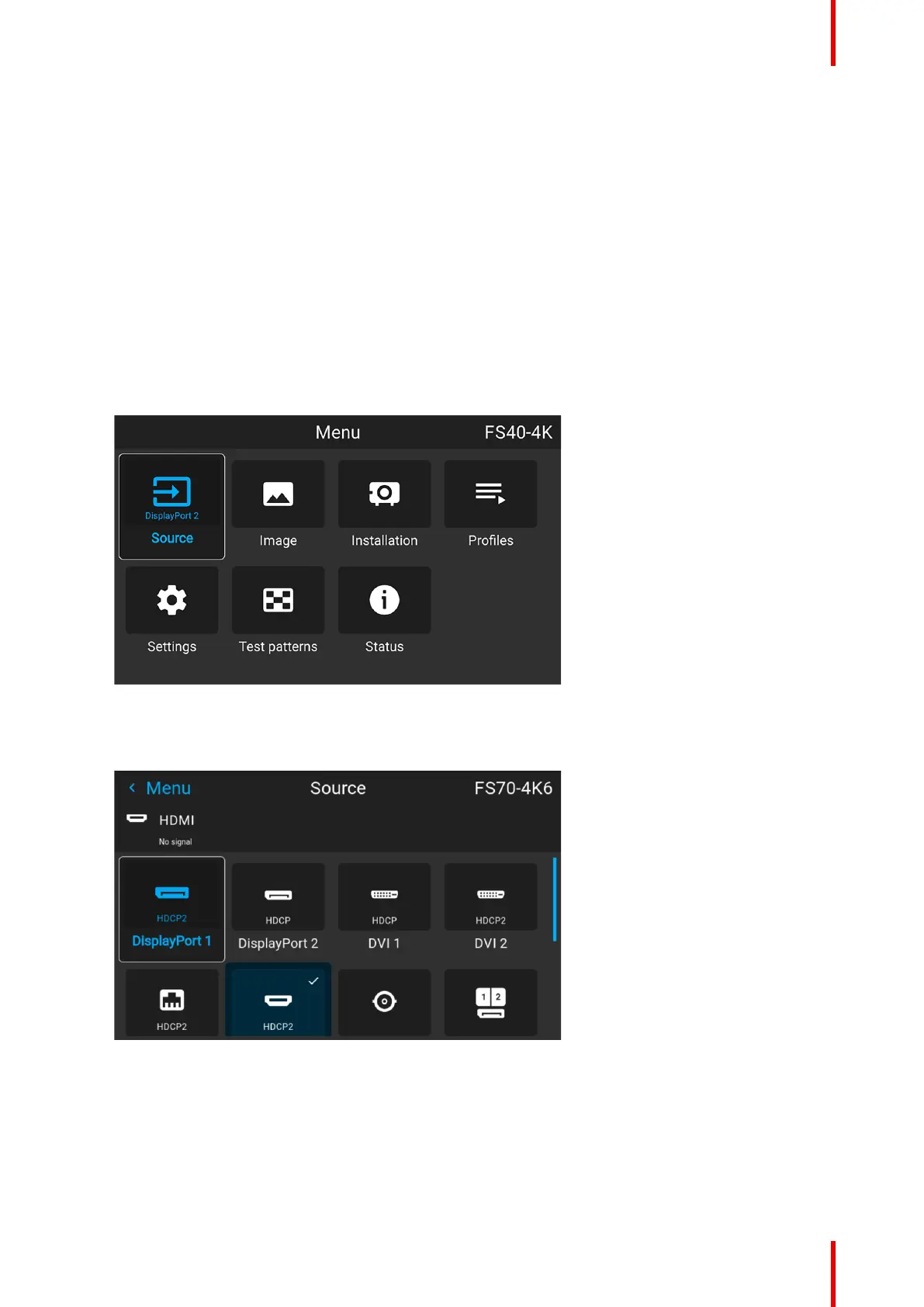
1. Press Menu to activate the menus and select Source.
Image 5–3 Select source
2. Press OK.
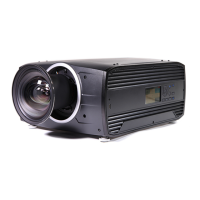
The Source menu is displayed with the actual available sources filled out.
Image 5–4 Source menu
3. Scroll down to the bottom of the list of available sources and select Connector Settings.
Source menu


 To Next Page