2-13
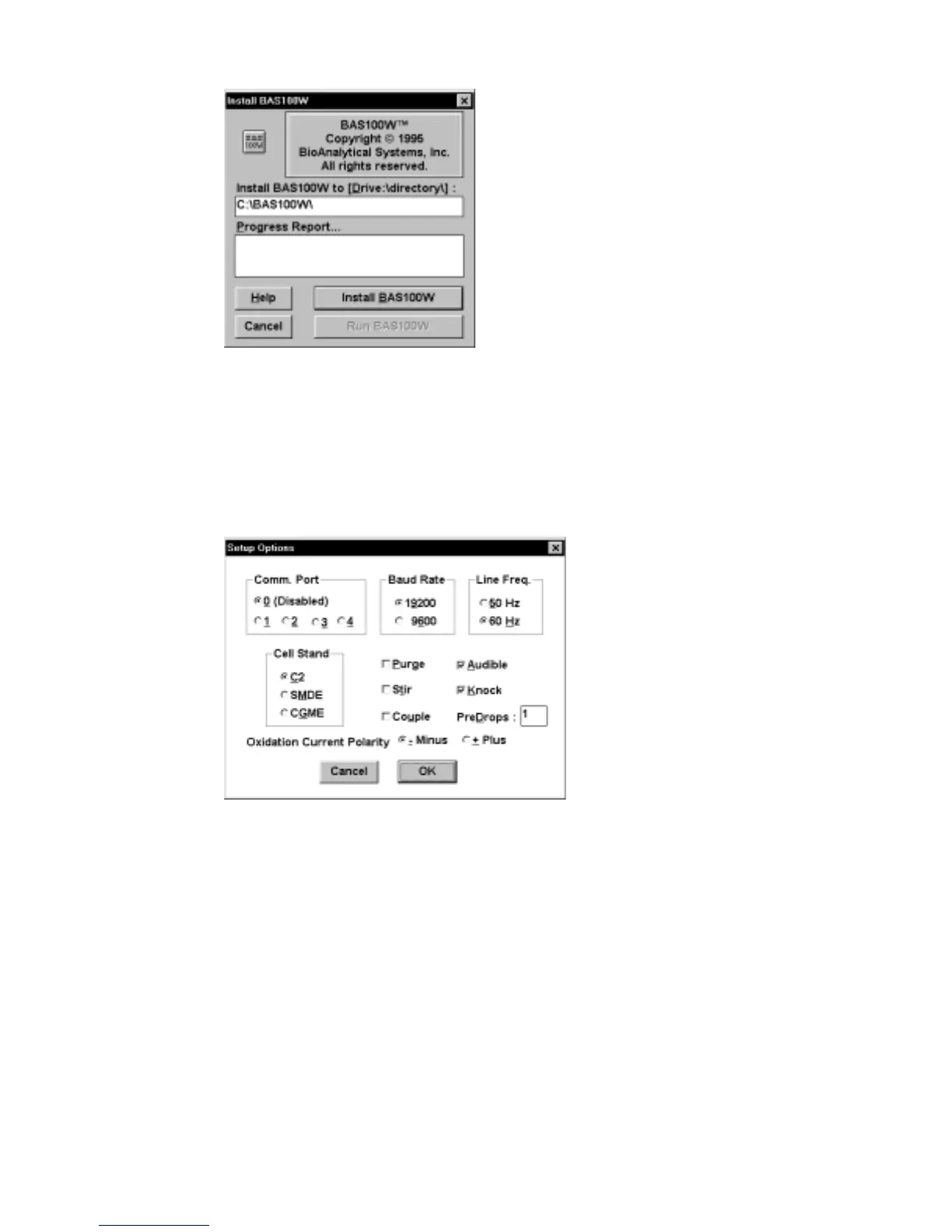
Figure 2-10. Install dialog box.
5. The BAS 100W software is opened by double-clicking the BAS 100W icon.
Before any operation, it is advisable to check that the communication
parameters are correct. These are contained in the
Setup
dialog box in the
File
menu (Figure 2-11).
Figure 2-11. Setup
dialog box.
The
Setup
communications options are as follows:
Com Port
This specifies which PC communications port is
connected to the BAS 100B. A value of 0 disables
the communication.
Baud Rate
This specifies the rate at which information is
transferred between the PC and the BAS 100B.
Line Freq.
This specifies the line frequency of the local A.C.
voltage. The selected frequency determines the
default
Sample
Width
for pulse experiments.



 To Next Page