30 BD FACSCanto Flow Cytometer Reference Manual
Barcode Reader (Optional)
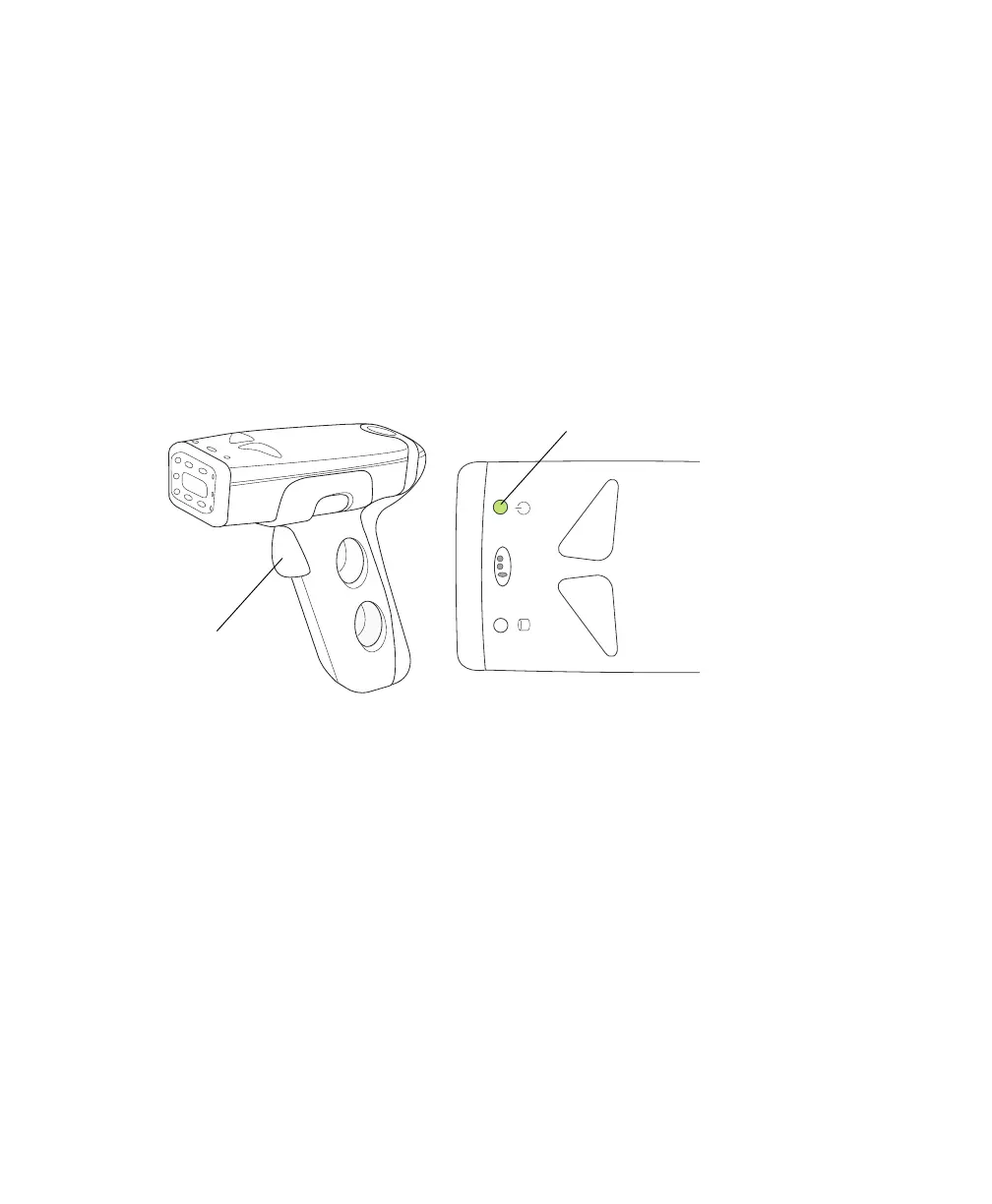
The Opticon LG2 Imager is a hand-held barcode reader that plugs into the USB
port on the BD FACSCanto computer workstation. A green light on the top of
the barcode reader indicates that it is connected to the USB port and ready to use.
The barcode reader reads most barcode standards, including Codabar, Code 128,
Code 39 with checksum, and PDF417. It reads information from the BD FACS™
7-color setup beads label into BD FACSCanto clinical software, and also reads
coded patient information into a worklist.
Figure 1-9 Typical barcode reader (example)
For information on installing and using the barcode reader with the
BD FACSCanto, see Installing and Using the Barcode Reader on page 46. For
detailed information including how to program the barcode reader for other
barcode standards, refer to the information supplied by the manufacturer.
ready light
view from top
trigger











 To Next Page