Chapter 4: Maintenance 77
Cleaning the Flow Cell
Use the Clean Flow Cell command to run a tube of BD FACSClean solution
through the SIT and flow cell. After the procedure is complete, the cleaning fluid
remains in the SIT and flow cell until you run fluidics startup or shutdown.
Perform this procedure when poor optical performance indicates that additional
cleaning is needed.
Materials
• 3 mL of BD FACSClean solution
• one 12 x 75-mm polystyrene BD Falcon tube
Procedure
1 Select Cytometer > Cleaning Modes > Clean Flow Cell.
2 If you have a Loader, remove the carousel.
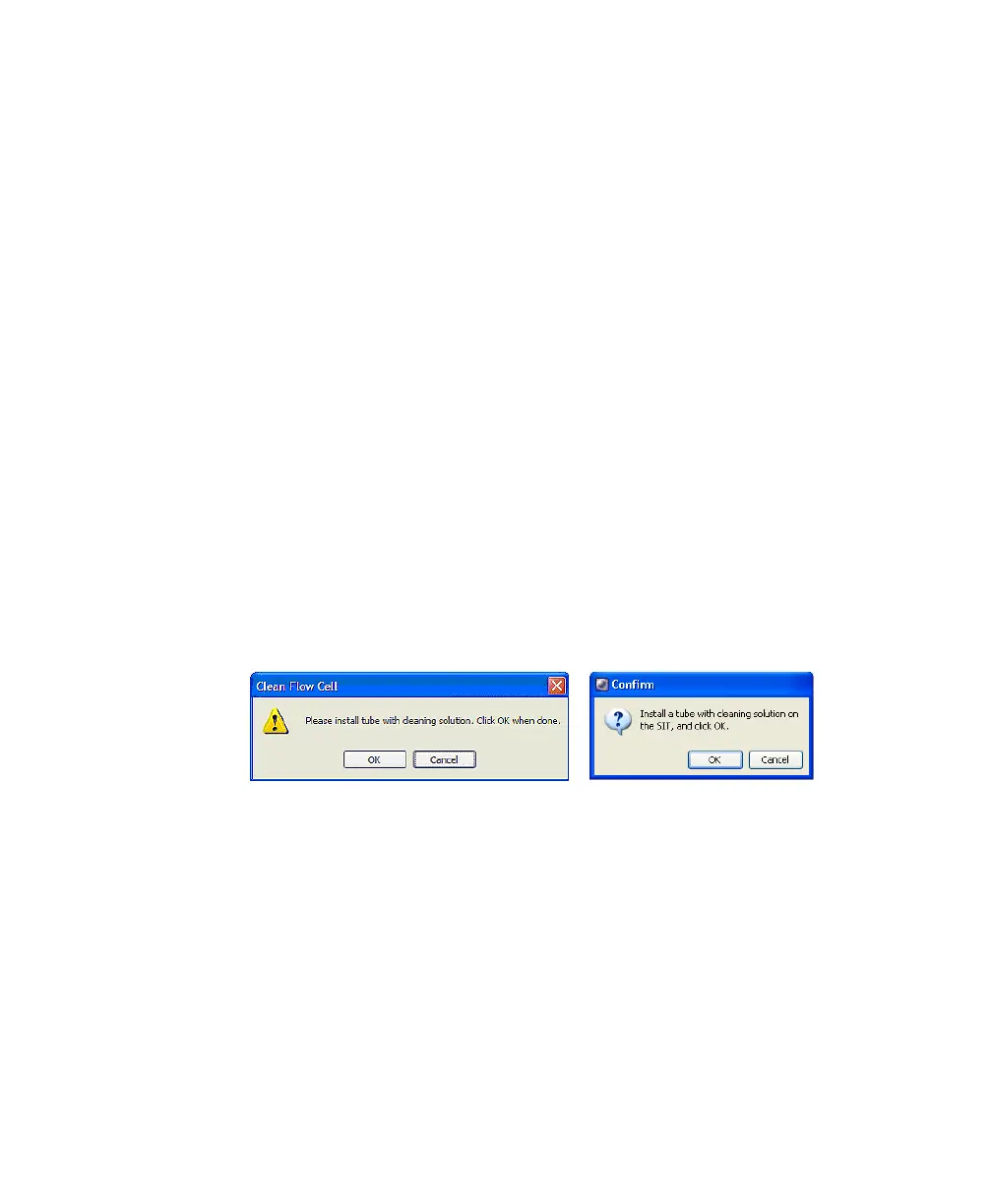
3 When prompted, manually install a tube containing approximately 3 mL of
BD FACSClean solution onto the SIT, and click OK.
BD FACSDiva software
BD FACSCanto clinical software











 To Next Page