Chapter 4: Maintenance 85
Reconnecting the Ethernet and RS232 Cables
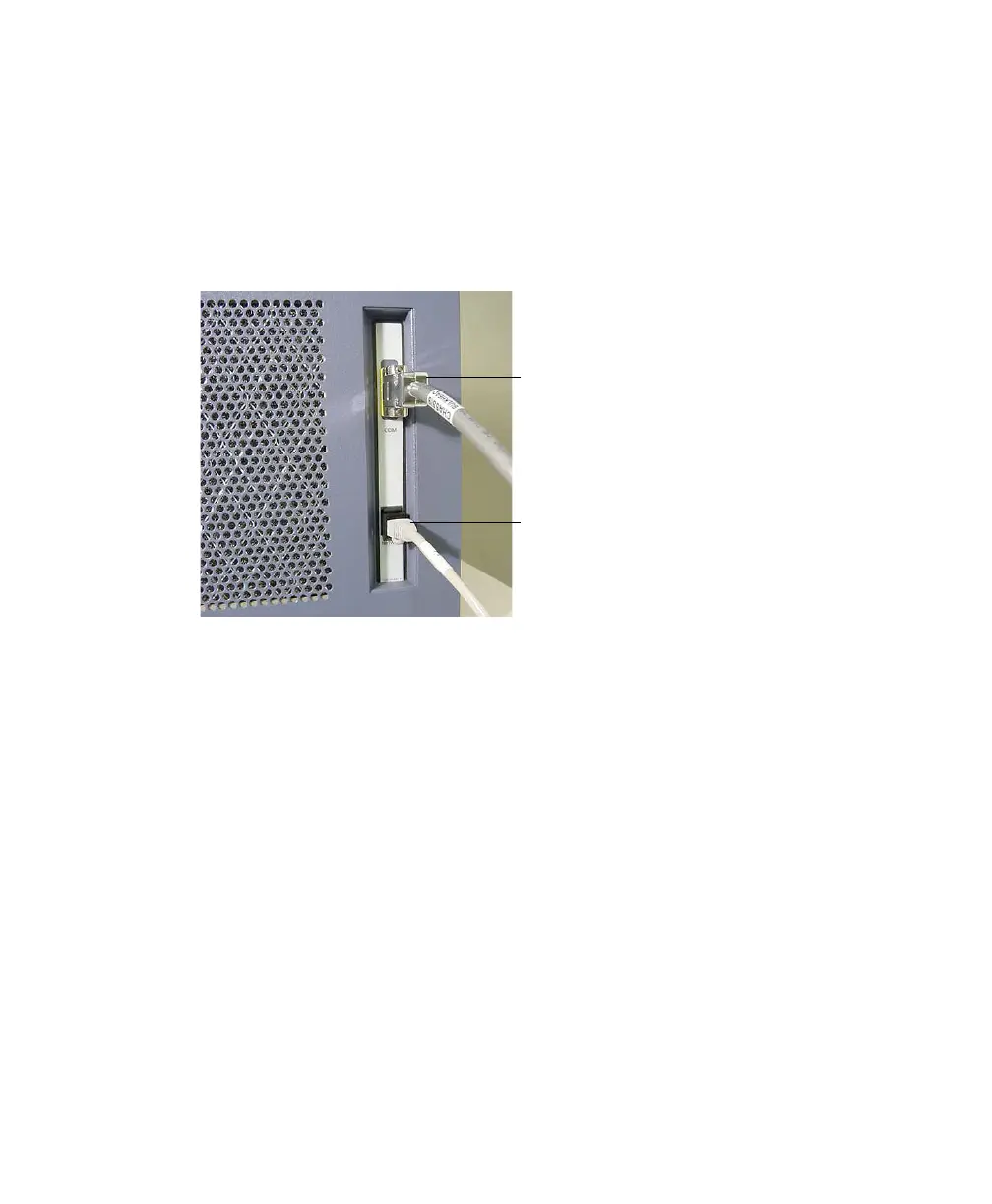
The cytometer connects to and communicates with the workstation through
Ethernet and RS232 network cables. If these cables should become disconnected,
use the following diagram to reconnect them.
Figure 4-6 Ethernet and RS232 network cable
Both cables connect to ports on the PC workstation. As the make and model of
the workstation might vary, refer to the documentation that came with your
system for information.
Reconnecting the Fluidics Cart Tubing
Should any plugs, cords, or tubings become accidentally disconnected, use the
following diagrams to reconnect the fluidics cart to the cytometer (Figure 4-7 on
page 86).
; Tip The ports and connectors are color coded.
RS232 cable
Ethernet cable











 To Next Page