78 BD FACSCanto Flow Cytometer Reference Manual
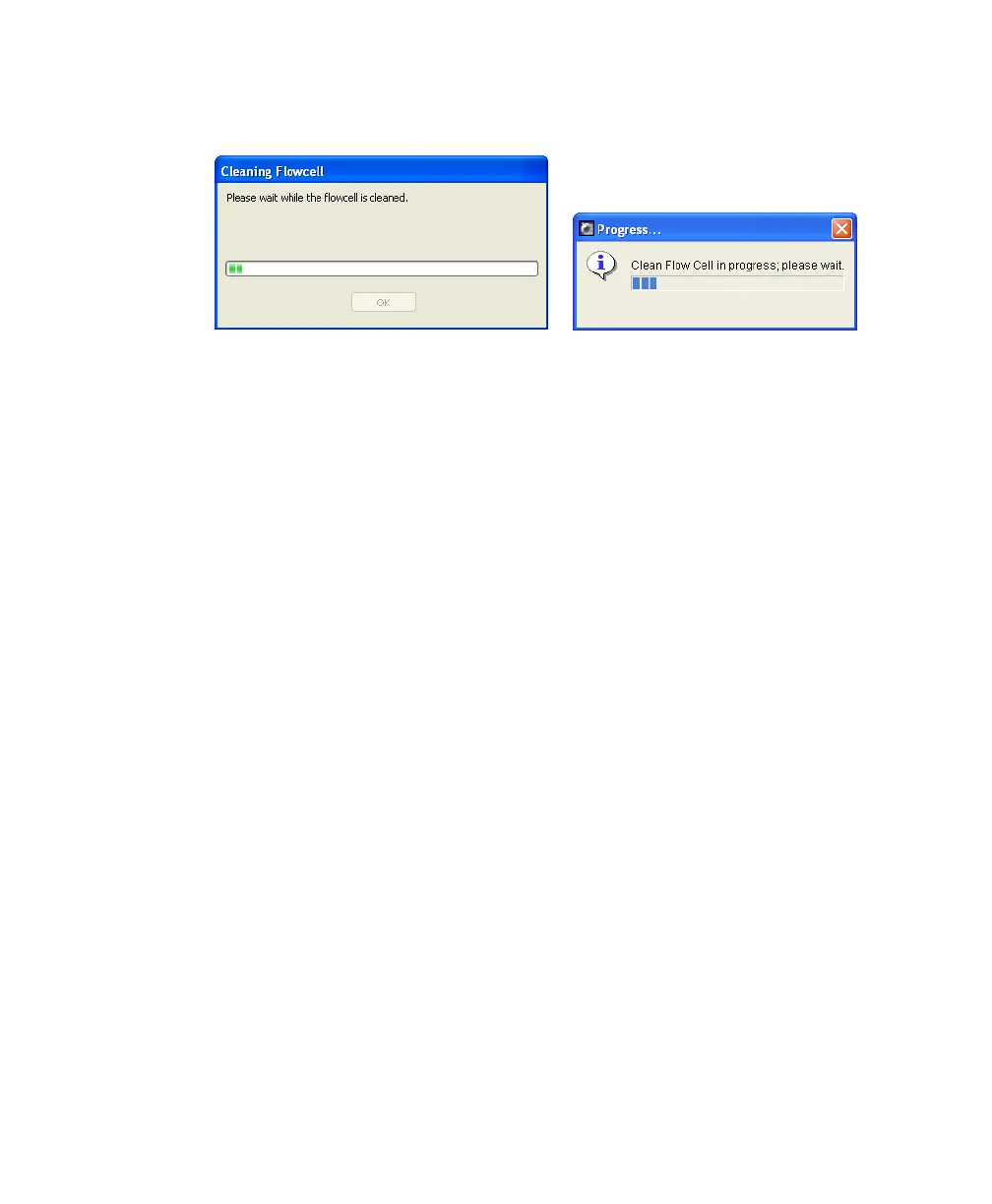
A progress message displays during the cleaning.
4 After the completion message displays, wait 5 minutes.
Waiting allows the BD FACSClean solution to dissolve deposits in the flow
cell cuvette.
5 Click OK.
6 Remove the tube from the SIT.
7 Clear BD FACSClean solution from the flow cell and fluidics lines:
• Before running setup or samples, run Fluidics Startup.
• If you are shutting down without running more samples, run Fluidics
Shutdown.
Purging the Bubble Filter
The bubble filter sits between the fluidics tanks and reservoirs and the flow cell
and ensures that the flow cell remains bubble-free. However, should the fluidics
run dry, you might need to remove air from the bubble filter. Poor CVs might
indicate a need to purge the bubble filter.
1 Select Cytometer > Cleaning Modes > Bubble Filter Purge.
BD FACSCanto clinical software
BD FACSDiva software











 To Next Page