76 BD FACSCanto Flow Cytometer Reference Manual
Procedure
1 Switch off the cytometer power and unplug the AC power cord.
2 Wipe all accessible surfaces with BD FACSClean solution.
3 Wet a fresh cloth with DI water and wipe all bleach-exposed surfaces to
prevent corrosion.
4 Wipe all exposed surfaces with a clean, dry cloth.
Removing Bubbles from the Flow Cell
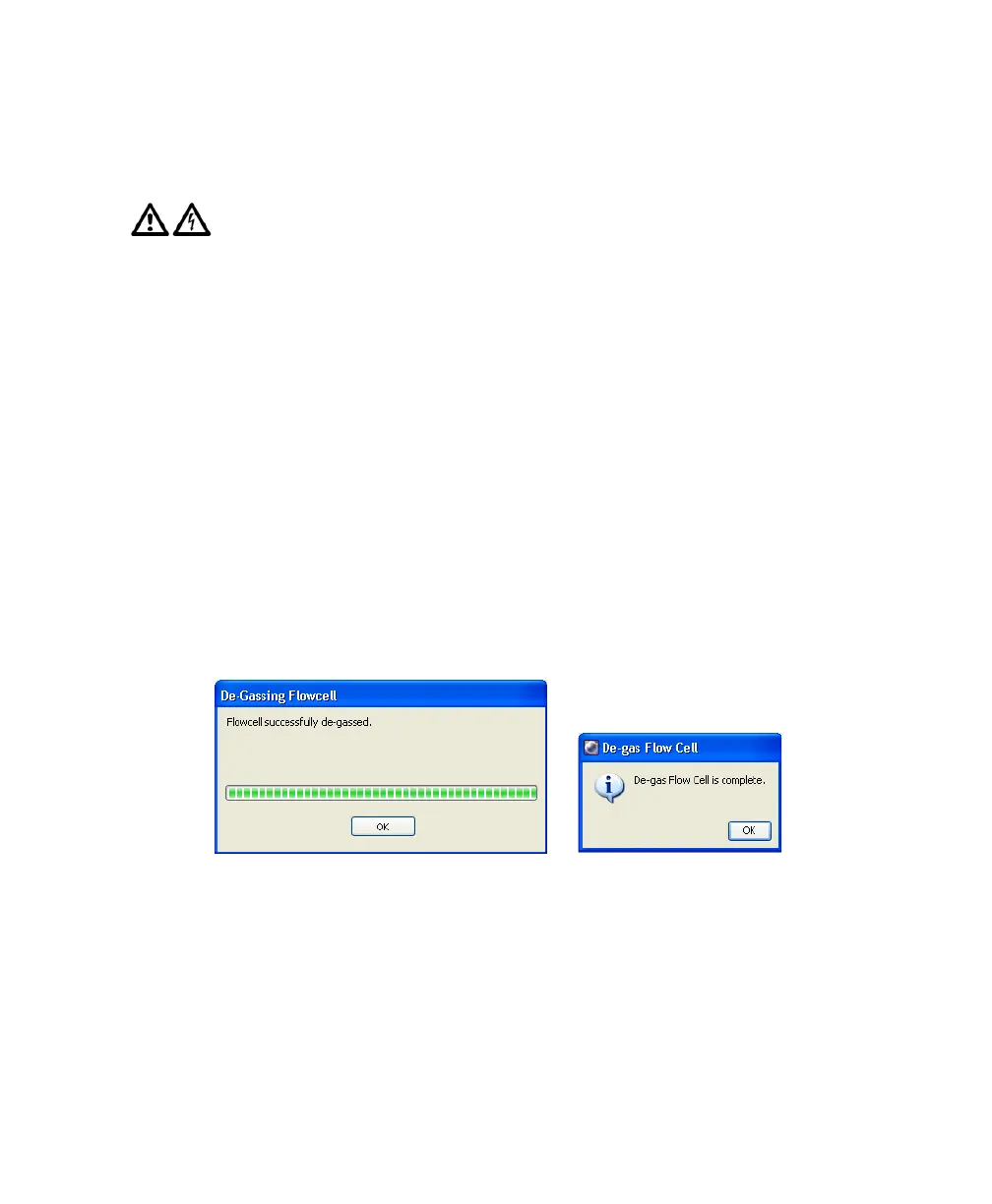
Use the De-gas Flow Cell command to remove bubbles from the flow cell.
1 Select Cytometer > Cleaning Modes > De-gas Flow Cell.
2 Click OK when the completion message displays.
3 Check the flow cell for bubbles.
If you still see bubbles, repeat the process.
To avoid potential shock, always switch off the power and unplug the AC
power cord before you begin cleaning.
BD FACSCanto clinical software
BD FACSDiva software











 To Next Page