EasyManua.ls Logo

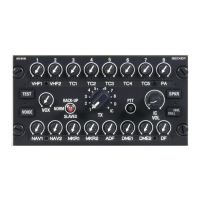
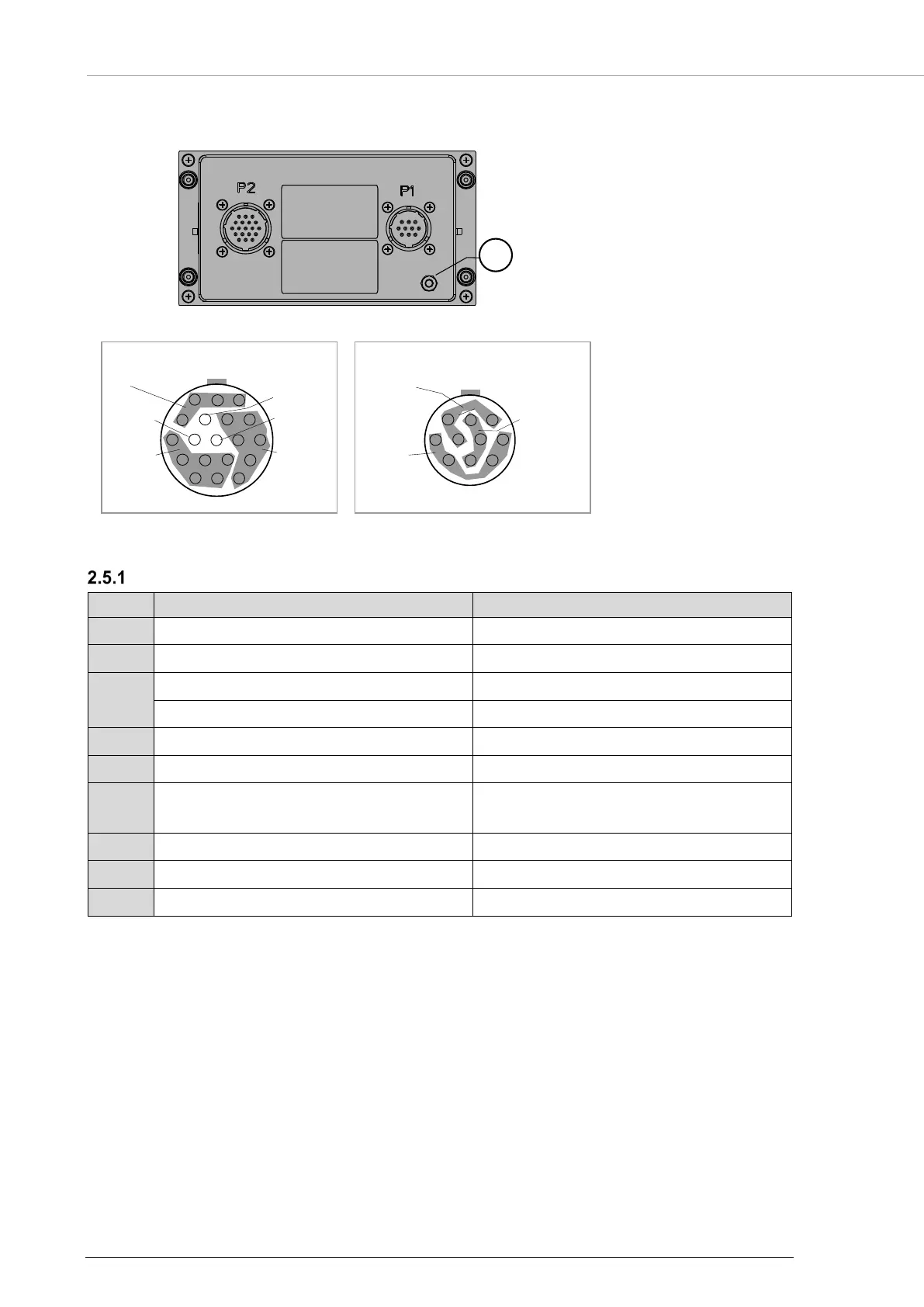
Becker ACU6100 - 2.5 Connector Pin Assignments; Connector P1; Figure 9: ACU6100 - Connector Layout

Becker ACU6100
64 pages
Print Icon
To Next Page IconTo Next Page
To Previous Page IconTo Previous Page
Loading...
Installation
Connector P1
32 ACU6100 DV64440.03 Issue 09 November 2019
2.5 Connector Pin Assignments
Figure 9: ACU6100 connector layout
P1: 10pol male, bayonet
P2: 19pol male, bayonet
: Grounding bolt
Connector P1
P1/Pin
Signal name / Function
Remarks
C
DC1
+27.5 V
D
GND1
G
DC2
+27.5 V
F
GND2
H
PTT in/out
B
Back-Up (Emergency) Switch out
K
Slaved Switch out
Mask-Mike Switch out
ACU6100-X-(XXX0)
ACU6100-X-(XXX5)
J
IC Hot Mike in
Intercom activation line (low active)
E
Dim Control1 in
Panel illumination
A
Dim Control2 in
Brightness of LED’s
1
Label
Label
M
BA
L
K
J
H G F
T S E
U V R D
N P C
H
BA
G
F E D
K J C
GND
CAN1
CAN2
Device address safety-related
wiring
Reset inReset out
P2
Power
supply
Dim control,
IC hot mike
P1

Table of Contents

Related product manuals