Post Installation Check
DV64440.03 Issue 09 November 2019 ACU6100 41
2.10 Post Installation Check
After the device/system is installed completely do a test. Make sure that the compliance with the
authority required procedures is obeyed.
The description that follows gives guidance for such tests.
Mechanical Installation and Wiring Check
• Make sure that all cables are attached and the shields are connected to ground.
• Examine the movement of controls to make sure that there is no interference.
• Make sure that all screws are tight and the connectors of the device are secured.
Power Supply
• Examine the power supply lines and the correct polarity.
• Make sure that the power supply is in the specified limits, with and without an engine that
is in operation.
Power On Check
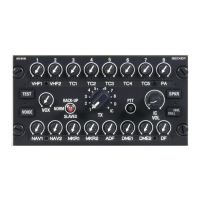
• For ACU6100 devices refer to the operation section of the ACU610X manual for specific
operational details "Operation" page 43.


 To Next Page