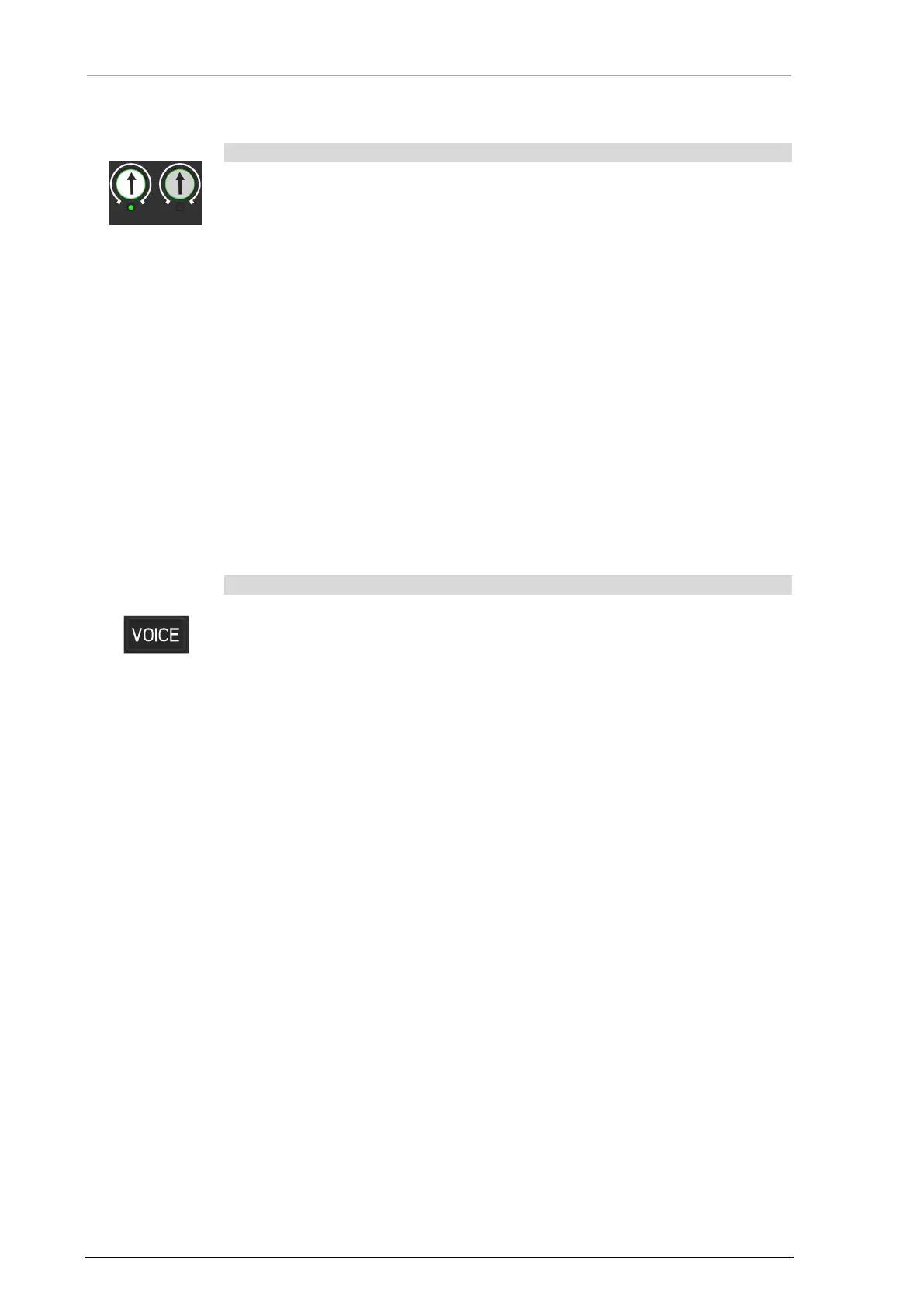
Voice Filter (Ident Tone Suppression)
58 ACU6100 DV64440.03 Issue 09 November 2019
3.10 Selective Call
The function "Selective Call" can be set to one of the eight TX-channels
(configuration).
Function:
• A selective call signal is received.
o The TX-channel LED flashes with the double frequency of the "Call"
notification.
• Push and release the related channel knob.
o The knob is in the upper position, can be turned, is illuminated.
o The operator can hear the incoming message.
Function when forced monitoring for the selective call channel is set:
• A selective call signal is received.
o The TX-channel LED flashes with the double frequency of the "Call"
notification.
o The TX-channel is monitored during the selective call is present.
o The operator can hear the incoming message without any selection.
3.11 Voice Filter (Ident Tone Suppression)
Voice Filter (Ident Tone Suppression)
Voice key
It is possible to start a 1020 Hz notch filter for all RX-channels to suppress
identification tone in the incoming audio signals. A channel must be enabled for
this function in the configuration*.
• Push to the key "VOICE".
o The related LED is on.
o The voice filter suppresses the ident tone in the preconfigured audio
channels.
• The key "VOICE" has no function if there is no channel enabled for this
function in the configuration.
NOTICE:
• The default state for voice filter on/off/last state can be set in the
configuration.
*For more information refer to the software manual "CSW6100... "(www.becker-
avionics.com/downloads/ → Intercom).


 To Next Page