CUBE® CONTROLLER
6-8 Belanger, Inc. * PO BOX 5470 * Northville, MI 48167-5470 * Ph (248) 349-7010 * Fax (248) 380-9681 1MANUL964
Chapter 6 Operator Interface / Advanced Configuration
Setup / Advanced Configuration
Advanced Configuration / Enter Wheel Setup
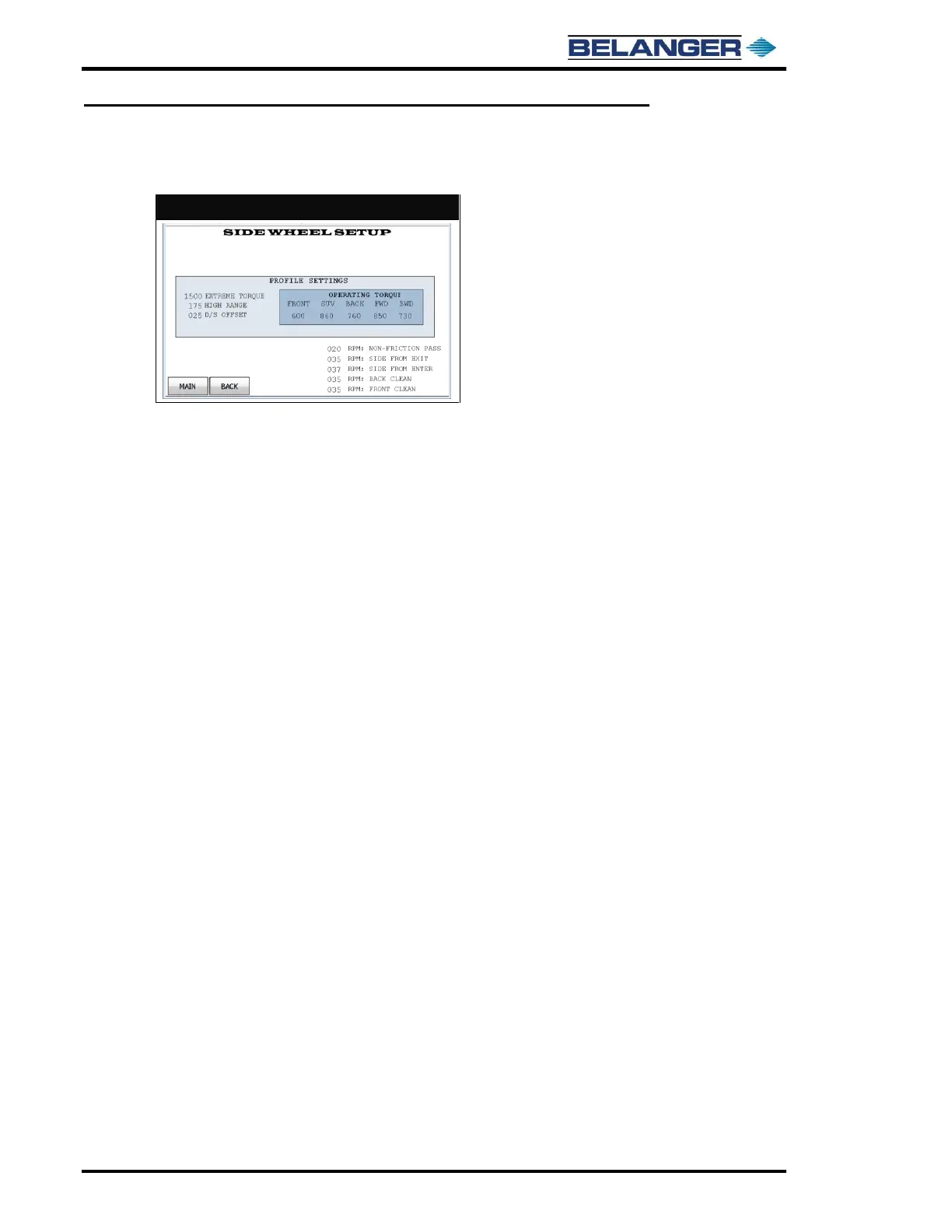
OPERATING TORQUE: This is a relative number referencing the minimum torque as the Side Wheels wash the
vehicle, 1000=100%. Torque numbers should not vary much from what is shown in the screen image above.
During initial break in, numbers may be required to be higher. These settings are minimum for P/S wheel. The
D/S is same plus “D/S OFFSET”.
HIGH RANGE: This is the differential torque above the minimum that is considered in-range. Normal operating
torque range is between OPERATING TORQUE and HIGH RANGE setting.
EXTREME TORQUE: This is the torque value at which a machine will make more drastic attempts to reduce
torque load. This value must be above operating torque range. Setting too low can make machine have larger
cycle times.



 To Next Page