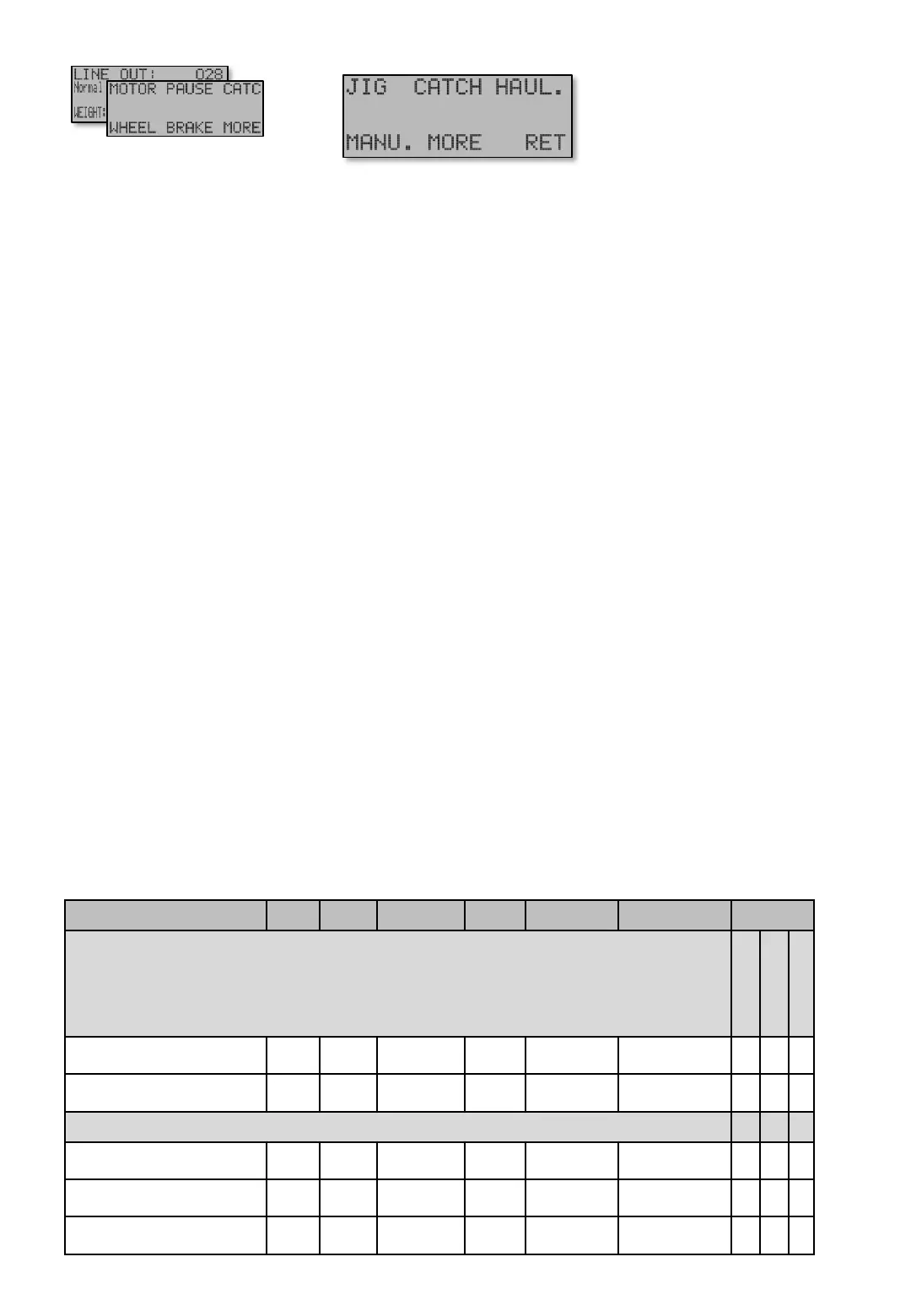
Ex has a total of five different motor modes with individual speed and accelerations. In essence, Jig
and Haul up modes are used when fishing, and Manual mode in manual mode and when machine is
not used. In all modes speed can be adjusted between 30-180rpm and acceleration times between 0.1-
10.0 seconds.
JIG [E11] mode. Used during automatic fishing in any of the Fish programs.
Soft start [E11] is the acceleration time from stationary to Jig speed.
Jig speed [E11 P] Normal motor speed during fishing. The power transferred to wheel is the basic
DRAG settings made by [1] and [4] from Main screen..
CATCH [E12] mode. Immediately at the time of catch registration, a temporary speed and power can
be applied for a maximum of 60 seconds to attract more fishes or safe catch. Time [E12] is the time the
temporarily speed [E12 P] Catch speed shall apply. During this time, also extra force can be applied on
wheel by [E12 PP] Drag + xxx%. When the Time [E12] runs out of time, or if it’s not used, the motor will
switch to Haul up mode. Se next page [E13]. From the factory, Catch Speed - Time [E12] is set to
zero "Out" which completely disables the function.
The transition from Jig speed to Catch speed occurs instantaneously (without a smooth transition). This
allows the Catch speed to perform behaviors for Ex like below.
Slow down and let more fish bite on:
• Set Catch Speed - Time [E12] to higher value (10 seconds or so).
• Set low Speed for Speed at – Catch [E12 P].
Secure hook penetration.
• Set short time to Catch Speed - Time [E12] (0.3-0,7 or similar)
• Set high speed to Speed for Speed at-Catch [E12 P]
• Add 10-20% to Torque at haul up - Drag + xxx% [E12 PP]. This cause a short jerk in the line at the
catch registration to snap the hook.
[E11] – [E12]
JIG [E11] - CATCH [E12]
Navigate [E]
Main screen
Screens
Table shows units and value limits. See [E654] for menu detail level setting. Some screens are not visible if simple view, or normal view are Chosen .
”x” =Shows, ” – ” Hidden
Menu MOTOR [E1] reached by
pressing [E]nter button from Main
screen. From this menu all motor
settings are reached.


 To Next Page