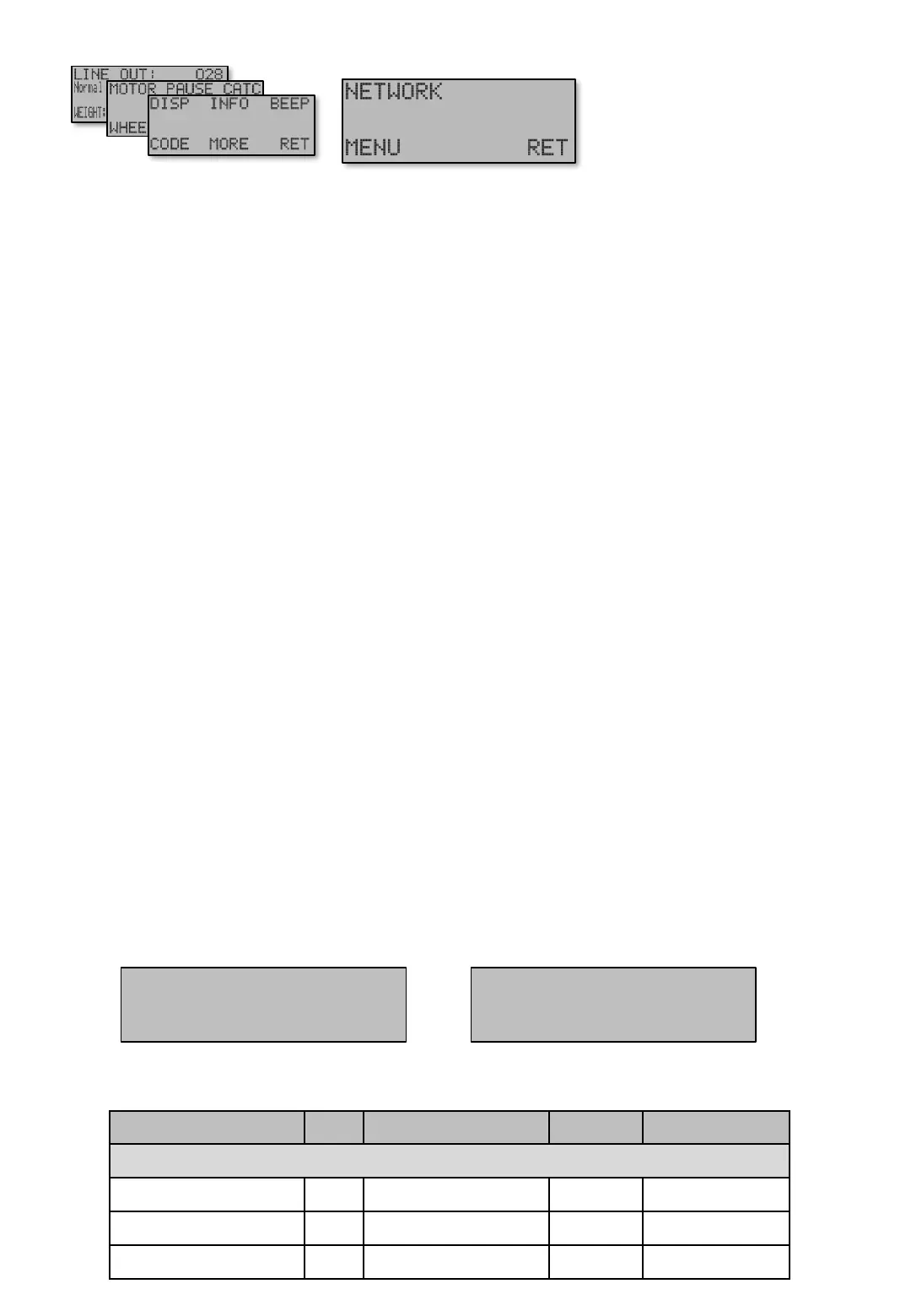
NETWORK [E651] menu includes all settings to connect the machine into a network with other Ex
machines, for cooperation and remote control function.
When it comes to settings to connect to the network (which is the first to be set up), you should first
consider which machines should merge together. The display and the 6 buttons below (buttons [1 – 6])
have a special role in remote control of the machines. This brings us to a natural group of machines
with six machines in each group. In group screens, individual machines are easily selectable to which
shall receive push button commands.
In total there are six groups, which totally gives up to 36 machines to be controlled and viewed in the
network. When it comes to cooperating in Auto mode, for example join same fishing area when catch
occurs, will only be done in the group. It allows for different groups of machines to work with different
programs and fishing areas simultaneously.
Mode [E651] The first screen in network connection is the mode. The options are ...
• “Out” turns off the communication completely.
• “Slave” is the basic setting for all machines that shall communicate (Except one machine!).
• “Master” One machine must be set to “Master”. Exception might be if a PC is connected to the
system and can work as “Master”. At present time there is no PC software ready. Machine set to
master may show some additional screens in menu Network [E651] depending on Menu detail
level [E654].
Address [E651 P] Can be selected from 1 to 6. Within each group (A to F), only one machine may
have this address, otherwise there will be a crash in the communication.
The address also corresponds to a fixed location on the group screen display, se figures below. For
example, address 1 always has the upper left position. 2 in the upper middle, etc. In total, six machines
per group is displayed.
Group [E651 PP]. In the same way as the address above, a group number is selected, A to F. Note
that if Group [E651 PP] is set to higher value than Number of groups [E651 PPP PP] it is then
outside of the communication range and therefore not possible to control, share or retrieve information
with.
Pictures Min Max Factory Navigation
NETWORK [E651]
NETWORK – Mode Out / Slave / Master Out [E651]
NETWORK – Adress 1 6 1 [E651 P]
NETWORK – Grupp A F A [E651 PP]
[E651]
NETWORK [E651] (Page 1)
Gruppbild A
Adress 1 Adress 2 Adress 3
Adress 4 Adress 5 Adress 6
Gruppbild B
Adress 1 Adress 2 Adress 3
Adress 4 Adress 5 Adress 6
Figure 1. Group screen A
Table shows units and value limits. See [E654] for menu detail level setting. Some screens are not visible if simple view, or normal view are Chosen .
Menu [E651]
Figure 2. Group screen B.
Settings that control network settings and
cooperation between the machines.
Main screen
Navigate [E6]


 To Next Page