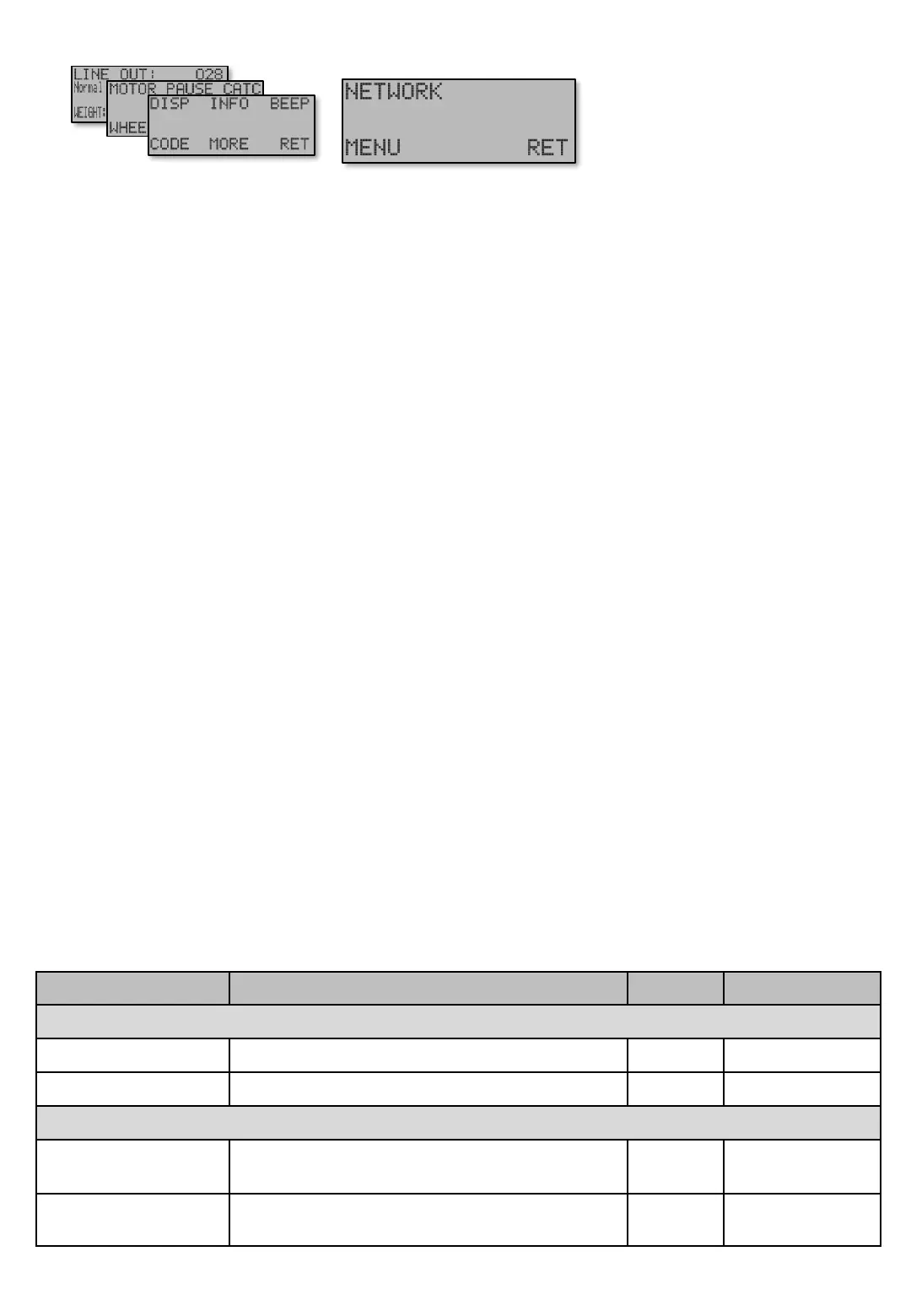
Cooperation to catch [E651 PPP] This determines how machine will cooperate with other machines (other
Ex) in Catch mode. Regardless of this setting, it still communicates and can be viewed and controlled. The
following settings are available…
• “Out” The machine doesn’t cooperate with other machines in Catch mode. It works as stand alone.
• “Ask for help” At Catch mode this machine will send request to all machines in the Group to assist
fishing in it’s Catch area. Any machines in the Group with this feature are set to "Help other Ex" or
"Both" will connect to help. With this choice, this machine will not help other machines.
• “Help other Ex” This choice means that the machine will help other machines, but will not request
assistance.
• “Both” Machine will both help other machines and requests assistance.
Wait for hooks [E651 PPP P]. To prevent loosing the shoal when the hook’s are pulled up, Wait for hooks
[E651 PPP P] can be used to slow down the motor speed to Minimum speed [E154] when Catch mode
begins.
This will give other machines better chance to arrivie to the Catch area before the catching machine starts
Haul up mode [E11]
The following pictures only apply if the machine's communication is set to Master.
No of groups [E651 PPP PP] Determines how many groups the Master shall try contact in the network.
Example: If set to “2”, only machines in groups 1 and 2 will be called. However, machines can still be added
to groups 3 to 6, but they will not be reached, and therefore invisible in the network.
Help time [E651 PPP PPP] This is the assist time machine will cooperate in Catch mode around the Catch
area. Help time is sent to all machines in the network. Time starts to count down when first machine gets
into Catch mode. When the timer runs out, all machines in the group return to their original Depth and Jig
length settings. At any time, another Catch detection retriggers the timer, and also replaces the Catch
area.
Screen Description / Step Factory Navigation
NETWORK [E651]
Cooperation at catch Out / Ask for help / Help other Ex / Both Both [E651 PPP]
Wait for hooks In / Out In [E651 PPP P]
Below screens only shows in Master machine.
No of groups
Decides how many groups that shall be used


 To Next Page