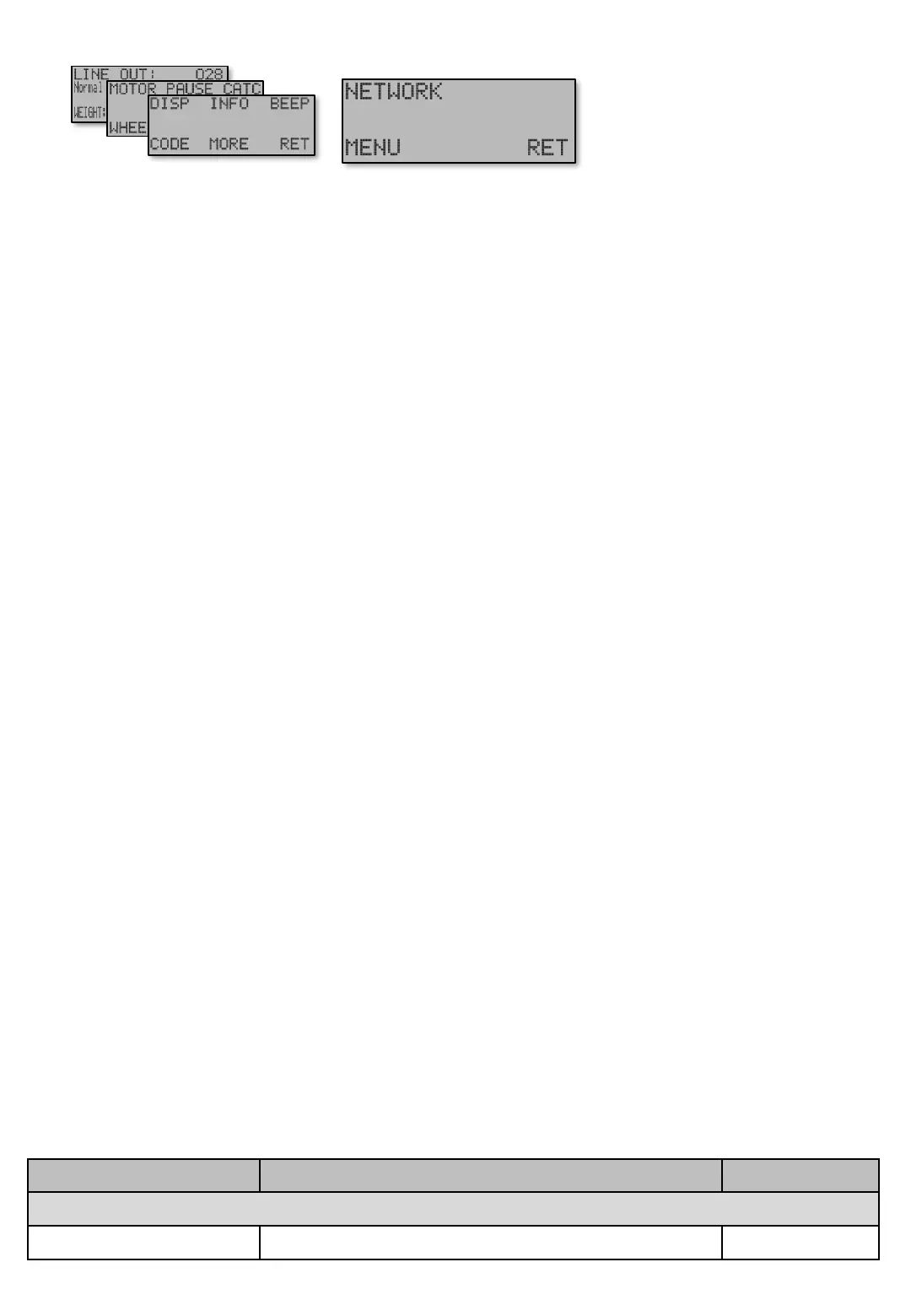
MENU [E654] This determines the amount of screens shown in the menu [E]nter. The machine
contains lots of parameters that most users never need to adjust. In order to avoid having to pass a lot
of screens not used, it might be idea to choose a lower detailed level. Lowering the level hides both
screens and entire advanced sub menus. Hidden screens are still used in the program as usual, just
not visible for adjustment.
The following settings are available for Level…
“Normal” Historically, the level Ex has had all along. The only thing hidden in this level today is
advanced screens for communication when problem occurs, for troubleshooting.
“Extended” Displays all screens in Ex.
“Simple” The level that will suite most of our users. Most of the fine tuning screens are hidden, but
remember they are still active in the program! An example: Soft start and extra DRAG in various motor
speed settings and Speed brake settings are not often used or changed by users, so they are hidden.
Tip!. Enter “Normal” level and to access screens hidden in “Simple” level, and adjust as desired.
When satisfied, go back to “Simple” level, which now hides screens that does not need any further
adjusments.
Some entire sub menus hidden in “Simple” level are…
MOTOR - MORE Advanced settings for the motor.
MAIN MENU - BRAKE Speed brake settings.
WHEEL - STOP.P Setting for wheel and when it’s stop condition.
WHEEL - RP Settings for elimination of the electromagnetic clutch (Reversed Polarity).
PAUSE MODE Settings for motor when it’s stopped.
Some screens also hidden in the “Simple” level are…
Soft start and Extra DRAG in all Modes
The wheel sensor signals.
Advanced settings for communication.
Note that sub menus in menu [E] not displayed are still reachable with the buttons. This is for easier
support. Some screens though needs increased display level to show.
Screens Description / Step Navigation
NETWORK [E654]
NETWORK – Level Simple / Normal / Extended [E654]
[E651]
MENYER [E654]
Table shows units and value limits. See [E654] for menu detail level setting. Some screens are not visible if simple view, or normal view are chosen
Menu [E651]
Main screen
Navigate [E6]


 To Next Page