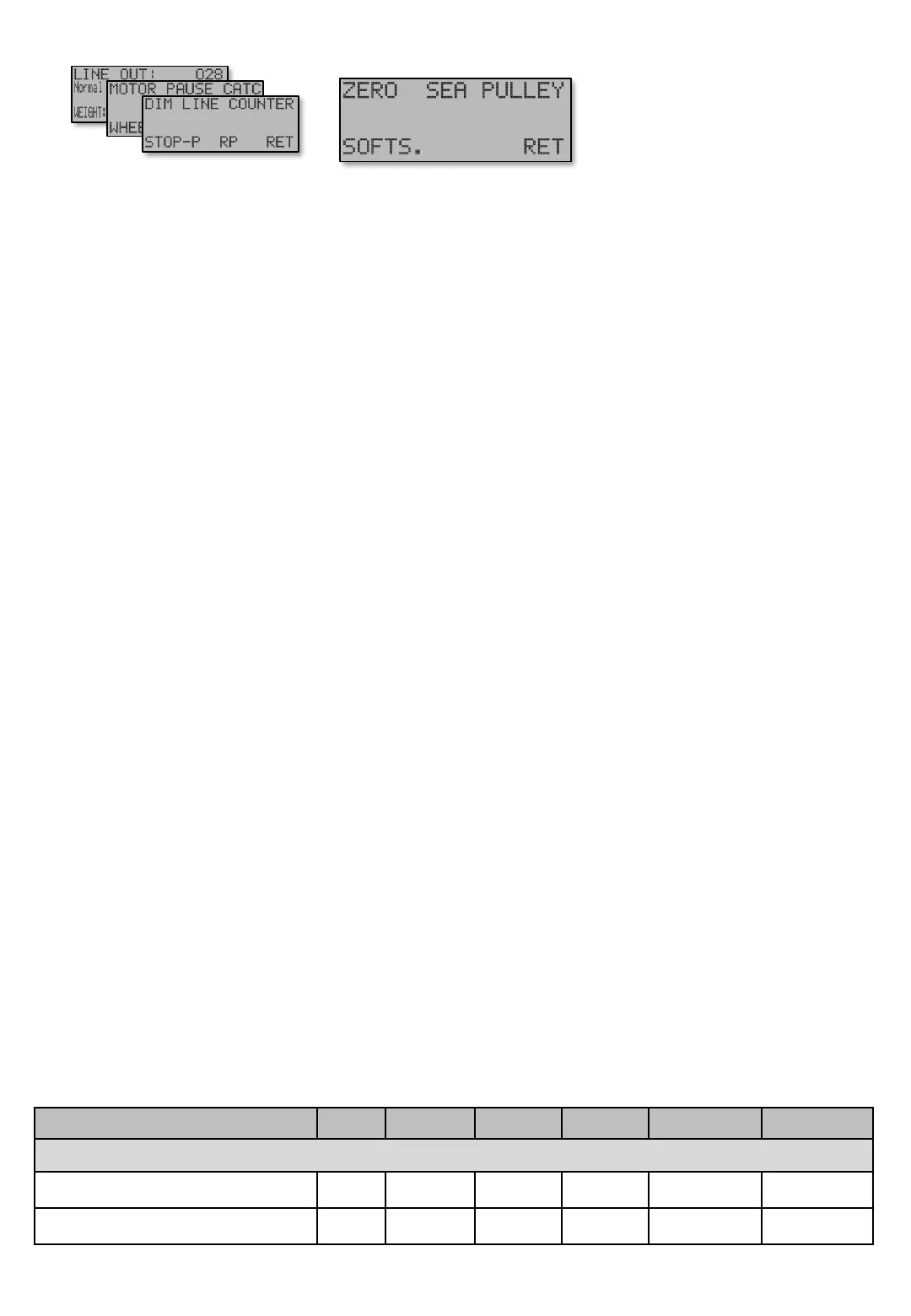
WHEEL – STOP.P - SOFTS.. [E444]
Soft stop at 0 – Automatic mode Out 99 5 1 Wheel laps [E444]
Soft stop at 0 – Manual mode Out 99 Out 1 Wheel laps [E444 P]
SOFTS – Soft stop at 0 – Automatic mode [E444]. Close to the Zeropoint the motor speed is
gradually reduced in order not to lose catch. The setting defines how many revolutions the speed is
to be divided into. The calculation is from present Motor mode – Speed (Jig, Catch, Haul up or
Line tangle speed) which is active, down to Minimum speed [E154]. The factory default value is 5
wheel laps.
This also makes the motor speed gradually increase if line is forced out, back to original speed
before it was reduced, or to Minimum speed near Zeropoint if line is stopped within the area for
Soft Stop At 0. As a slow down area.
For example, if 5 laps are set and the present speed is 150rpm, and the Minimum speed [E154] is
set to 30 the speed is reduced according to the formula (150-30) / 5= 24rpm for each lap the last 5
laps.
Soft stop at 0 – Manual mode [E444P] gives similar motor speed reduction from Speed at –
Manual speed [E14] to Minimum speed [E154] when using [U]p button in manual control.
Table shows units and value limits. See [E654] for menu detail level setting. Some screens are not visible if simple view, or normal view are Chosen .
Menu [E44]
Navigate [E4]
Main screen


 To Next Page