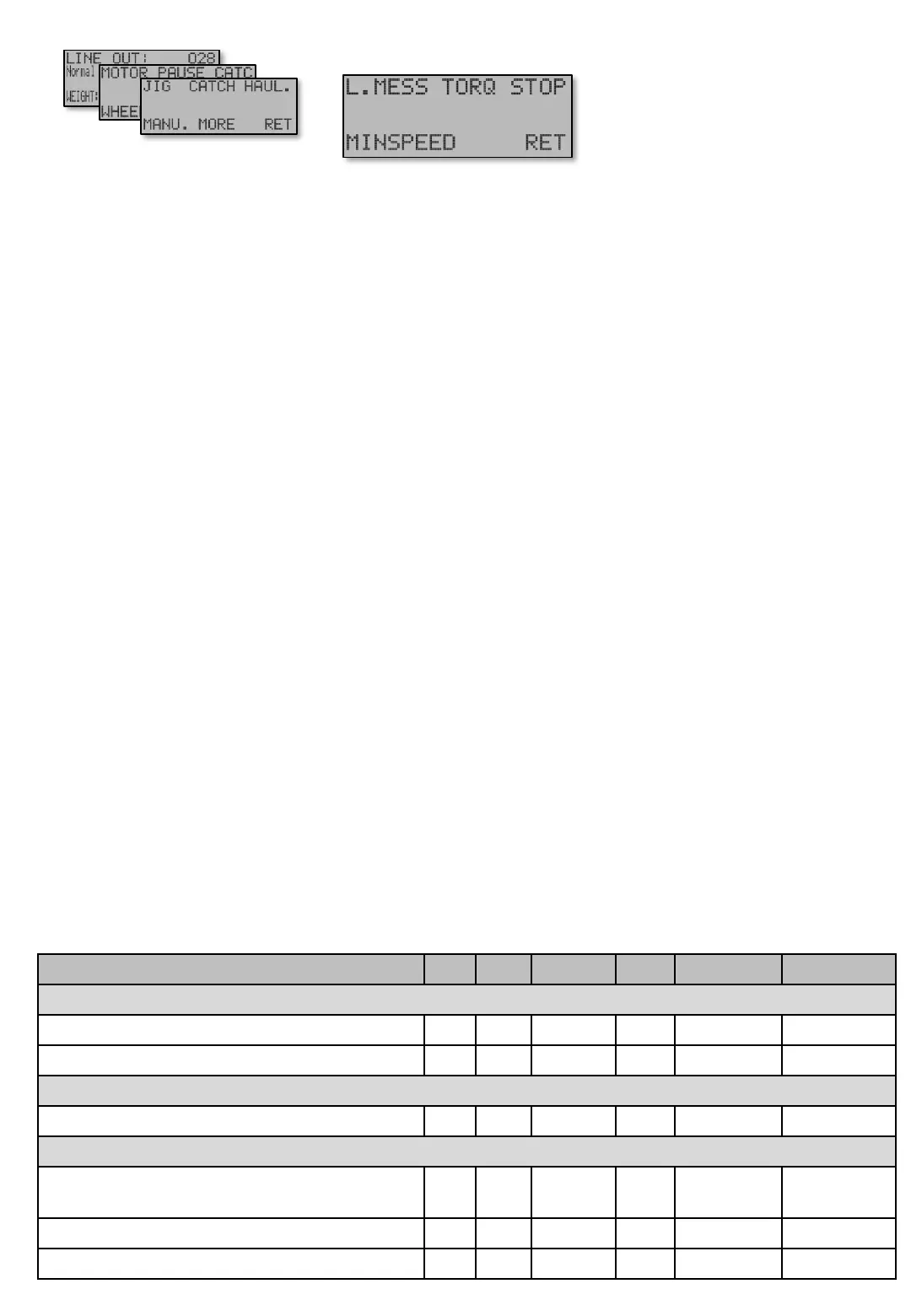
[E152] – [E153] – [E154]
TORQUE [E152] This chapter contains advanced settings for the Motor and Clutch when it comes to
DRAG, to avoid clutch slipping. The idea is that DRAG shall give a linear force on wheel from 0-30 Kg for
DRAG 0-100%. To achive this two values are needed. When adjusting the values below, first start with
the Motor – Minimum Torqe, then the Clutch - Minimum Torque. Tie the fishing line to the frame of
the machine.
CLUTCH – Minimum Clutch torque [E152]. This value should be as low as possible, but too low will
make the clutch slipp, and that is not good. Too high values will cause a lower value to DRAG and make
no change in force to the wheel.
MOTOR – Minimum Motor torque [E152 P]. This is the minimum amount of energy sent to motor. At
0% the motor does not even start. To adjust this. Set DRAG to 0 %. Set Motor –Minimum torque to
100%. Press [S]top once. Press [U]p button so motor starts. Decrease Motor –Minimum torque slowly
untill the motor gets a new sound(around 10%). Go back up to value where it sounds as when it was at
100%.
Soft stop [E153]. The motor in EX can start and stop very quickly compared to previous models. To get
a softer stop ddeceleration is made during this time. The time can be adjusted to zero if desired and
applies to driving in both automatic and manual mode.
Minimum speed near Zeropoint [E154]. Minimum speed is the speed of the motor when it arrives to
the Zeropoint and also if it continues above the stop point if stop 0 is disconnected. The speed reduction
occurs over a number of laps determined by the Soft Stop in Auto [E444] in Manual mode and Soft
Stop in Manu [E444 P] in manual mode. If the line is inside the Soft Stop in Manu [E444 P] when the
engine is started manually, then minimum speed will be disconnected.
Soft Start to Minimum Speed [E154 P] is the acceleration time applicable from standstill to minimum
speed and may be set to larger numbers, such as 5 seconds or more to minimize jerk in the line at risk of
losing catch.
Wheel laps before motor starts [E154 PP] In Haul up mode if line is pulled out from the Zeropoint
the motor starts to haul back up. This can be adjustable for better functionality when using hook winch.
TORQUE [E152] - STOP [E153] - MINSPEED [E154]
Screens


 To Next Page