50
By using the
/ keys set the cursor to the BLOCK line (max. 999).
Use the
/ keys to enter the desired element BLOCK xx.
By using the
/ keys set the cursor to the FUSE line (max. 999).
Use the / keys to enter the desired element FUSE xx.
In No. line the number of saved results is displayed.
Step 3 Press the MEM key to save the results. “Saved to memory” message is displayed for a
while. After saving the results the instrument returns to measurement menu.
Note:
- Each measurement result can be saved only once.
- Any number of measurement results can be stored in the FUSE structure level.
- For changing between „Saving measurement results“, „Recalling measurement results“ or
„Deleting measurement results“ shortly operate the selector switch (2)!
- Memory size: 500 measurement results
6.2 Recalling measurement results
In Memory menu the results can be recalled or deleted from the memory
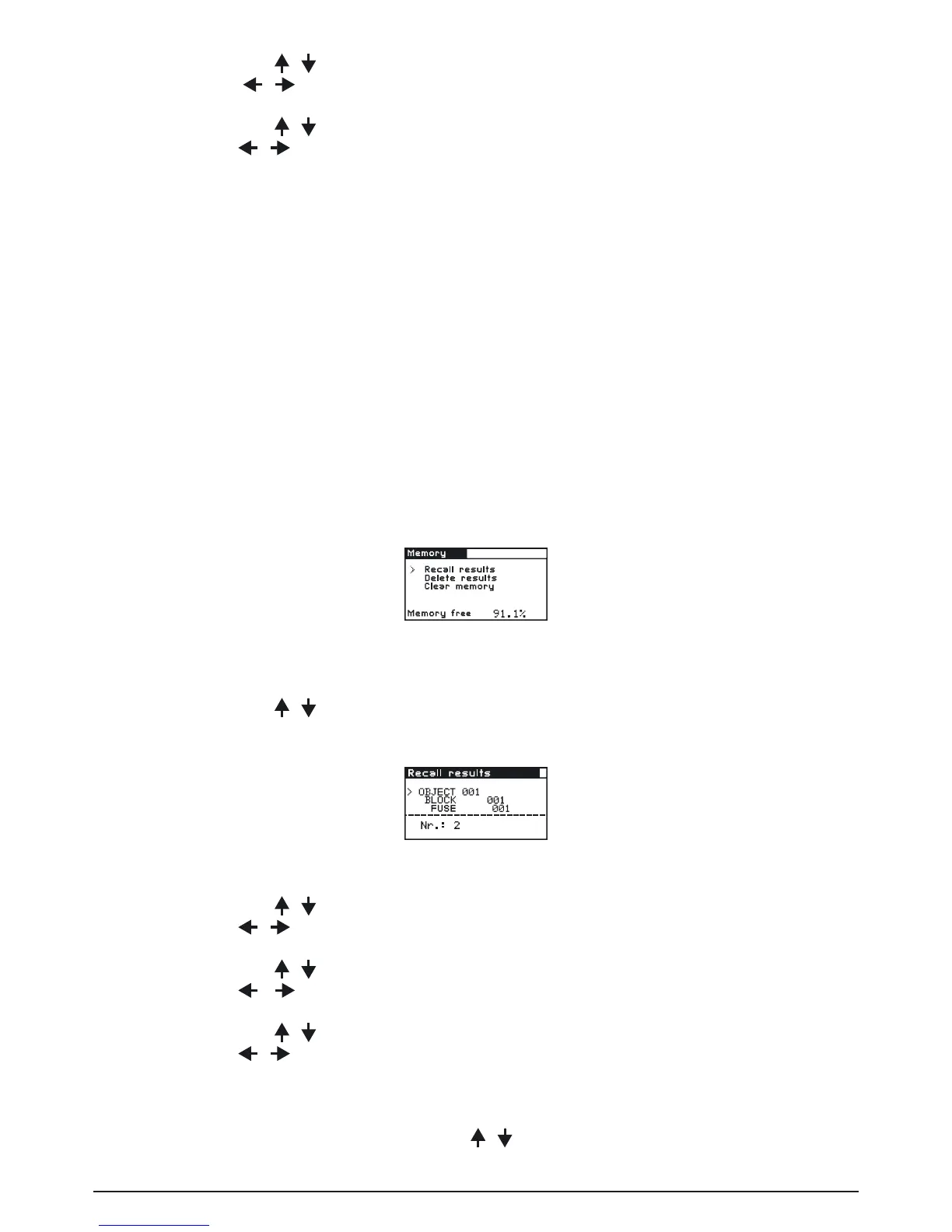
Press the MEM key to enter the Memory menu:
Fig. 6.3: Memory menu
How to recall saved results:
Step 1 By using the / keys set the cursor to RECALL RESULTS.
Press the TEST key, the following menu is displayed:
Abb. 6.4: Recall results menu
Step 2 By using the / keys set cursor to OBJECT line.
Use the / keys to enter the desired element OBJECT xx.
By using the / keys set cursor to BLOCK line.
Use the / keys to enter the desired element BLOCK xx.
By using the / keys set cursor to FUSE line.
Use the / keys to enter the desired element FUSE xx.
In No. line the number of saved results is displayed.
Step 3 Set cursor to the No. line by using the / keys.



 To Next Page