54
7 RS232 and USB communication (BENNING IT 120 B only)
The instrument includes both RS232 and USB communication ports. Stored results can be sent to
PC for additional activities.
7.1 BENNING PC-Win IT 120 B Software
The BENNING PC-Win IT 120 B Software allows:
- to document measurement results
- to create simple measuring protocols
- to export measurement results to „Spreadsheet“ programmes.
How to download saved results to PC
Step 1 Connect the BENNING IT 120 B to the PC using the USB or RS232 cable. Make sure
that the correct communication port is selected (refer to chapter 4.4.4).
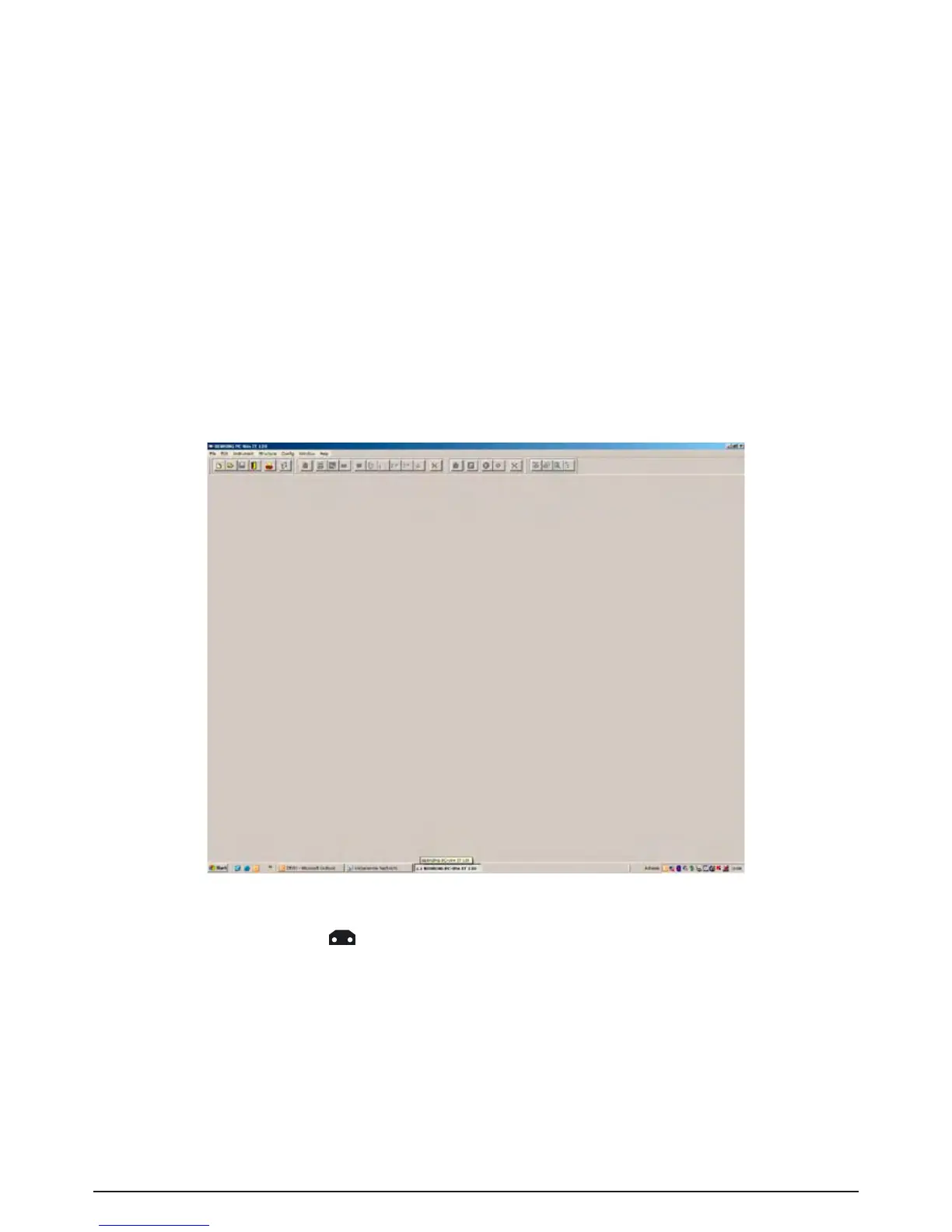
Step 2 Start the BENNING PC-Win IT 120 B software.
Fig. 7.1: BENNING PC-Win IT 120 B
Step 3 Click on the symbol to transmit the data stored in the BENNING IT 120 B. After the
results are downloaded the following PC memory structure is displayed.



 To Next Page