53
Continue with instructions under Step 3.
Deleting measurement results from the 1rd structure level (OBJECT)
By using the
/ keys set cursor to OBJECT line. Use the / keys to enter the
desired element OBJECT xxx
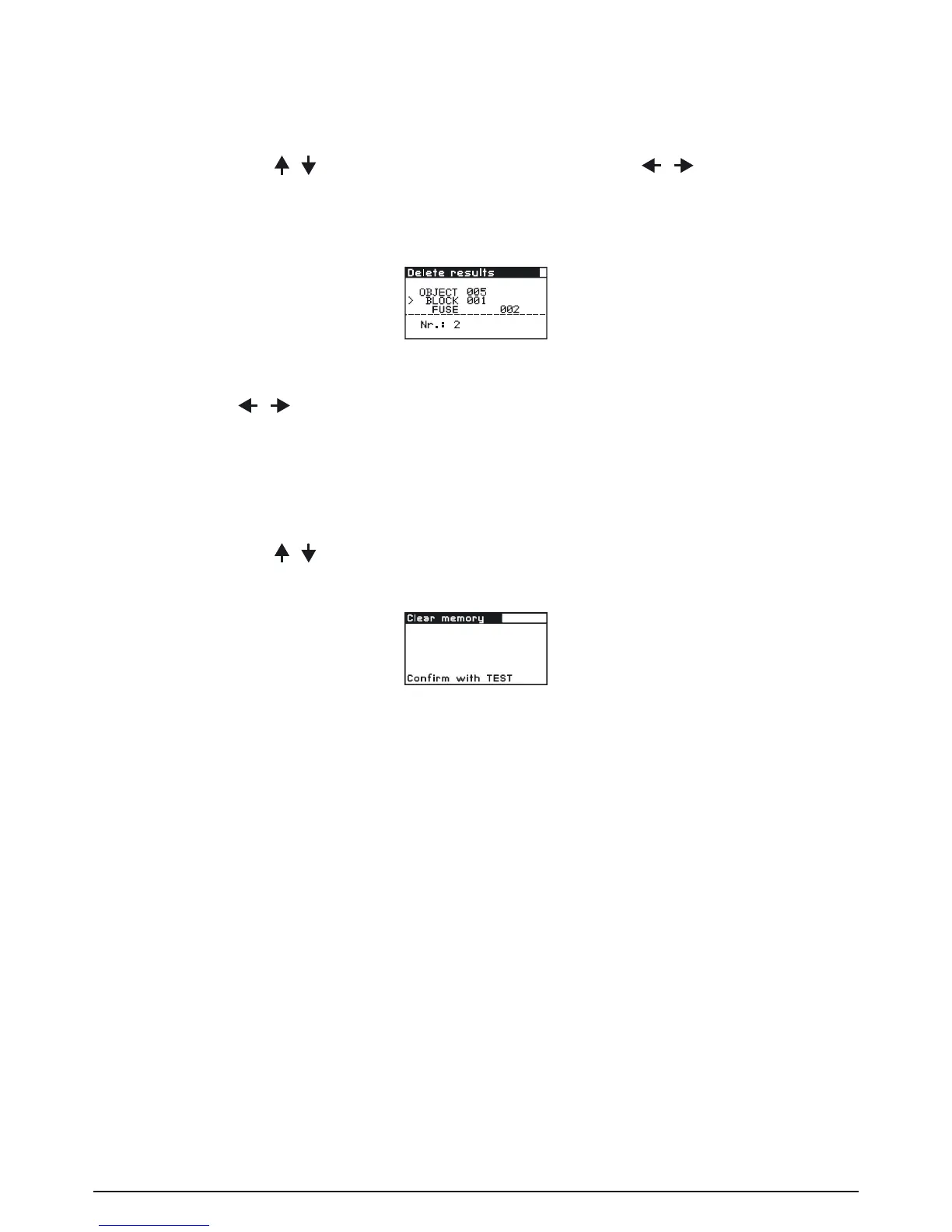
In No. line the number of saved results in the 1st structure level is displayed.
Fig. 6.12: Deleting results from the 1st level
Step 3 Use the
/ keys to select the function for which you want to view results. The selec-
ted measurement result is shown when the TEST key is pressed, and it is deleted when
the TEST key is pressed again. Deletion can be aborted - without deleting the selected
results - by pressing the MEM key once or several times.
How to delete all saved results:
Step 1 To enter the Memory menu press the MEM key.
By using the
/ keys set the cursor to CLEAR MEMORY.
Press the TEST key, the following menu is displayed:
Fig. 6.13: Clear memory menu
Step 2 Press the TEST key to clear the complete memory. Deletion can be aborted - without
deleting the selected results - by pressing the MEM key once or several times.



 To Next Page