60
The Silent mode turns off camera operation sounds so you can avoid disturbing others
around you when play back images.
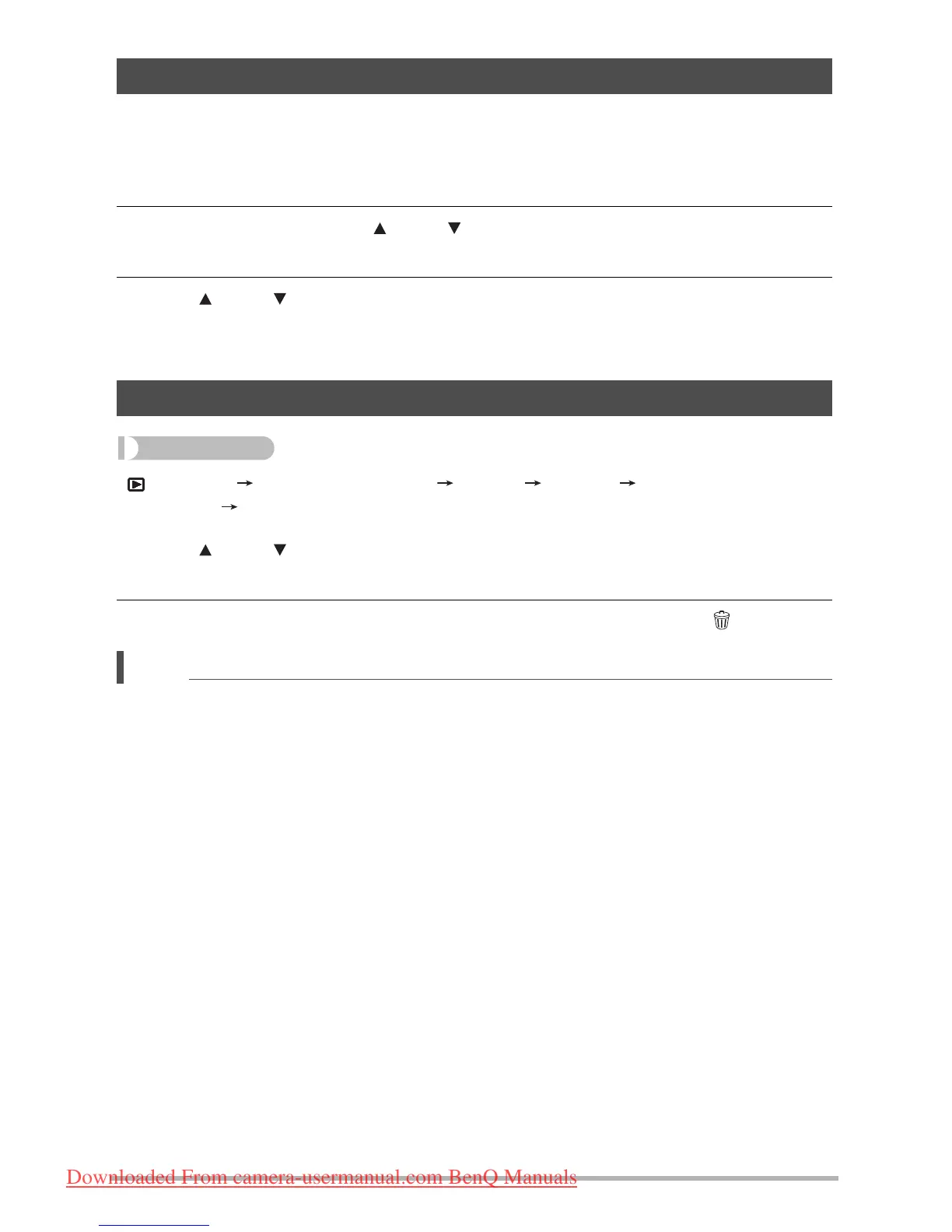
1. In the PLAY mode, press [SET].
2. On the PLAY panel, use [ ] and [ ] to select the second menu option from
the bottom (Silent) and then press [SET].
3. Use [ ] and [ ] to select “On” and then press [SET].
This enters the Silent mode, which is indicated by m on the monitor screen. The
“Sounds” setting automatically changes to “Off” in the Silent mode.
[ ] (PLAY) Snapshot Screen [SET] MENU
PLAY Tab Rotate
1. Use [ ] and [ ] to select “Rotate” and then press [SET].
Each press of [SET] will rotate the displayed image 90 degrees left.
2. When the displayed image is at the orientation you want, press [ ] (Delete).
• Note that this procedure does not actually change the image data. It simply alters how the
image is displayed on the camera’s monitor screen.
• An image that has been protected or zoomed cannot be rotated.
• The original (unrotated) version of the image will be displayed on the image menu screen.
Performing Playback without Disturbing Others (Silent Mode)
Rotating an Image (Rotate)
Downloaded From camera-usermanual.com BenQ Manuals



 To Next Page
 Loading...