12
9. Pairing key
Press to pair with a Button.
10. RESET
Poke the RESET hole to reset the device if the device stops responding. Refer to Resetting
a Host on page 27 for more information.
11. Standby button with LED indicator
Press to turn the Host on and off.
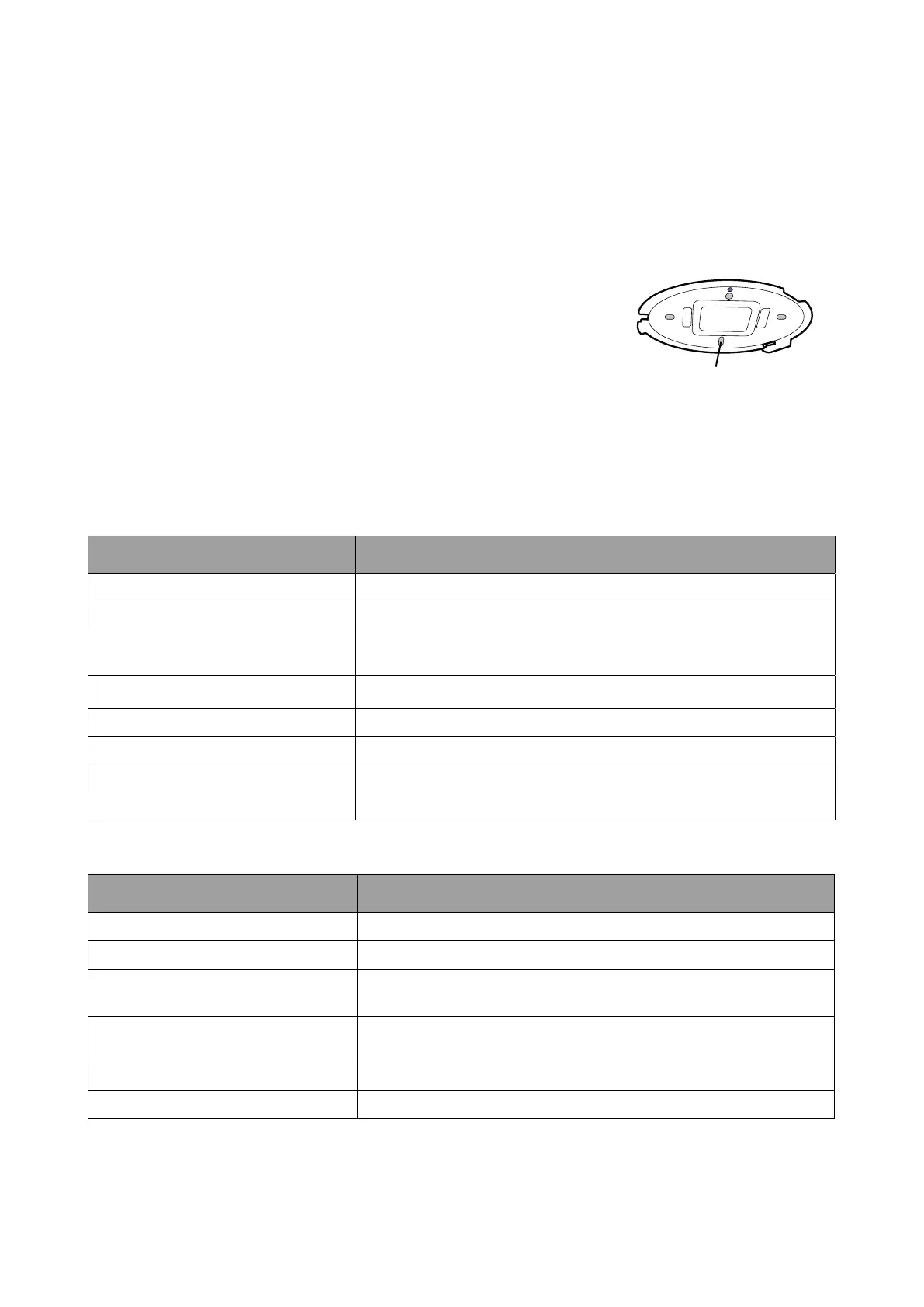
Alignment hole
12 Lid of the Host
12. Lid
Refer to Attaching the Host to the ceiling on page 14 for
more information.
LED indicators of the Button and the Host
Please refer to the tables below for detailed indicator and status descriptions for the Button and
the Host.
LED indicator on the Button Status Description
Static blue The device is presenting.
Flashing blue The device is pairing.
Flashing green
• The device is starting up and connecting to the Host.
• The device is downloading the rmware.
Static green The device is in standby mode and working normally.
Flashing red The device is unable to connect to a Host.
Off The device is powered off.
Quick ashing green The device is upgrading the rmware.
Static white The device is powering up.
LED indicator on the Host Status Description
Static blue The connected device is presenting.
Flashing blue The device is pairing.
Flashing green
• The device is starting up.
• The device is upgrading the rmware.
Static white
• The device is powering up.
• The device is in network standby mode.
Static green The device is ready for presenting.
Off The device is powered off.



 To Next Page