38
If you are not requested to change the password on the login page, enter the default user name
(admin) and your password (as changed earlier).
5. You will successfully log into the web management interface.
Logging into the web management interface via LAN
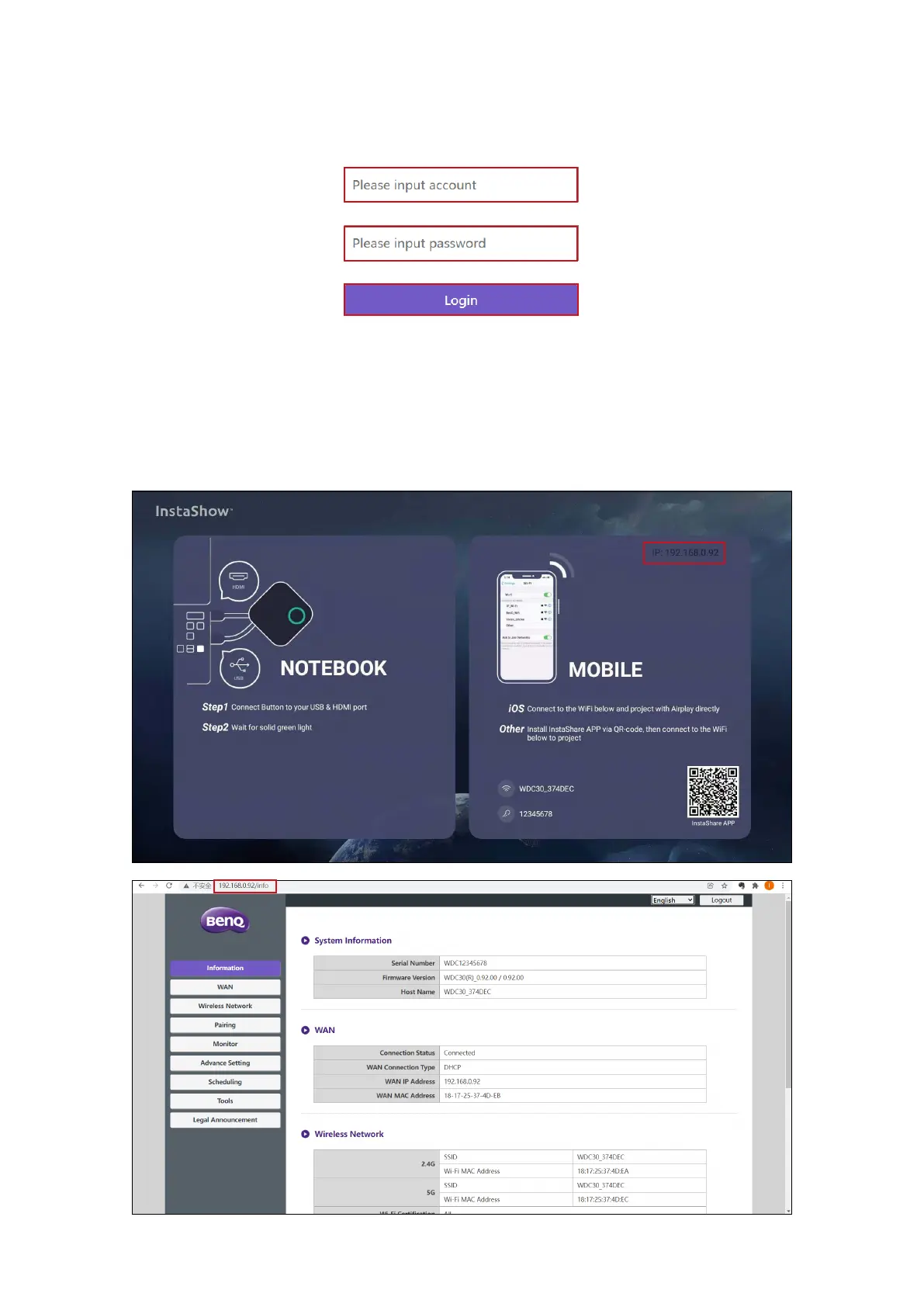
If your Host is connected to your LAN, you can enter the IP Address shown on the screen via a
web browser.



 To Next Page