69
Troubleshooting
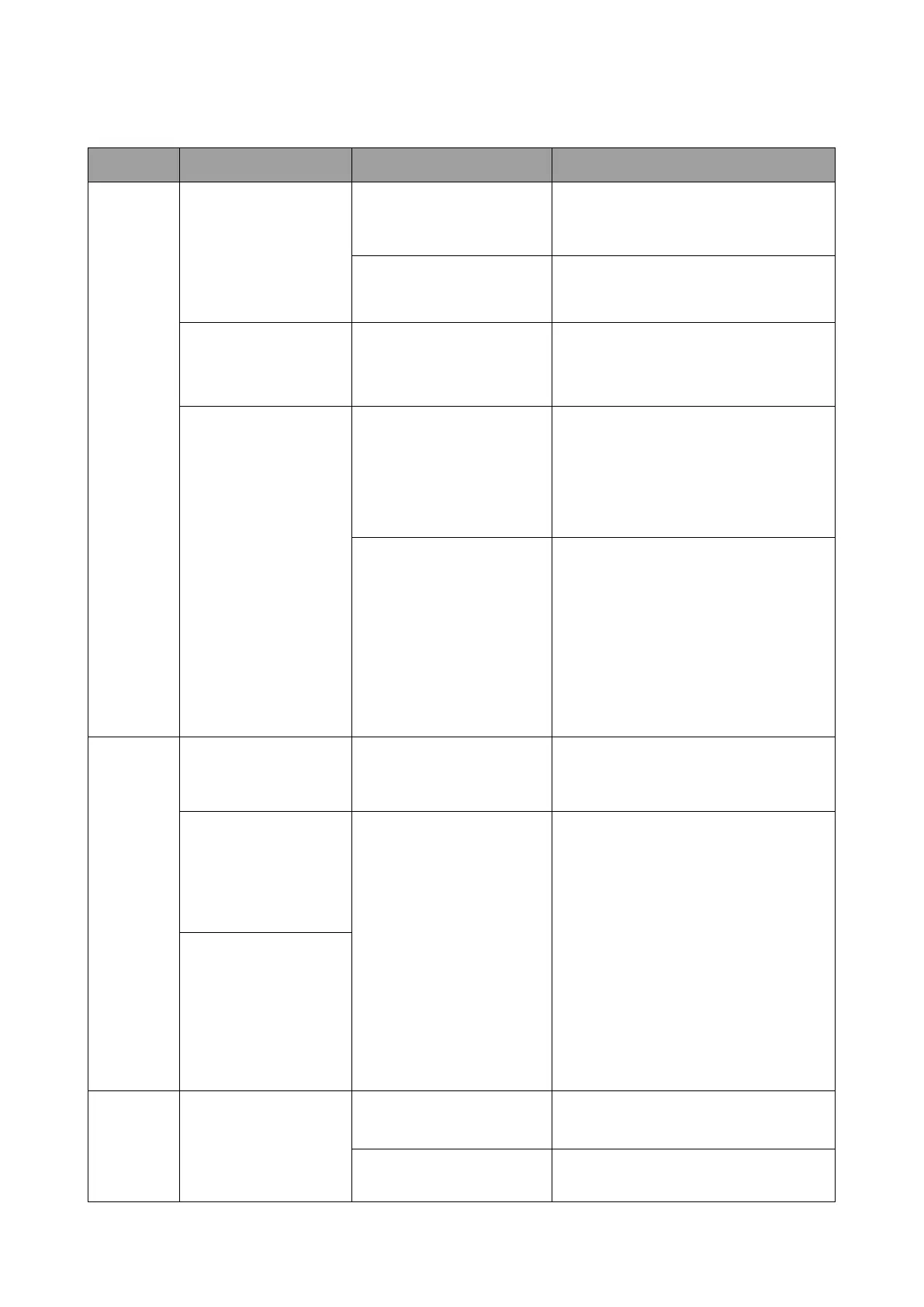
Category Problem Cause Solution
Your
screen
Your screen is not
appearing on the
display when pressing
the Button.
The Button is connecting
to another Host.
The Button should be paired again
with the Host.
Pressing time is not
enough.
Press the Present key until the LED
indicator turns from green to blue.
The screen turns
blank or ickers
when the Host is
presenting.
Insufcient power supply.
Make sure the product’s power is
properly supplied or connected.
The screen lags
seriously and the
audio breaks up
sometimes.
Insufcient power supply
for the Button. An laptop
with USB 2.0 port may
be used as the power
supply for the Button.
Make sure you use USB 3.0 as the
power supply for the Button.
Wi-Fi interference or
signal attenuation
• Make sure the transmission
distance is within 15 meters and
with no obstacles.
• Restart the Host in order to
rescan the Wi-Fi 5G channel.
• Log in Web Management
> Wireless Network >
Wi-Fi Radio Setup >
toggle the Transmission power
The
Button
The Button
automatically restarts
sometimes.
Insufcient power supply.
Make sure you use USB 3.0 as the
power supply for the Button.
The LED indicator
on the Button
remains static red
even after it has been
powered on for 30
seconds.
The Button has not
been properly powered
off during the resetting
process.
Reset the Button.
The pairing function
Reset the Button.
Cannot be executed
via the MODE key
while the Button is
powered on and the
LED starts ashing
red.
The Host
Nothing is shown on
the display at all.
The display is switched
off.
Switch on the display.
The wrong input is
selected.
Select the correct input.



 To Next Page